

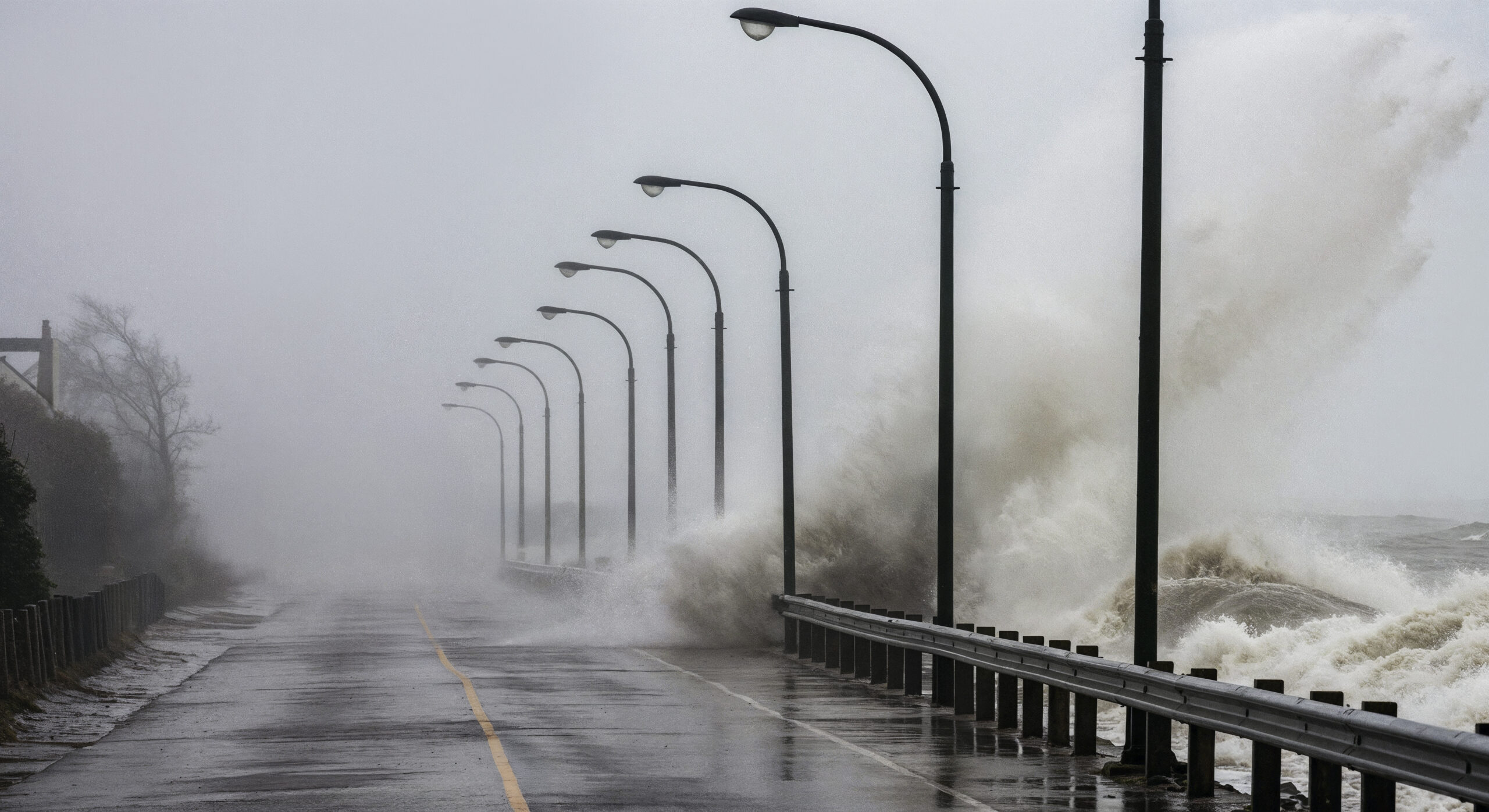
How to Prepare Your Business Technology for Hurricane Season
How to Prepare Your Business Technology for Hurricane Season in Tarpon Springs, Clearwater & New Port Richey
Every year, businesses across Tarpon Springs, Clearwater, and New Port Richey face the reality of hurricane season. While most companies focus on boarding up windows and protecting physical assets, many overlook a critical component of their operations—their business technology and data.
At https://radiant-tech.net, we help Florida businesses stay operational before, during, and after a storm with proactive IT planning, cybersecurity, and disaster recovery strategies.
Why Hurricane Preparedness for IT Matters
Hurricanes don’t just cause property damage—they can bring:
- Power outages lasting hours or days
- Internet and network downtime
- Hardware damage from flooding or surges
- Permanent data loss without proper backups
For small to mid-sized businesses in Pinellas and Pasco County, even a few hours of downtime can result in lost revenue, missed opportunities, and damaged customer trust.
1. Implement a Reliable Backup & Disaster Recovery Plan
One of the most important steps you can take is ensuring your business data is backed up securely and regularly.
Radiant offers fully managed backup and disaster recovery designed for Florida businesses facing hurricane risk.
Best Practices:
- Use offsite, cloud-based backups to protect against local damage
- Set clear Recovery Time Objectives (RTO) (e.g., 72 hours or less)
- Define Recovery Point Objectives (RPO) to limit data loss
- Regularly test your backups to ensure they actually work
💡 Local Tip: Businesses in Tarpon Springs and coastal Clearwater areas are especially vulnerable to flooding—making offsite backups essential.
2. Move Critical Systems to the Cloud
Cloud solutions allow your team to access systems even if your physical office is unavailable.
Our cloud solutions help businesses stay connected during and after storms.
Benefits of Cloud Migration:
- Remote access from anywhere
- Reduced dependence on onsite servers
- Built-in redundancy and uptime protection
- Faster recovery after a disaster
Whether you’re in New Port Richey or Clearwater, cloud infrastructure ensures business continuity—even if your building is inaccessible.
3. Protect Equipment from Power Surges & Outages
Storms often cause electrical fluctuations that can destroy IT equipment.
Your infrastructure—supported through our managed IT services—should always include surge protection planning.
Recommendations:
- Install battery backups (UPS) for critical devices
- Use surge protectors for all network equipment
- Properly shut down systems before a storm when possible
4. Enable Secure Remote Work Capabilities
If evacuation orders are issued or roads are unsafe, your team should still be able to work.
With properly deployed https://radiant-tech.net/it-consulting/ and cloud environments, remote work becomes seamless.
Key Components:
- Secure VPN or cloud-based access
- Multi-factor authentication (MFA)
- Microsoft 365 / Teams collaboration tools
- Documented remote access procedures
5. Create a Hurricane IT Preparedness Checklist
Having a documented checklist ensures nothing is missed before a storm.
If you don’t have one, your IT partner should—see our https://radiant-tech.net/our-it-support-process/ for how Radiant structures proactive planning.
Example Checklist:
- ✅ Verify backups are up to date
- ✅ Test remote access for employees
- ✅ Power down non-essential systems
- ✅ Secure network and server equipment
- ✅ Communicate IT access plan with staff
- ✅ Confirm vendor and ISP contacts
6. Review Cybersecurity Risks During Disasters
Hurricane season often brings an increase in phishing attacks and cyber threats, especially when businesses are distracted.
Our https://radiant-tech.net/network-security/ actively defend businesses even during disruptions.
Stay Protected By:
- Monitoring networks 24/7
- Using endpoint detection and response (EDR)
- Training staff to recognize phishing emails
- Keeping systems patched and updated
Attackers know businesses in Clearwater and New Port Richey may be vulnerable—don’t let your guard down.
7. Work with a Proactive IT Partner
Preparation is much easier when you have a team managing it for you.
Radiant Technology Solutions supports businesses across:
- Tarpon Springs
- Clearwater
- New Port Richey
- The greater Tampa Bay area
Through:
- https://radiant-tech.net/managed-it-services/
- https://radiant-tech.net/backup-disaster-recovery/
- https://radiant-tech.net/it-consulting/
Don’t Wait Until the Storm Is Coming
The worst time to prepare your IT systems is when a hurricane is already on the way.
By taking proactive steps now, you can protect your data, minimize downtime, and keep your business running—no matter what storm hits Florida’s Gulf Coast.
✅ Need Help Preparing Your Business for Hurricane Season?
Radiant Technology Solutions provides contract-free managed IT services, giving you flexibility and accountability.
👉Contact Us to build a custom hurricane preparedness plan for your business in Tarpon Springs, Clearwater, or New Port Richey.
