
Ten minutes down US-19 from our office. Chamber members.
5.0 stars on Google

Managed IT and IT support for Palm Harbor businesses

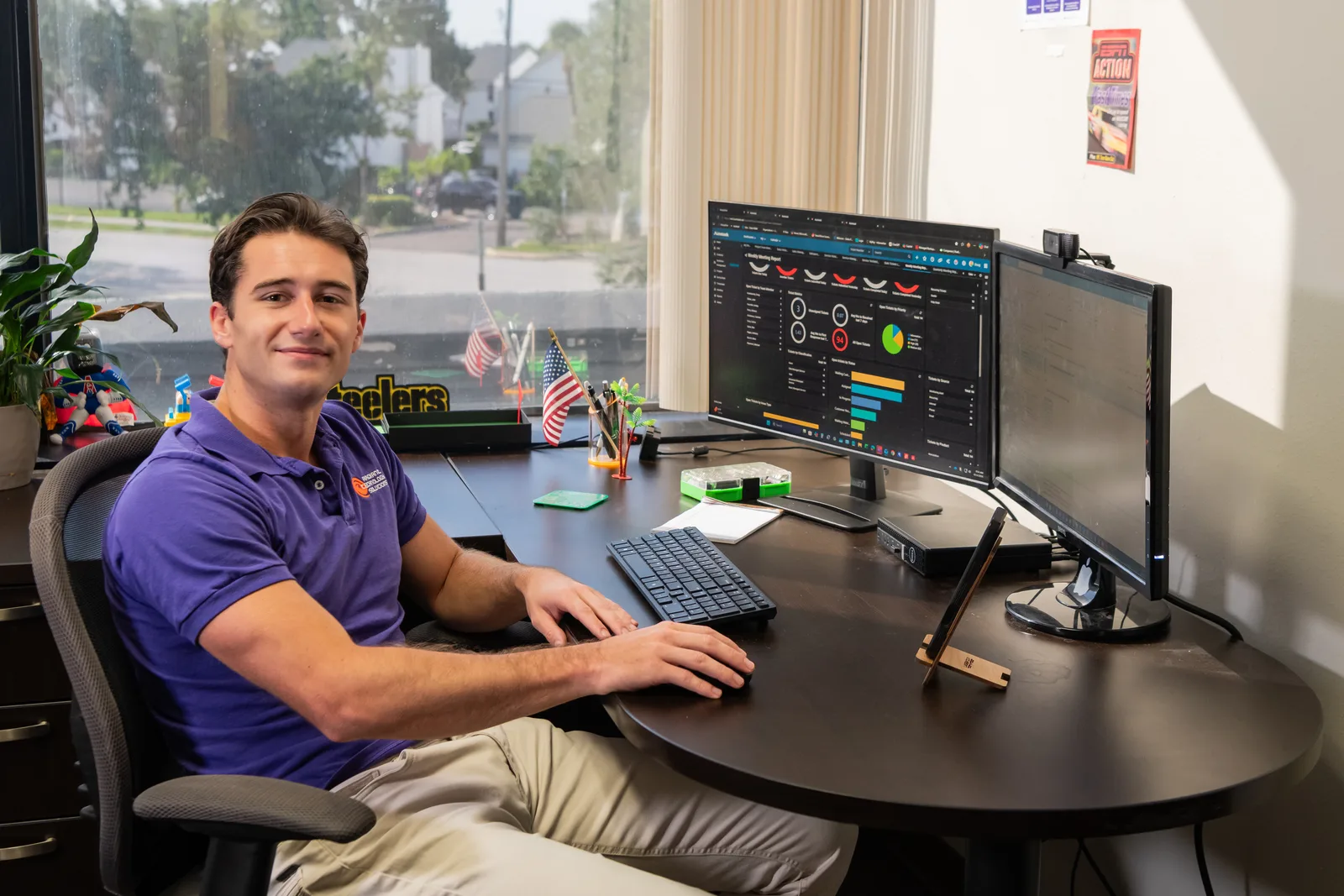
Radiant help desk technician reviewing a backup dashboard on dual monitors

Palm Harbor doesn't have a city hall. It has US-19, Tampa Road, and a lot of offices full of people who need their computers to behave.
Does Radiant provide managed IT services in Palm Harbor?

Yes, Radiant Technology Solutions provides managed IT services in Palm Harbor, FL. Our office is about 10 minutes north in Tarpon Springs, so your team gets a 24/7 help desk, proactive monitoring, and a technician at your door when a problem needs hands. One flat monthly fee per device, and no contract.

What you get

Which Palm Harbor offices do we work with most?

Law firms

Small firms along US-19 need secure document storage, email that resists phishing, and remote access for attorneys in court. See our law firm IT support.

Accounting firms and CPAs

Tax season is no time for a dead workstation. IT for accounting firms covers backups, secure client file sharing and multi-factor sign-in, the phone code that stops a stolen password from working.

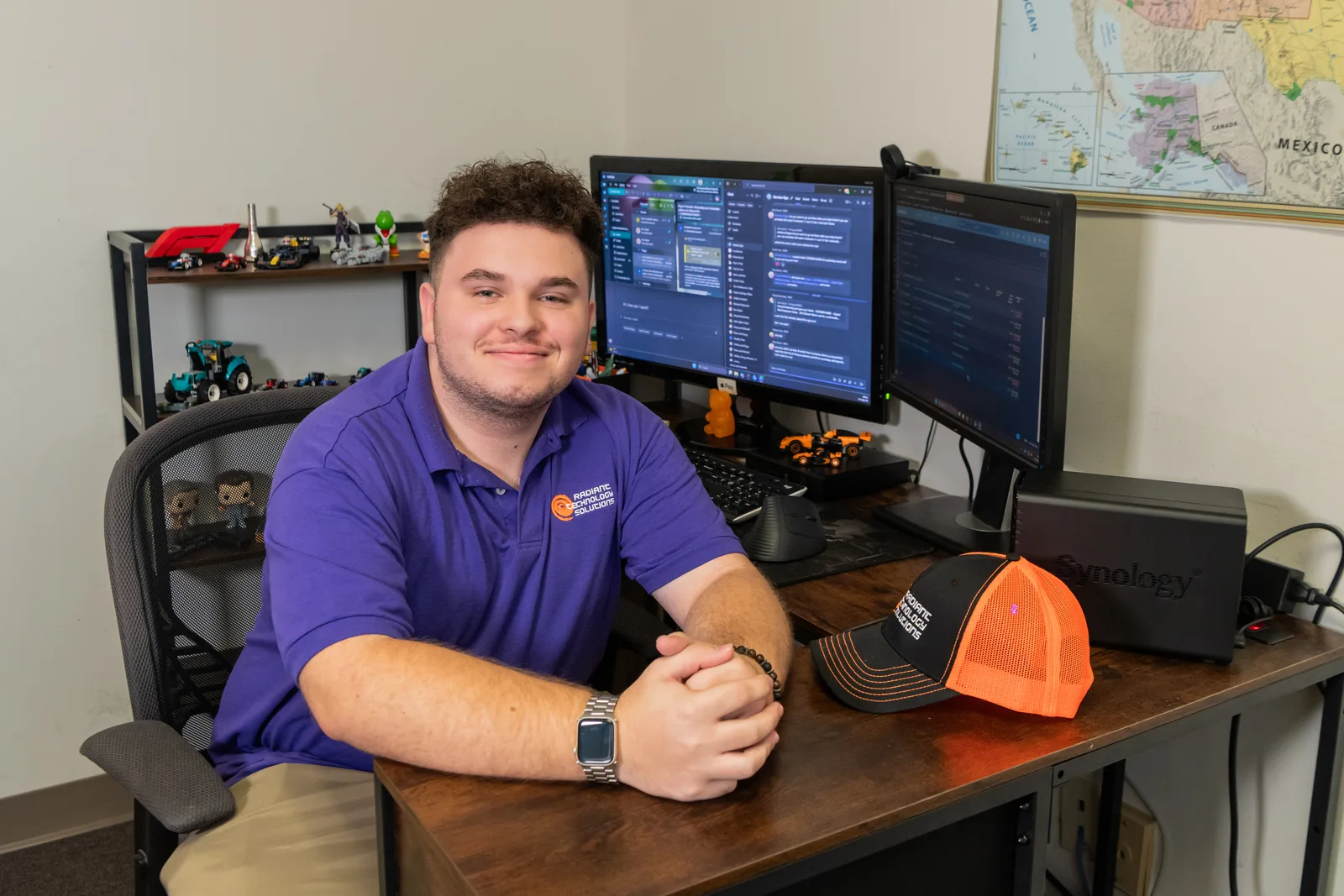
John Slyker, IT Support Intern, working at a managed services workstation for Radiant Technology Solutions
The details

What kind of offices keep Palm Harbor busy?

Palm Harbor is unincorporated Pinellas County, so its business life runs along the corridors instead of a main street. Professional offices and medical practices line US-19 and Tampa Road, with smaller shops around the historic district on Florida Avenue.

That mix creates plenty of small and mid-sized offices with the same setup: one person who is good with computers doing IT on top of their real job.

It works right up until the server stops, or an email arrives that looks exactly like your bank. Then it doesn't.
In their words

Why do north Pinellas offices switch to Radiant?

We hold 5.0 stars on Google. Here are two of the 96 five-star Google reviews behind that number.

I love Radiant! Not only do they provide better value than my last MSP but their service is way quicker!

Brian B.

Google review · 5.0 stars on Google · Read all reviews

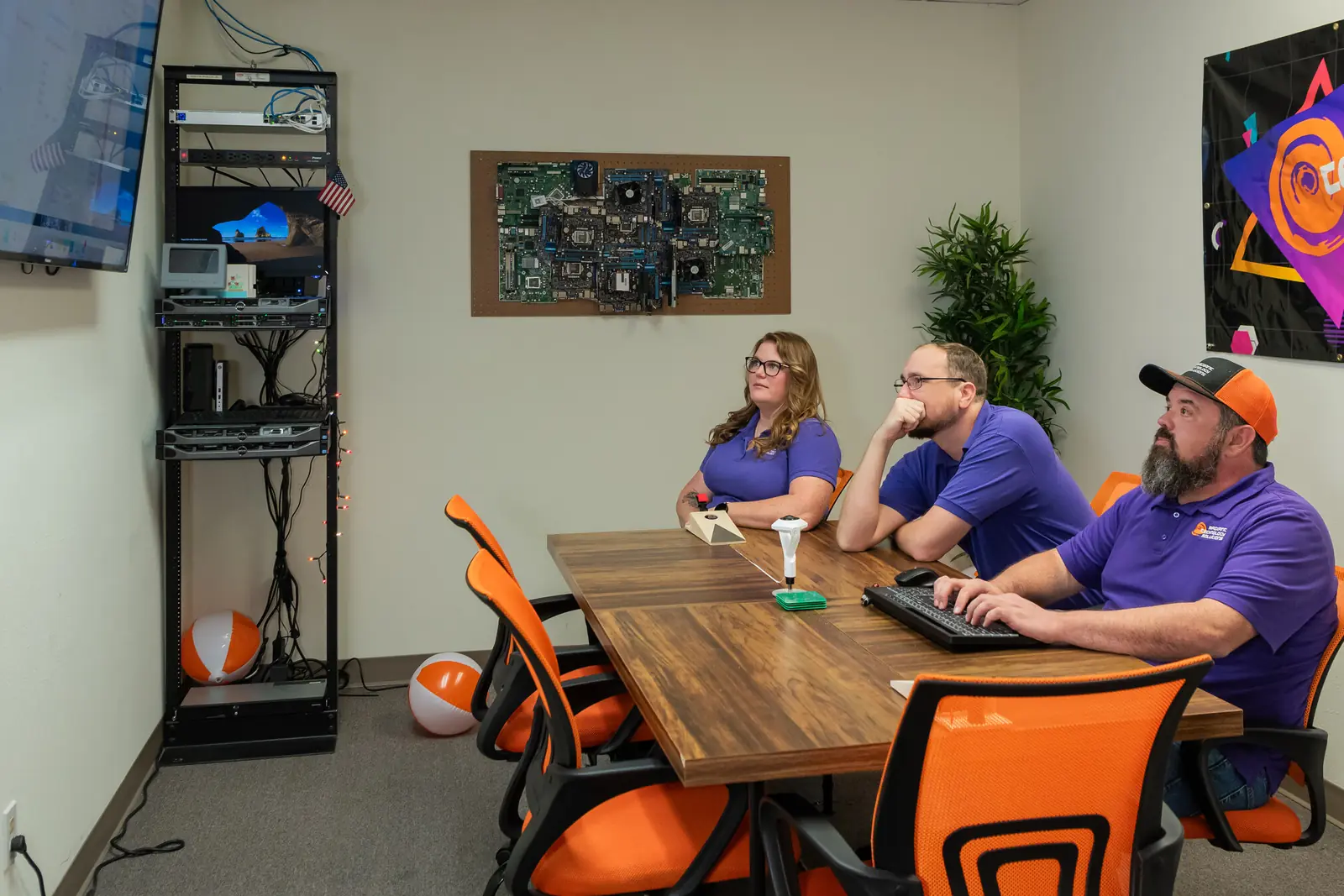
Radiant Technology Solutions team meeting in the Tarpon Springs conference room

Rather than hold someone hostage in a contract we work to earn their business every month.

Ron Slyker, CEO
How it works here

How do on-site visits to Palm Harbor work?

  • 10minFrom our Tarpon Springs office to Palm Harbor
  • 24/7Help desk for every client, every plan

Our Tarpon Springs office is about 10 minutes from the US-19 and Tampa Road intersection in normal traffic. That is close enough that a site visit is a quick trip, not a half-day event.

Most tickets never get that far. The 24/7 help desk connects remotely, fixes the problem, and tells you what happened in plain English.

One local wrinkle: when the Valspar Championship fills Innisbrook each March, US-19 slows to a crawl. We plan visits around tournament week and lean on remote help.

We are members of the Palm Harbor Chamber, so you will see us around for more than service calls.

How it works

What do the first 30 days look like?

We schedule the on-site pieces around your busy hours. The rest happens quietly in the background.

  1. Step-01

    Assessment

    We start with the Free Network Assessment: network, backups, security and hardware, plus a clear list of what to fix first.

  2. Step-02

    Passwords and paperwork

    We gather logins, licences and vendor contacts, and coordinate with your current provider if you have one.

  3. Step-03

    Tools on every device

    Monitoring, updates and security software go on each computer, so small problems get caught before you notice them.

  4. Step-04

    Your team gets the number

    Staff learn to reach the help desk by phone, email or the client portal, day or night.

  5. Step-05

    Check-in

    We sit down with you, show what changed, and agree on what to tackle next.

Is this you?

Does this sound like your Palm Harbor office?

If three or more of these ring true, we should talk.

  • Someone on your staff became the IT person by accident, and they would like their old job back.
  • You have somewhere between 20 and 50 people, in one or two locations.
  • You handle client files, patient records or tax returns every day.
  • Your current provider bills by the hour, and every invoice is a surprise.
  • You want a provider that earns your business every month, not one that holds a contract over you.

Frequently asked questions

Do you provide on-site IT support in Palm Harbor?

Yes. Palm Harbor is about 10 minutes from our Tarpon Springs office, so on-site visits along US-19, Tampa Road and the Florida Avenue area are routine. We fix what we can remotely first, since that is usually quickest, and send a technician when the problem needs hands.

Do we need to be in Tarpon Springs to work with you?

No. Palm Harbor is next door, and we support offices across Tampa Bay on site and anywhere remotely. Being close does help, though: when a visit is needed, you are one of the shortest drives we make.

Can you set up new computers for our Palm Harbor office?

Yes. We source business hardware through partners including Dell, HP and Lenovo, load your software and security, and install it at your desks. For a Palm Harbor office that means we set it up and bring it over.

What happens if something breaks after hours?

Call the help desk. It is open 24/7 for every client, so a problem at night or on a weekend reaches a real person. Most after-hours issues get fixed remotely; on-site visits outside business hours are arranged as needed.

Does tournament week at Innisbrook affect support?

Only the driving. When the Valspar Championship is on each March, US-19 near Innisbrook gets slow, so we plan non-urgent visits around it. Remote support through the help desk works the same all week.