
Shop floor networks, ERP support, and Wi-Fi that reaches the back wall.
5.0 stars on Google

IT support that keeps the shop floor running

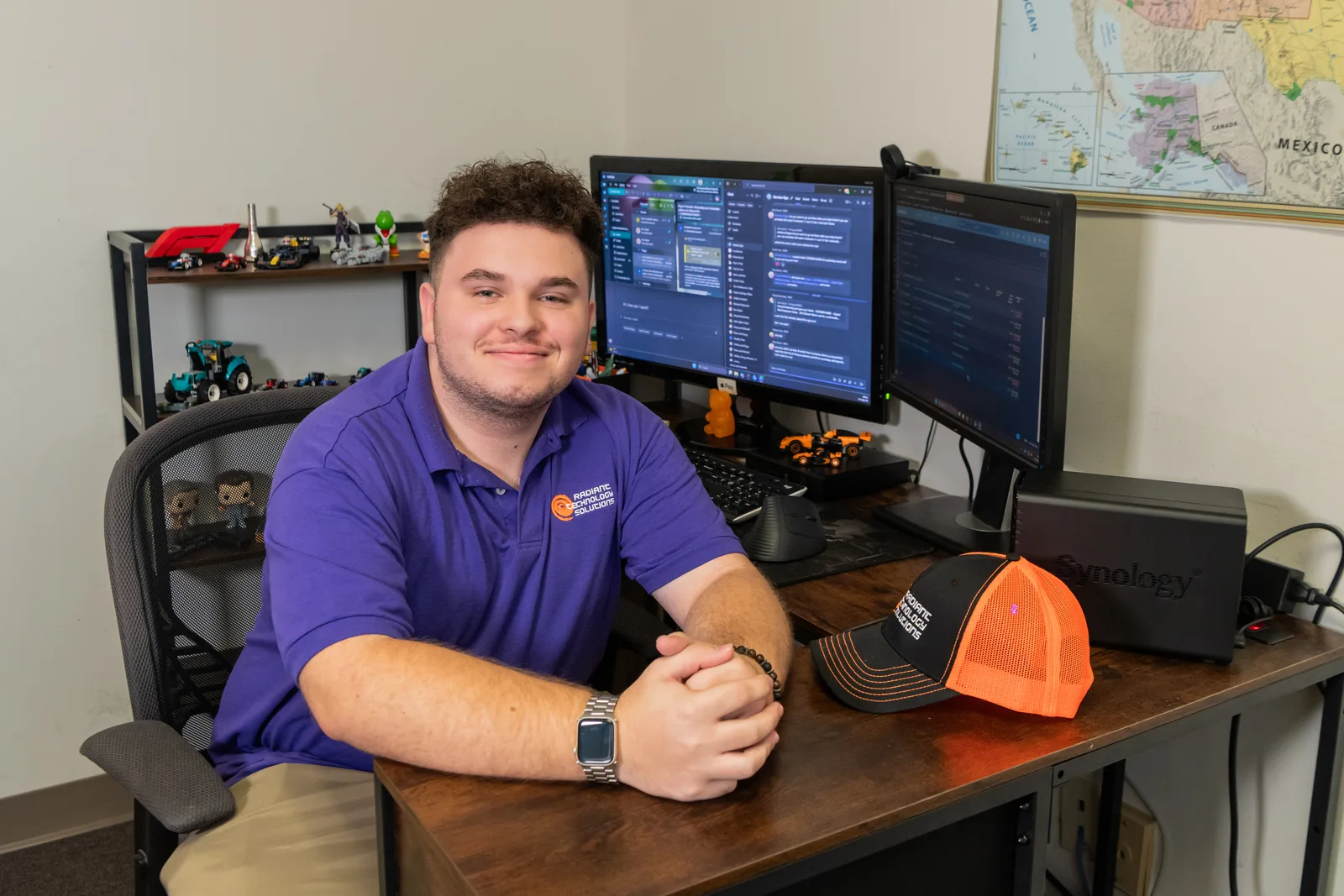
A Radiant Technology Solutions team member working at a desktop workstation

When the ERP freezes, the floor stops shipping, and every idle hour shows up on the next invoice run. Radiant Technology Solutions supports manufacturers across Tampa Bay from Tarpon Springs, keeping office systems, shop floor networks, and plant Wi-Fi working on every shift.
What does IT support for a manufacturer include?

IT support for a manufacturer keeps the ERP, the shop floor network, and plant Wi-Fi running across every shift, and walls off older machine PCs from office systems. Radiant Technology Solutions provides that for Tampa Bay manufacturers with a 24/7 help desk, network monitoring, Ubiquiti wireless, SonicWall firewalls, and flat per-device pricing.

What you get

What changes on your floor with Radiant?

An ERP that answers on every shift

We monitor the ERP server, its database, and the network paths to it, then patch on a schedule you approve. Updates land between shifts, never in the middle of a production run.

Wi-Fi that reaches the back wall

We survey the building and place Ubiquiti access points where steel racking and machinery block signal. Scanners, tablets, and handhelds stay connected from receiving to shipping.

Machine PCs on their own lane

Shop floor PCs, controllers, and cameras sit on a separate network segment behind a SonicWall firewall. Office email and web browsing never share a road with production equipment.

Backups before the storm

Helene and Milton in 2024 showed Tampa Bay how quickly a storm can close a building. We keep ERP data and drawings backed up offsite, with a written plan for restoring them.

Help for the second shift

Our help desk runs 24/7, so a night supervisor reaches a technician instead of a voicemail. Remote fixes cover most calls, and on-site visits cover the rest.

Not sure where to start?

Get your free network assessment

We walk your office, scan the network, and list what to fix first. No pressure, no contract.

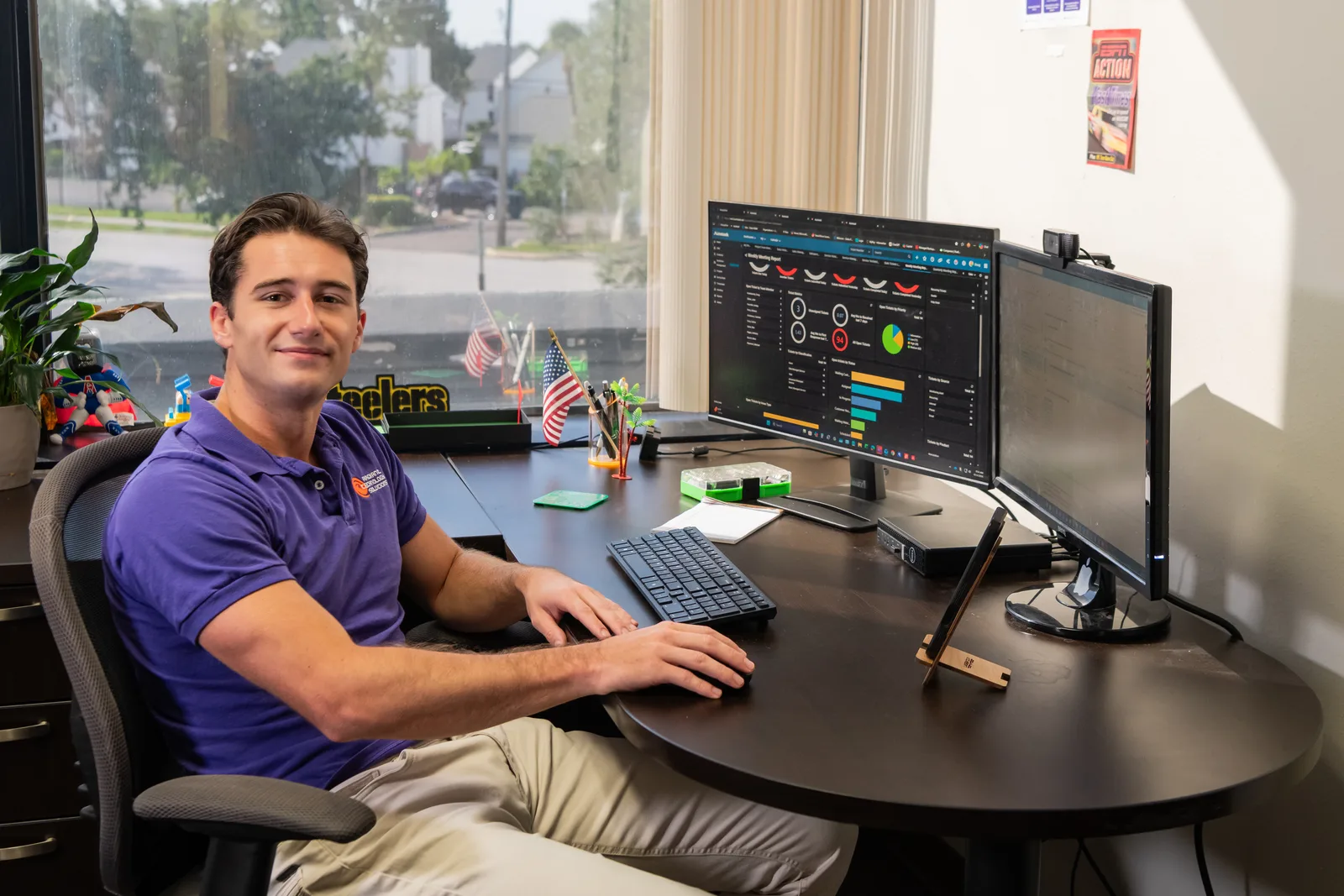
Help desk technician monitoring IT systems for Radiant Technology Solutions
The details

Why are manufacturers such a common target?

Downtime costs a plant money by the hour, and attackers know a stalled manufacturer is under pressure to pay. IBM's 2026 X-Force Threat Intelligence Index ranked manufacturing the most attacked industry for the fifth year in a row.

Older machine PCs make the risk worse, because many can no longer take current security updates. The fix is network segmentation, which puts machines on their own lane of the network so trouble in email cannot reach the floor.

Segmentation, firewalls, and monitored endpoints sit at the core of our cybersecurity service, and they are far cheaper to put in place than a week of lost production.

In their words

What do clients say about Radiant?

Radiant Technology Solutions holds 5.0 stars on Google, with 96 five-star Google reviews.

Had a problem with our PC we use for our small business not working and Ron not only gave us an excellent price, but also got us back up and running quickly.

Nekomata

Google review · 5.0 stars on Google · Read all reviews

What we work with

What tools run a Radiant-supported plant?

We name our vendor partners as text so you always know what sits on your network.

  1. 01

    Ubiquiti

    Access points and switches sized for metal buildings, wide floors, and dozens of handheld scanners.

  2. 02

    SonicWall

    Firewalls that separate the shop floor from the office and block traffic with no business getting in.

  3. 03

    Cisco

    Business networking gear for plants that need more switching capacity or managed network segments.

  4. 04

    VMware

    Virtual servers, which let one physical machine run your ERP and file server with easier recovery.

  5. 05

    Datto

    Backup and recovery for ERP data, CAD drawings, and workstations, with copies kept offsite.

  6. 06

    Dell, HP, and Lenovo

    Office and shop floor workstations, ordered, set up, and tracked by us from box to retirement.

Find the weak spots before a shift finds them

A free network assessment covers the office, the floor, and the Wi-Fi. Plants in Clearwater, Tampa, and New Port Richey can also call 727-493-4723.

How it works

How does onboarding a manufacturer work?

We learn the floor before we change anything on it, so production never pays for our onboarding.

  1. Step-01

    Free network assessment and floor walk

    We walk the office, the floor, and the network closet, then scan every connected device. You get a plain report on what looks good, what needs attention, and what to fix first.

  2. Step-02

    Map every device

    We list each PC, controller, printer, camera, and access point, and note which ones run software that cannot be updated.

  3. Step-03

    Handoff and documentation

    A project manager and engineers collect credentials, coordinate with your ERP vendor and outgoing provider, and document how everything connects.

  4. Step-04

    Changes on your schedule

    Firewall work, network segments, and Wi-Fi upgrades happen on weekends or planned downtime you pick.

  5. Step-05

    Quarterly reviews

    We meet quarterly and yearly on risks, aging hardware, and upcoming projects, so equipment budgets hold no surprises.

Is this you?

Does this sound like your plant?

Manufacturers call us when the same few problems keep coming back. This page is for you if:

  • You run a plant, machine shop, or fabrication shop with roughly 20 to 50 people on payroll.
  • Orders, inventory, and job travelers move through an ERP that stalls whenever the server hiccups.
  • Wi-Fi dies behind the racking, so scanners and tablets drop off in the middle of a pick.
  • A CNC or test station still runs an old version of Windows because the machine software needs it.
  • Your second shift has nobody to call when a label printer or login fails at 9 PM.

Frequently asked questions

What IT support does a small manufacturer need?

A small manufacturer needs someone watching the ERP and file servers, a network that separates machine PCs from office systems, Wi-Fi that covers the whole floor, and tested offsite backups. Add a help desk that answers during every shift, not only office hours. Our 24/7 help desk and flat per-device pricing cover all of that.

How do you secure old Windows PCs that run machines?

We isolate them rather than force updates the machine software cannot handle. Each old PC moves onto its own network segment behind a firewall, with internet access cut off unless the vendor needs it. We also limit who can plug in USB drives. That keeps production running while shrinking what an attacker could reach.

Why is Wi-Fi so bad on our shop floor?

Steel racking, machinery, and concrete absorb and bounce wireless signal, and office-style access points were never built for that. The fix is a site survey, then business-grade access points placed where the floor actually needs coverage. Ubiquiti is one of our wireless partners, and we tune each install for handheld scanners and tablets.

Can you support our ERP system?

Yes. We support the servers, databases, network, backups, and workstations your ERP runs on, and we work alongside your ERP vendor for application issues. You get one number to call, and we handle the vendor conversation. Tell us which ERP or MRP system you run during the free network assessment.

How much does IT support cost for a manufacturer?

We charge a flat monthly fee per device, so your cost follows your users, workstations, servers, network devices, and locations. Floor devices like scanners are scoped during the assessment. Every plan runs month to month with no contract, and the free network assessment gets you a written figure before you decide.