
Managed field devices, job-site internet, and help for crews at any hour.
5.0 stars on Google

IT that works from the office to the job site

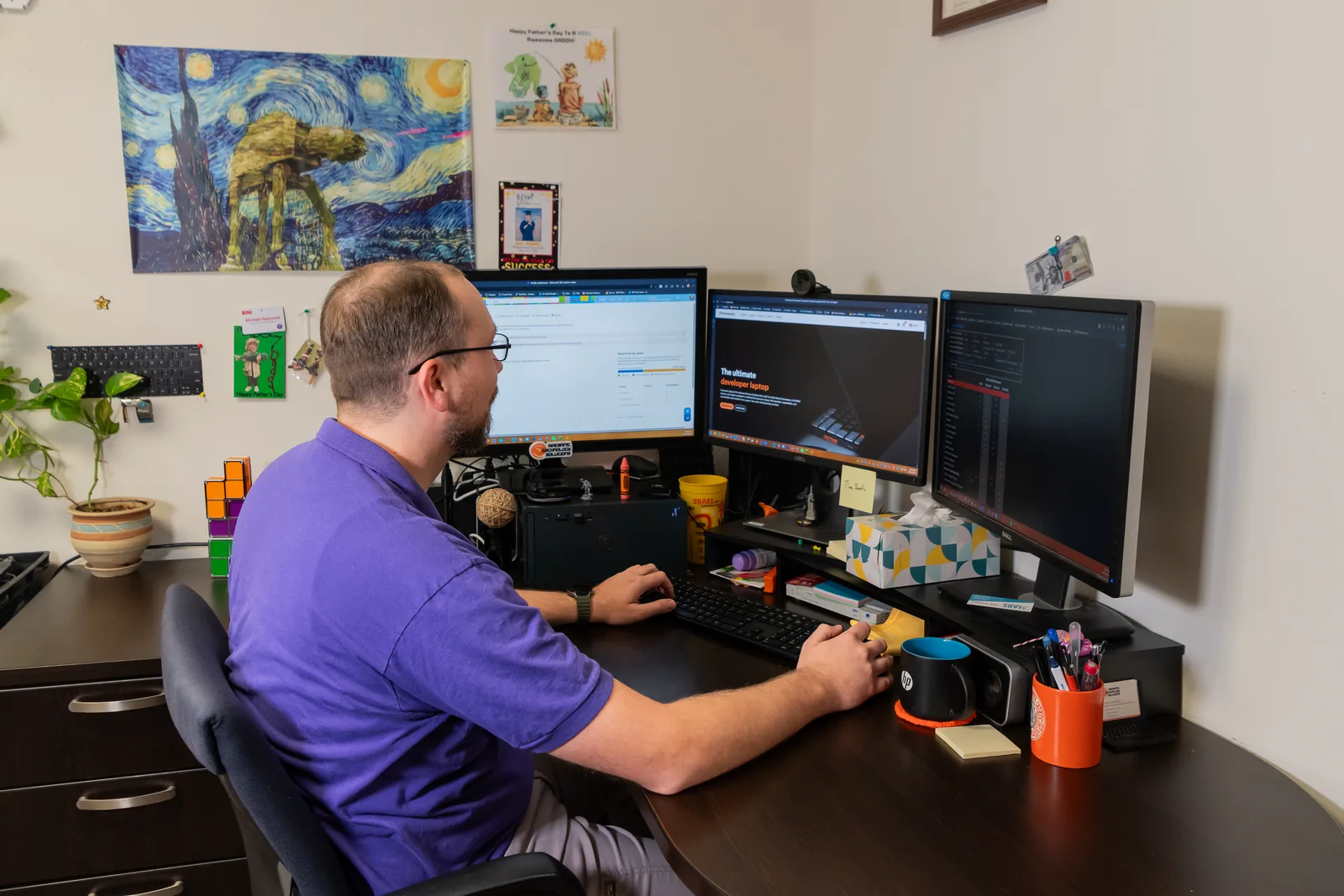
Radiant Technology Solutions technician at dual monitors supporting remote users

Your superintendent is on a slab in Pasco County, the plans will not open on the tablet, and the inspector arrives at ten. Radiant Technology Solutions supports commercial contractors across Tampa Bay from Tarpon Springs, keeping the office, the trailers, and the field connected.
What does IT support for a construction company include?

IT support for a construction company keeps field crews connected: phones and tablets managed from the office, internet at job trailers, secure access to plans and project software, and help at any hour. Radiant Technology Solutions supports Tampa Bay commercial contractors with a 24/7 help desk, mobile device management, backups, and flat per-device pricing.

What you get

What changes for your crews with Radiant?

Devices managed from the office

Every company phone, tablet, and laptop is enrolled, encrypted, and trackable. On personal phones, work apps live in a separate container we can wipe without touching family photos.

Internet at the trailer on day one

We spec a cellular router or business line for each trailer, plus a firewall and Wi-Fi so printers and plotters work. When the job closes, the kit comes back for the next site.

Project software that opens in the field

New hires get accounts, devices, and access to your project platform before their first day on site. When someone leaves, their access ends the same afternoon.

Email that catches fake invoices

Contractors pay subs and suppliers constantly, which makes you a target for changed-bank-details scams. Email security filtering and a call-back habit catch those messages before money moves.

Plans backed up, storms included

Drawings, estimates, and accounting data are backed up offsite. After Helene and Milton in 2024, Tampa Bay contractors know the office can close while field work keeps going.

Not sure where to start?

Get your free network assessment

We walk your office, scan the network, and list what to fix first. No pressure, no contract.

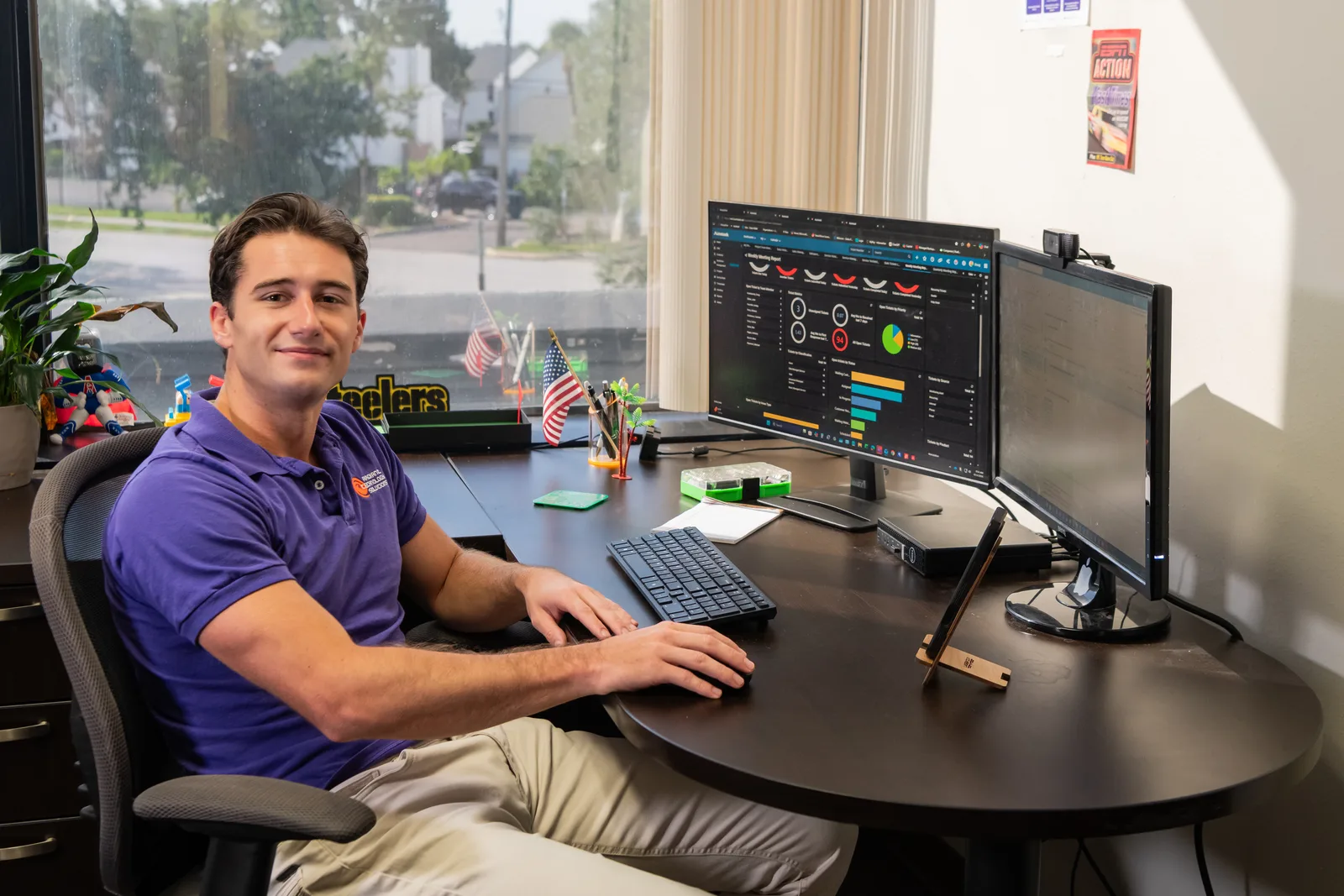
Help desk technician monitoring IT systems for Radiant Technology Solutions
The details

Why is construction IT harder than office IT?

Your people and equipment move every few months, and the network has to follow them. A trailer in Pasco County and a tenant buildout in St. Petersburg need the same drawings, logins, and security as your main office.

Devices get dropped, lost, and shared, and many ride around in trucks under the Florida sun. That makes mobile device management, a way to lock, locate, or wipe a phone or tablet from the office, the first tool we set up for contractors.

Crews also need files that open on a weak signal, so we set up project folders for field use through our cloud and remote workforce service.

In their words

What do clients say about Radiant?

Radiant Technology Solutions holds 5.0 stars on Google, with 96 five-star Google reviews.

Great company! Being not technically savvy myself, we were able to explain what we wanted to be able to do on our computers and they got it done! Highly recommend!!

Danielle N.

Google review · 5.0 stars on Google · Read all reviews

What we work with

What tools keep a Radiant-supported contractor connected?

We name the tools and vendor partners plainly, so you know what runs in your trucks and trailers.

  1. 01

    Microsoft 365

    Email, Teams, and SharePoint for shared project folders, with multi-factor logins (a code on your phone) for every user.

  2. 02

    Mobile device management

    Central control of phones and tablets: enroll, encrypt, locate, lock, or wipe from the office.

  3. 03

    Your project platform

    We manage the devices, logins, and access around platforms such as Procore, Bluebeam, or Autodesk Construction Cloud.

  4. 04

    Ubiquiti and SonicWall

    Wi-Fi and firewalls for the office and repeatable trailer setups.

  5. 05

    Datto

    Backup and recovery for servers, estimating files, and drawings, with copies kept offsite.

Get the office and the field on the same page

Book a free network assessment that covers the office and a live job site. Contractors in Tampa, New Port Richey, and St. Petersburg can also call 727-493-4723.

How it works

How does onboarding a construction company work?

We start where your work actually happens, which usually means a trailer as well as the office.

  1. Step-01

    Free network assessment

    We review the office network, backups, and security, and look at one active job site setup with you. You get a plain report on what to fix first.

  2. Step-02

    Count every device

    We inventory phones, tablets, laptops, trailer routers, and printers, including who owns each one and what it can reach.

  3. Step-03

    Handoff and enrollment

    A project manager and engineers coordinate with your outgoing provider, then enroll devices in mobile device management one crew at a time.

  4. Step-04

    A standard trailer kit

    We define one repeatable setup for new job sites, so opening a trailer becomes a phone call instead of a project.

  5. Step-05

    Quarterly reviews

    We meet quarterly and yearly on aging devices, upcoming jobs, and security, so new sites never catch you unprepared.

Is this you?

Is this your company?

Commercial construction is one of the core industries we serve. This page is for you if:

  • You are a commercial contractor or specialty trade with an office team and crews spread across job sites.
  • Superintendents run the day from phones and tablets, and some of those devices belong to the employee.
  • Every new job trailer means another scramble for internet, a printer, and a working plotter.
  • Plans, RFIs, and change orders live in project software that new hires cannot open on day one.
  • Someone left a laptop in a truck last year, and nobody knew what was on it.

Frequently asked questions

How do construction companies get internet at job sites?

Most trailers run on a cellular router with a business data plan until a wired line is worth installing. A small firewall and Wi-Fi access point go with it, so laptops, printers, and plotters share one secure connection. We standardize that kit, so every new site gets the same setup and the same protection.

Should construction workers use personal phones for work?

They can, if work apps live in a managed container. Mobile device management keeps company email, plans, and project apps separate from personal data, and lets us wipe only the work side when someone leaves. Company-owned phones and tablets get full management, including remote lock and location tracking.

What happens if a superintendent loses a tablet?

Call the help desk right away, day or night. We lock the device, try to locate it, and wipe it if it is gone for good. Because files live in the cloud, a replacement tablet signs in and picks up where the old one left off, usually the same day.

Can you support crews working outside Tampa Bay?

Yes. We support crews remotely anywhere and provide on-site service across Tampa Bay. Our help desk fixes most device and login problems remotely, which is how out-of-town jobs get covered. For hardware that needs hands, we ship a configured replacement or send a technician when the site is within reach.

Do we have to sign a long-term contract?

No. We charge a flat monthly fee per device, and every plan runs month to month with no contract. Crews grow and shrink with your backlog, so your device count and bill can move with them. The free network assessment gets you a written per-device figure before you commit to anything.