
EHR support, HIPAA-minded security, and a help desk that answers 24/7.

5.0 stars on Google

IT support for medical and dental practices

Doctor working on a laptop with an orange overlay, representing protected patient data

Your front desk is checking in patients, the EHR just froze, and someone wants to know if the new laptop is encrypted. Radiant Technology Solutions keeps medical and dental practices running across Tampa Bay from our office in Tarpon Springs, with a help desk that answers 24/7.
What does healthcare IT support in Tampa include?

Healthcare IT support in Tampa covers keeping your EHR and practice systems running, securing patient data under the HIPAA Security Rule, and answering staff calls around the clock. Radiant Technology Solutions provides that for Tampa Bay practices with a 24/7 help desk, encrypted email, device controls, monitored backups, and a flat monthly fee per device.

What you get

What changes when your practice moves to Radiant?

Your EHR stays reachable

We monitor the server, internet line, and workstations your EHR depends on, so problems get flagged before check-in stalls. For a cloud EHR, we watch the connection and browsers your staff use to reach it.

Encrypted email staff will actually use

Microsoft 365 message encryption makes sending a referral or lab result outside the practice a one-click job. Nobody has to remember a separate portal to protect patient details.

Device controls on every laptop and phone

Every device gets disk encryption, automatic screen locks, and remote wipe, which lets us erase a lost laptop from the office. A departing employee loses access the day they leave.

Backups you can restore from

Patient records, imaging exports, and scheduling data are backed up offsite and test-restored, not copied and forgotten. After ransomware or a hurricane, recovery follows a plan written in advance.

Training your front desk will sit through

Short security lessons teach staff to spot phishing, the fake emails attackers use to get inside. Dark web monitoring tells us if a staff password turns up in a stolen data dump.

Not sure where to start?

Get your free network assessment

We walk your office, scan the network, and list what to fix first. No pressure, no contract.

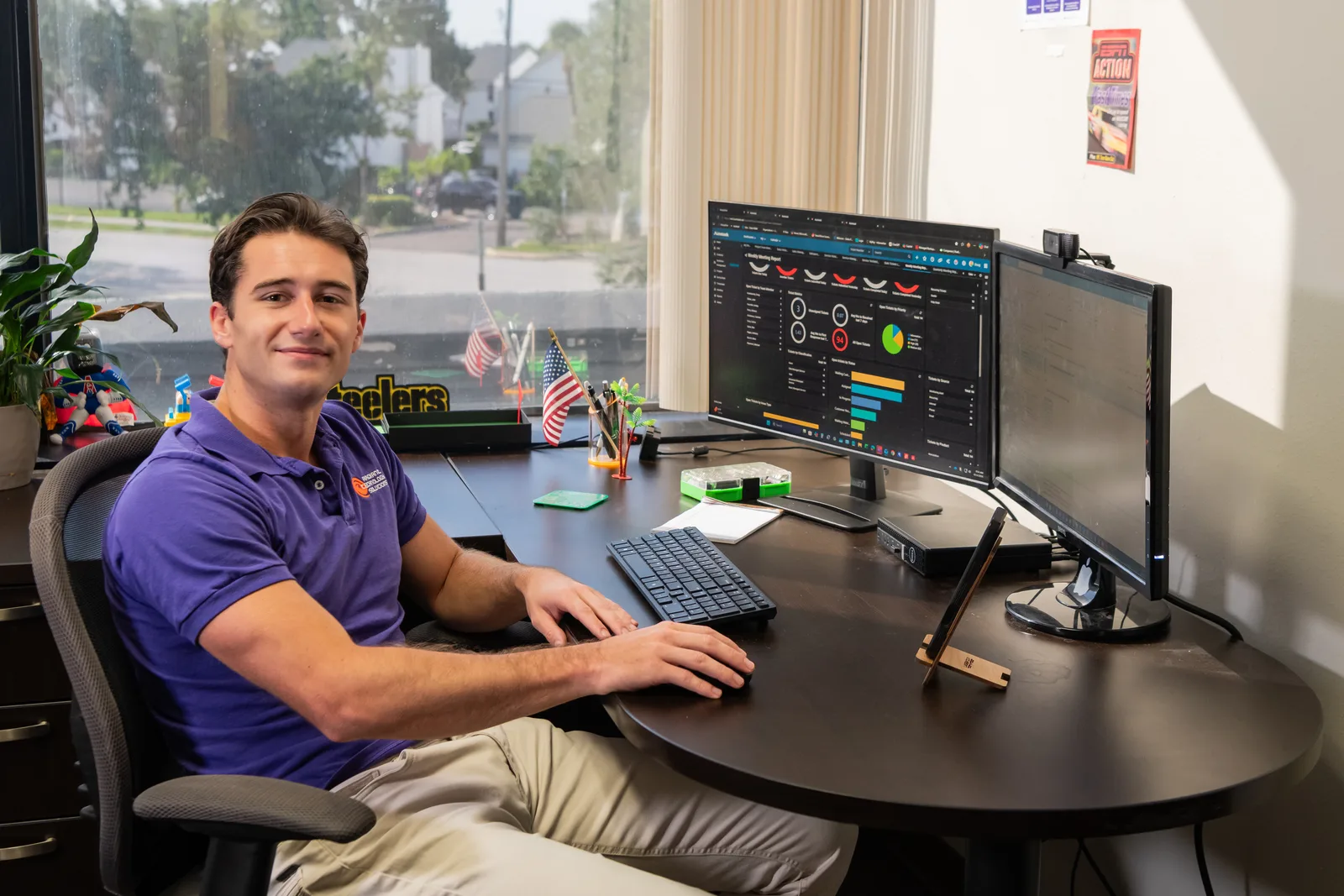
Help desk technician monitoring IT systems for Radiant Technology Solutions
The details

What does HIPAA actually expect from your IT?

The HIPAA Security Rule asks every practice to protect electronic patient records with administrative, physical, and technical safeguards. In plain terms, that means written policies, locked-down devices and rooms, and systems that control who sees what.

The rule also requires a risk analysis, a documented look at where patient data lives and what could expose it. HHS lists it as a required step, so it is the document to have ready before anything else.

HHS guidance treats any IT company that can reach your patient data as a business associate. That company signs a business associate agreement (BAA), a contract committing it to the same safeguards you follow. We sign one with every healthcare client before touching a system. Our HIPAA compliance service covers the risk analysis and the fix list that follows it.
In their words

What do clients say about working with Radiant?

Radiant Technology Solutions holds 5.0 stars on Google, with 96 five-star Google reviews from the businesses we support.

I would recommend radiant technology. They are always responsive, knowledgeable, and quick to solve any technical issues that come up whether it's troubleshooting problems setting up new equipment or keeping everything running smoothly radiant technology consistently provides excellent service.

Linda L.

Google review · 5.0 stars on Google · Read all reviews

What we work with

What tools protect a Radiant-supported practice?

You should know what runs on your network, so we name the tools and vendor partners plainly.

  1. 01

    Microsoft 365

    Email, Teams, and files, set up with multi-factor authentication (a code on your phone at login) and message encryption.

  2. 02

    SonicWall

    Firewalls that sit between your office and the internet and block traffic with no business getting in.

  3. 03

    Datto

    Backup and recovery for servers and workstations, with copies kept offsite so a flooded office does not take your records along.

  4. 04

    Dell, HP, and Lenovo

    Business-grade workstations and laptops, ordered, encrypted, and tracked by us from box to retirement.

  5. 05

    EDR and MDR

    Attack-stopping software on each device, plus a team watching its alerts day and night.

  6. 06

    Passwords and dark web watch

    A shared vault for logins, so passwords stop living on sticky notes by the exam rooms.

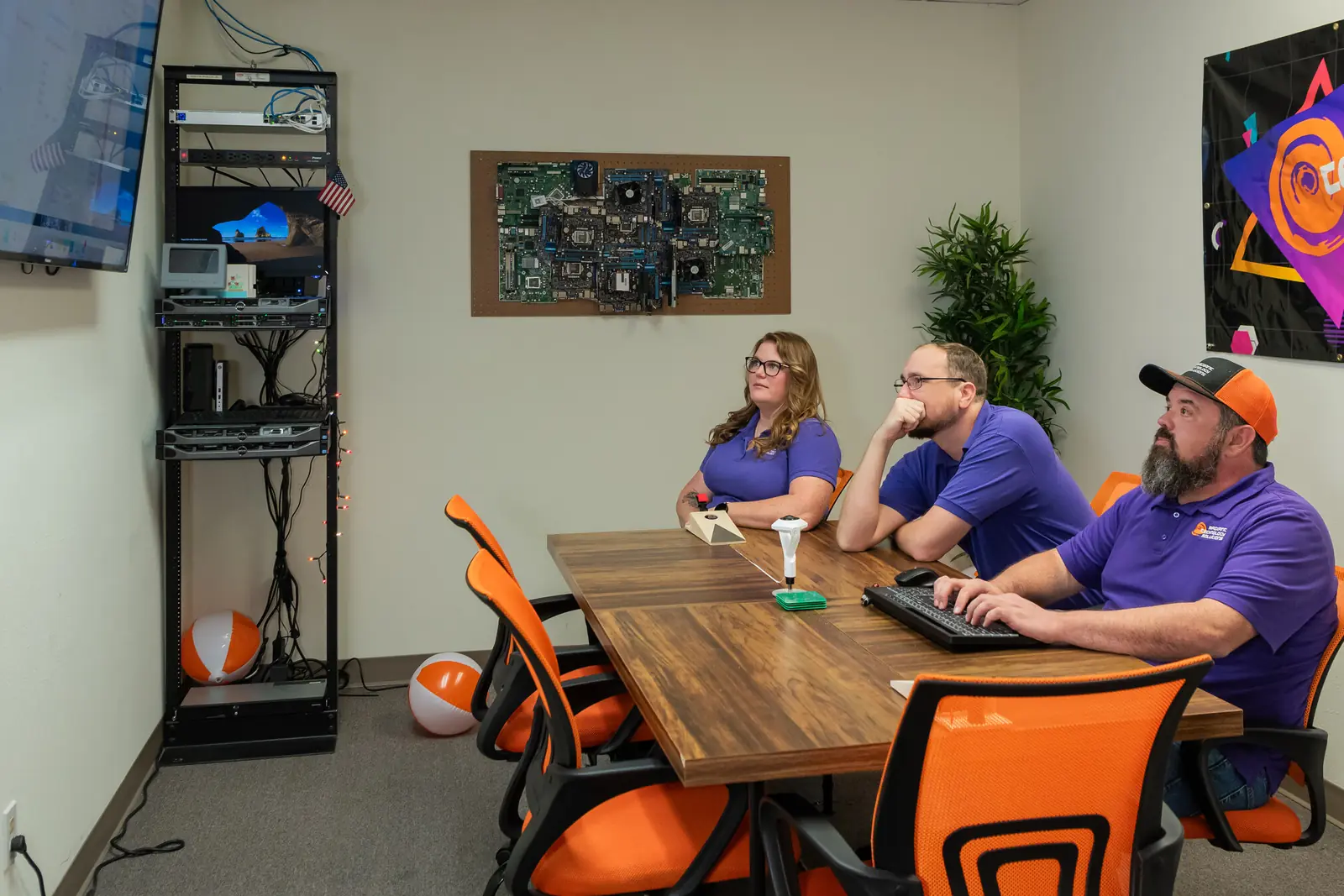
Radiant Technology Solutions team meeting in the Tarpon Springs conference room

Rather than hold someone hostage in a contract we work to earn their business every month.

Ron Slyker, CEO
How it works here

Which Radiant plan do medical practices usually need?

  • 24/7Help desk for every client, every plan
  • 0Contracts to sign, on any plan

Our 2026 brochure points healthcare practices to Radiant Elite, the plan with the most protection layered on. Elite adds enhanced multi-factor authentication, secure password management, security awareness training, dark web monitoring, and data loss prevention to everything in our other plans.

Underneath sit EDR, software that spots an attack on a laptop and stops it, and MDR, people watching that software around the clock. Data loss prevention is a rule set that stops patient data from leaving in the wrong email by mistake.

Pricing is a flat monthly fee per device, and every plan runs month to month with no contract. See how our pricing works for what sets your number.

Want to know where your practice stands?

Book a free network assessment for a straight answer on your EHR setup, backups, and HIPAA gaps. Practices in Clearwater, Palm Harbor, and Dunedin can also call 727-493-4723 and talk to a person today.

How it works

How does onboarding a medical practice work?

Switching IT providers sounds risky when patients are in the waiting room, so we run the change from a checklist that protects clinic days.

  1. Step-01

    Free network assessment

    We walk your office, scan the network, and talk with the people who use the systems daily. You get a plain report on what looks good, what needs attention, and what to fix first.

  2. Step-02

    A proposal built on your real numbers

    Your price comes from users, workstations, servers, network devices, and locations. You see the per-device figure in writing before anything changes.

  3. Step-03

    Paperwork, then the handoff

    We sign the BAA, gather credentials, and coordinate with your outgoing provider and EHR vendor. A project manager and engineers own the move so nothing falls through the cracks.

  4. Step-04

    Tools go in quietly

    Monitoring, EDR, encryption, and backup agents install outside clinic hours where possible. Staff get a short guide on how to reach the help desk.

  5. Step-05

    Reviews every quarter

    We meet quarterly and yearly to review risks, aging hardware, and your HIPAA paperwork. You always know what is coming next and what it will cost.

Is this you?

Is Radiant a fit for your practice?

Our healthcare support is built around practices with roughly 20 to 50 people. This page is for you if:

  • You run a medical, dental, specialty, or behavioral health practice anywhere from Tampa to New Port Richey.
  • Your EHR or practice management system is the one thing that cannot stall on a clinic day.
  • Nobody on staff can say for sure whether your laptops and backups are encrypted.
  • Your last HIPAA risk analysis is older than your newest employee, or it never happened.
  • You want one flat monthly fee per device instead of a surprise invoice after every fix.

Frequently asked questions

Does my IT company need to sign a BAA?

Yes. HHS guidance says an IT provider that creates, receives, maintains, or transmits your electronic patient data is a business associate. That means a signed business associate agreement must be in place before they work on your systems. If a provider will not sign one, treat that refusal as your answer and keep looking.

Is Microsoft 365 HIPAA compliant?

Microsoft 365 can support HIPAA compliance, and Microsoft offers a BAA for its covered cloud services. The software alone does not make a practice compliant, though. Multi-factor authentication, email encryption, data loss prevention rules, and audit logging all have to be turned on and checked. We configure those settings and document them for your records.

How often should a medical practice do a HIPAA risk assessment?

HIPAA sets no fixed calendar, but it expects your risk analysis to stay current. A yearly review is the common baseline, plus a fresh look after any big change, such as a new EHR, a second location, or a move to the cloud. We fold that review into our regular quarterly and annual check-ins with you.

Can you work with our EHR vendor?

Yes. We coordinate with your EHR and practice management vendors so your staff never gets stuck in a finger-pointing call. We handle the network, workstations, printers, scanners, and logins the EHR depends on, and the vendor handles the application itself. Either way, your team has one number to call when something breaks.

Do you come on site to our practice?

Yes, when a problem needs hands on hardware. Most issues get fixed remotely by our 24/7 help desk, which is usually quicker for your staff. When a printer, scanner, or network closet needs a visit, a technician drives out from Tarpon Springs to practices across Pinellas, Pasco, and Hillsborough counties.