
Donor data protection, Microsoft nonprofit licensing, and safe shared devices.
5.0 stars on Google

IT support for nonprofits, sized to your budget

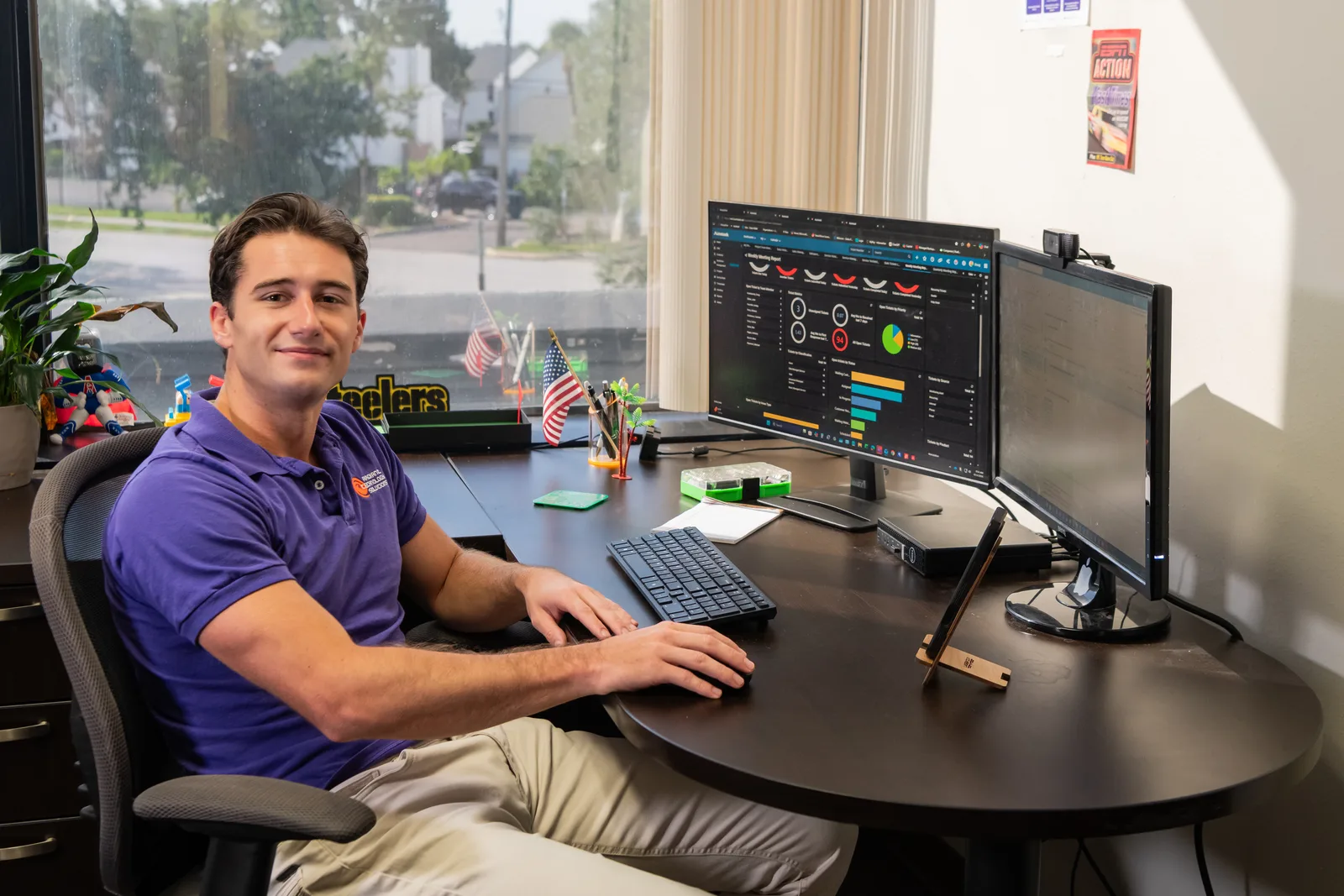
Radiant Technology Solutions technician at dual monitors reviewing a backup dashboard

Your mission runs on donors, volunteers, and a few shared computers that everyone logs into. Radiant Technology Solutions supports nonprofits across Tampa Bay from Tarpon Springs, protecting donor data and stretching every technology dollar your board approves.

What does IT support for a nonprofit include?

IT support for a nonprofit protects donor and client records, makes full use of Microsoft's nonprofit licensing program, keeps shared volunteer devices safe, and keeps grant reporting data clean. Radiant Technology Solutions supports Tampa Bay nonprofits with a 24/7 help desk, backups, layered security, and flat per-device pricing that fits a board-approved budget.

What you get

What changes for your organization with Radiant?

Donor data locked down

Your donor CRM gets role-based access, multi-factor logins, and encrypted devices around it. Only the people who need gift histories and payment details can see them.

Grant reports from clean data

Grant reports pull from your CRM, accounting system, and program spreadsheets. We keep those systems backed up and properly permissioned, so reporting season starts from data you trust.

Shared devices that stay safe

Volunteer computers get individual or guest logins, automatic updates, and a DNS filter, which blocks dangerous websites before the page even loads.

Volunteers in and out the same day

New volunteers get the access they need on their first shift. When someone leaves, their logins close that day, not six months later.

A budget line your board can read

A flat monthly fee per device makes the IT line predictable, and there is no contract to explain if priorities shift mid-year.

Not sure where to start?

Get your free network assessment

We walk your office, scan the network, and list what to fix first. No pressure, no contract.

John Slyker, IT Support Intern, working at a managed services workstation for Radiant Technology Solutions
The details

How does Microsoft's nonprofit program work?

Microsoft runs a nonprofit program that offers eligible registered nonprofits donated and discounted cloud licenses, including Microsoft 365 plans. Microsoft verifies eligibility itself, and the offers changed in 2025, so what you signed up for years ago may not match today's terms.

Donated and discounted licenses also carry different rules about paid staff, leadership, and volunteers. We check your eligibility, match each person to the right license, and handle setup through our Microsoft 365 service.

We do not quote Microsoft's prices here, because they change and depend on your organization. You will see current numbers for your situation during the free assessment.

In their words

What do clients say about Radiant?

Radiant Technology Solutions holds 5.0 stars on Google, with 96 five-star Google reviews.

As a small business owner, having reliable IT support is really important! Anytime we've had an issue, Radiant has been very responsive and always willing to go the extra step to help us out.

Ariane C.

Google review · 5.0 stars on Google · Read all reviews

What we work with

What tools protect a Radiant-supported nonprofit?

We name the tools and vendor partners plainly, so your board knows what it is paying for.

  1. 01

    Microsoft 365

    Email, Teams, and SharePoint through Microsoft's nonprofit licensing where you qualify, with multi-factor logins (a code on your phone).

  2. 02

    Your donor CRM

    We manage access, backups, and the devices around it, and work with the CRM vendor on application issues.

  3. 03

    DNS filtering

    A brochure add-on that blocks malicious and inappropriate websites on shared and volunteer computers.

  4. 04

    SonicWall

    Firewalls that keep public Wi-Fi for visitors separate from staff and donor systems.

  5. 05

    Datto

    Backup and recovery for servers and workstations, with copies kept offsite for hurricane season.

Know exactly what your technology needs this year

A free network assessment gives your board a plain, prioritized list. Organizations in New Port Richey, Dunedin, and Palm Harbor can also call 727-493-4723.

How it works

How does onboarding a nonprofit work?

We keep the process simple, because your staff time belongs to the mission.

  1. Step-01

    Free network assessment

    We review your network, devices, backups, and accounts, then hand you a plain report on what looks good, what needs attention, and what to fix first.

  2. Step-02

    License review

    We compare your current Microsoft licenses with what your organization qualifies for today, and flag any offers that expired.

  3. Step-03

    Handoff and documentation

    A project manager and engineers collect credentials, coordinate with any outgoing provider or volunteer IT helper, and document every system.

  4. Step-04

    Security and backups go in

    Monitoring, managed antivirus, multi-factor logins, and backups roll out with minimal disruption to programs and events.

  5. Step-05

    Reviews that fit your board calendar

    Quarterly and yearly reviews line up with budget season, so your board sees upcoming costs before it votes.

Is this you?

Does this sound like your organization?

Nonprofits share a handful of IT headaches. This page is for you if:

  • You run a charity, association, or community organization with paid staff and a rotating group of volunteers.
  • Donor records live in a CRM, a few spreadsheets, and one person's inbox, all at once.
  • Volunteers share front-desk computers, and nobody is sure who still knows the passwords.
  • You signed up for Microsoft's nonprofit offers years ago and have not checked what changed since.
  • Your board or a funder has started asking about data security and continuity plans.

Frequently asked questions

Does Microsoft 365 have a nonprofit program?

Yes. Microsoft offers eligible registered nonprofits donated and discounted licenses, including Microsoft 365 plans, through its nonprofit program. Microsoft verifies eligibility and sets the terms, which changed in 2025. We help you apply or re-verify, choose the right plans, and set everything up securely. Current pricing depends on your organization, so we confirm it with you directly.

Can volunteers get Microsoft 365 licenses?

Sometimes. As of September 2026, Microsoft's rules treat donated licenses and discounted licenses differently, and volunteers are not eligible for every offer. Paid staff and unpaid leadership usually have more options. We map each person to a license they qualify for, and set up shared or guest access where a full license does not make sense.

How should a nonprofit protect donor data?

Start with multi-factor logins on the donor CRM and email, role-based access so only the right staff see gift and payment details, and encrypted laptops. Add tested backups and a plan for removing access when staff or volunteers leave. Those steps close the most common gaps without a large budget.

Do you offer nonprofit pricing?

Our pricing is a flat monthly fee per device, with the same plans for every organization. Ask about nonprofit terms during the free network assessment. You will get a written per-device figure before you decide, and plans run month to month, so a budget change never traps you.

How can a nonprofit prepare its technology for hurricane season?

Move critical files to the cloud, keep offsite backups of anything still stored locally, and write down who restores what if the office closes. Laptops should be ready to work from home. Helene and Milton in 2024 closed offices across Tampa Bay, so this planning protects your programs as much as your data.