
Local and cloud backups, tested restores, and a recovery plan built for Florida.
5.0 stars on Google

Backups you have actually tested, and a plan for the worst day

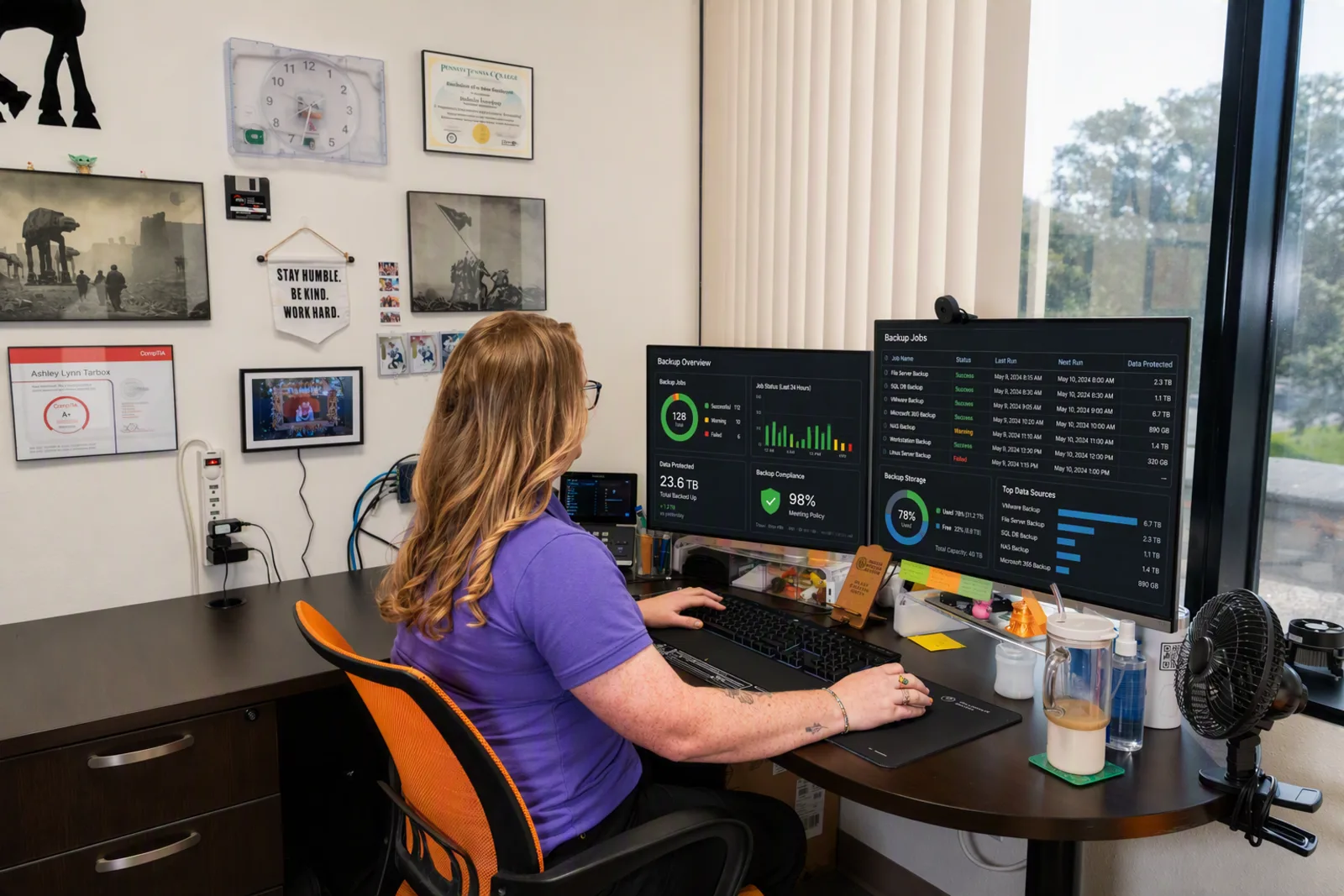
Backup monitoring dashboard on a computer screen, illustrating backup and disaster recovery

A hurricane, a ransomware email, or one dead drive can stop your office cold. Radiant sets up backups for Tarpon Springs and Tampa Bay businesses, then tests that they actually restore.
What are backup and disaster recovery services?

Backup and disaster recovery services keep copies of your data and a tested plan to get systems running again after an outage. Radiant Technology Solutions sets up local and cloud backups for Tampa Bay businesses, monitors them, tests restores, and sets recovery targets with each client before anything goes wrong.

What you get

What does Radiant back up, and how?

Full server images

Image-level backups, built on Datto, copy an entire server so it can be restored whole instead of rebuilt file by file.

File-level backups

Individual files and folders come back from an earlier version when someone deletes or overwrites the wrong thing.

Cloud-to-cloud backup

A second copy of Microsoft 365 or Google Workspace email, OneDrive, SharePoint, and Teams data, stored outside that service.

SaaS backup for other apps

Add-on protection for QuickBooks Online and the other cloud apps your business depends on every day.

Sandbox restore testing

We test restores in an isolated sandbox, so you learn a backup works before you need it, not during a crisis.

Hard drive recovery

When a drive fails outright, we work to recover what is on it and get the machine back in service.

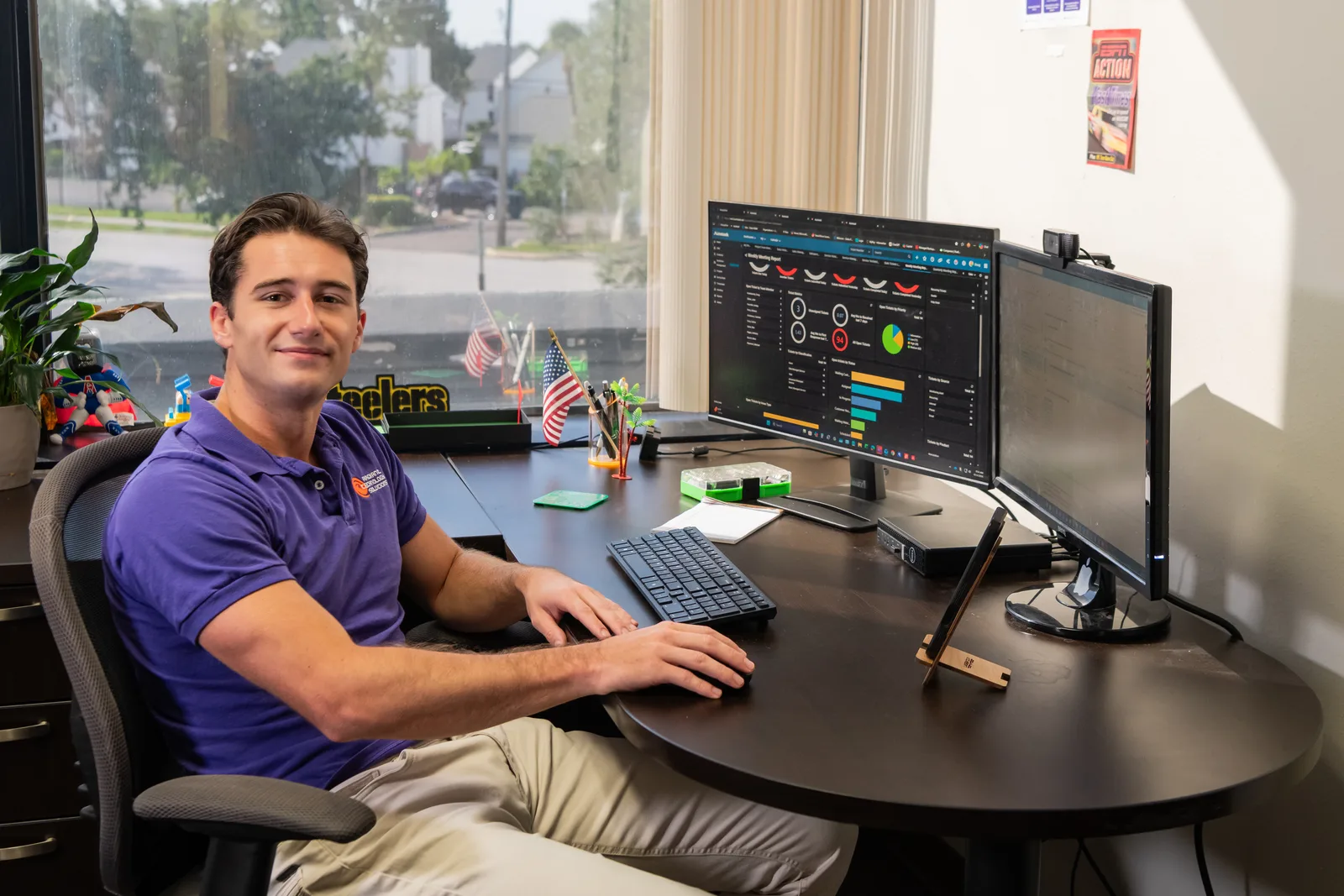
Help desk technician monitoring IT systems for Radiant Technology Solutions
The details

What are RTO and RPO, and who sets them?

RTO, or recovery time objective, is how long your business can go without a system before it really hurts.

RPO, or recovery point objective, is how much recent work you can afford to lose, counted back to the last good copy.

A law firm may need case files back quickly, while a manufacturer may care most about never losing an order. There is no universal number.

We set RTO and RPO targets with each client during onboarding, then design and price the backup around them.
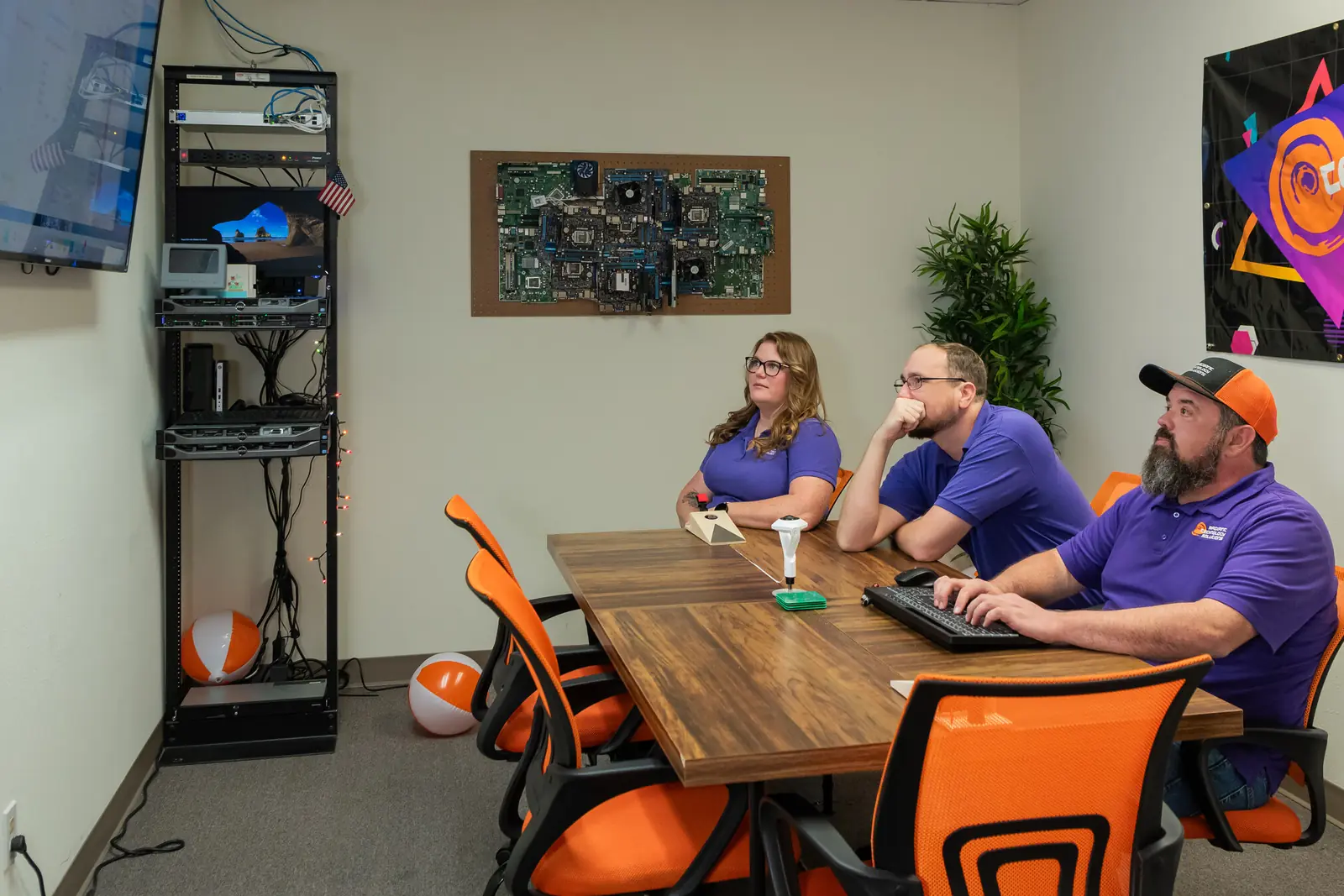
Radiant Technology Solutions team meeting in the Tarpon Springs conference room

Rather than hold someone hostage in a contract we work to earn their business every month.

Ron Slyker, CEO
How it works here

Why do Florida businesses need a copy off site?

  • 24/7Help desk for every client, every plan
  • 0Contracts to sign, on any plan

Along the Gulf coast, from Dunedin up to New Port Richey, hurricane season is simply part of running a business.

A backup drive sitting next to the server floods, loses power, or burns right along with it.

That is why our setups keep a local copy for quick restores and a cloud copy in geographically redundant data centers. For medical offices, backups also carry HIPAA duties, so see how we support healthcare practices in Tampa Bay.

Like the rest of our services, backup and disaster recovery runs month to month, with no contract.

Side by side

What is the difference between backup and disaster recovery?

A backup is a copy of your data. Disaster recovery is the plan and tooling that gets the whole business running again.

What is the difference between backup and disaster recovery?
QuestionBackup onlyDisaster recovery planRadiant BDR
What it protectsFilesSystems and how you run themFiles, full servers, and cloud data
After a server diesFiles come back, eventuallyA documented path to restoreImage backups restore the whole server
Hurricane or fireOnly if a copy is off siteCovered in the planA local copy plus a cloud copy
TestedOften notSometimesRestores tested in a sandbox
Who watches itWhoever remembersYour team or providerOur team, as part of your plan
  • Radiant BDR

    What it protects
    Files, full servers, and cloud data
    After a server dies
    Image backups restore the whole server
    Hurricane or fire
    A local copy plus a cloud copy
    Tested
    Restores tested in a sandbox
    Who watches it
    Our team, as part of your plan
  • Disaster recovery plan

    What it protects
    Systems and how you run them
    After a server dies
    A documented path to restore
    Hurricane or fire
    Covered in the plan
    Tested
    Sometimes
    Who watches it
    Your team or provider
  • Backup only

    What it protects
    Files
    After a server dies
    Files come back, eventually
    Hurricane or fire
    Only if a copy is off site
    Tested
    Often not
    Who watches it
    Whoever remembers

BDR is short for backup and disaster recovery: both halves, run by one team that also answers your help desk calls.

Would your backups actually work tomorrow?

Find out with a free network assessment. We check your backups along with security, equipment, and network health, then tell you what to fix first. Or call 727-493-4723.

How it works

How do we build your recovery plan?

The same five steps apply whether you run one office in Palm Harbor or several across Tampa Bay.

  1. Step-01

    Assess

    We find every place your data lives: servers, laptops, Microsoft 365, and the cloud apps you rely on.

  2. Step-02

    Set targets

    Together we agree how fast each system must return and how much work you could afford to lose.

  3. Step-03

    Deploy

    We install local and cloud backups and turn on monitoring, so a failed backup job gets noticed and fixed.

  4. Step-04

    Test

    We restore backups in a sandbox on a regular schedule to prove they work.

  5. Step-05

    Document and review

    You get a written recovery plan, and we revisit it at your quarterly and annual reviews.

Is this you?

Is your business really covered?

It is time to look hard at backup and disaster recovery if:

  • Your only backup is a USB drive, or you are not sure there is one at all.
  • Nobody has tested a restore in the last year.
  • You assume Microsoft 365 or Google keeps your email and files safe forever.
  • A day without your server or files would stop billing, scheduling, or production.
  • Your office sits in a flood zone or loses power during summer storms.
  • You keep patient, client, or financial records you are required to protect.

Frequently asked questions

How often should business data be backed up?

As often as your data changes enough to hurt if lost. For many offices that means backups throughout the day, not once a night. We set the schedule from your recovery point objective, so a busy accounting office and a quiet warehouse end up with different settings.

Do I need to back up Microsoft 365?

Yes. Microsoft keeps the service running, but protecting your data is your responsibility, and Microsoft's own Services Agreement recommends backing up your content. Deleted items and old versions only stay for a limited time. Cloud-to-cloud backup keeps a separate copy you control, and it is included in our Radiant Advanced plan.

Can backups protect against ransomware?

Backups do not stop ransomware, but they take away much of its power. If files get encrypted, we can clean the affected systems and restore from a copy taken before the attack. That is why we pair backups with the prevention tools on our cybersecurity page, like EDR and MDR.

How quickly can systems be restored after a disaster?

It depends on the recovery time objective we set together and the size of the systems involved. A single file can come back quickly, while a full server takes longer. We agree targets for each system up front and design the backup to meet them, instead of promising one number for everyone.

Can you recover data from a failed hard drive?

Often, yes. Hard drive recovery is part of our backup and disaster recovery work in Tarpon Springs and across Tampa Bay. How much comes back depends on how the drive failed, so we assess it first and tell you honestly what to expect.

How often should backups be tested?

Regularly, and always after a major change like a new server or a cloud move. A backup that has never been restored is only a hope. We run restores in an isolated sandbox so testing never touches your live systems, and we share the results with you.

Where is our backup data stored?

We keep a local copy for fast restores and a cloud copy in geographically redundant data centers, meaning several locations far apart from each other. If a storm takes out your office, your data still exists somewhere safe and can be restored to new equipment.