
IT for agencies, consultancies, and design firms that bill by the hour.
5.0 stars on Google

IT support for firms that sell their expertise

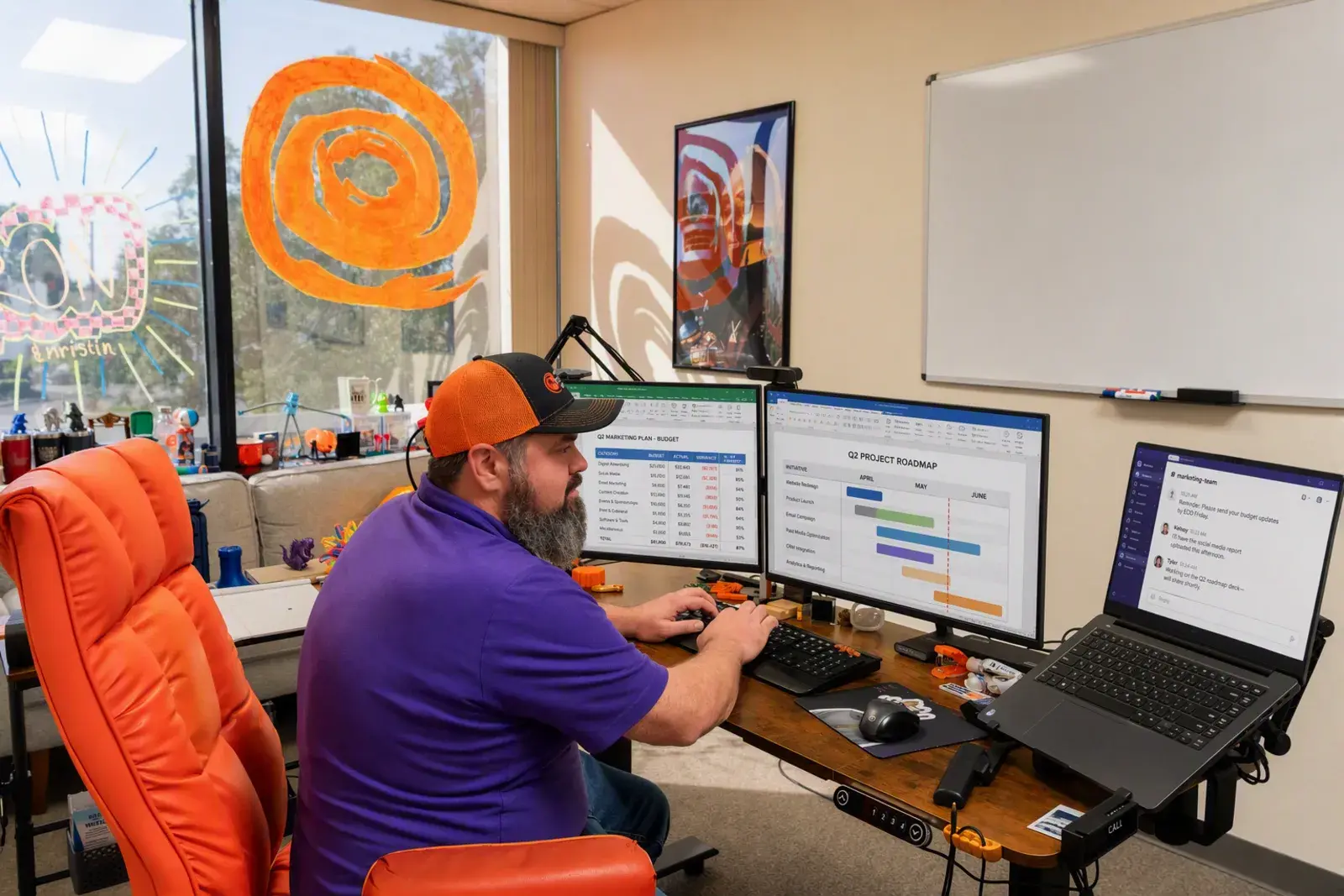
Workstation with a monitoring dashboard on screen, representing managed devices

Your team sells expertise by the hour, and every hour lost to a frozen laptop or a missing file comes straight off the invoice. Radiant Technology Solutions supports agencies, consultancies, and design firms across Tampa Bay from Tarpon Springs, with a 24/7 help desk and pricing you can plan around.
What IT support do professional services firms need?

Professional services firms need IT that protects client data, keeps email, files, and specialized software available, and stays out of the way of billable work. Radiant Technology Solutions supports Tampa Bay agencies, consultancies, insurance agencies, and engineering and architecture firms with a 24/7 help desk, email security, backups, and flat per-device pricing.

What you get

What changes for your firm with Radiant?

Client files stay yours

Encryption, permissions by team, and same-day offboarding keep client work where it belongs. A departing employee does not walk out with your shared drive.

Heavy files move quickly

We size switches, Wi-Fi, and storage for CAD, video, and large spreadsheets, then tune remote access so home workers are not waiting on every save.

Phones that follow your people

A business VoIP phone system, internet-based calling, rings desk phones, laptops, and cell phones from one number. See our VoIP phone systems page for how it works.

Security questionnaires answered

Carriers, clients, and cyber insurers send long security questionnaires. We complete the technical answers and hand you the documentation behind them.

Windows and Mac, both supported

Designers on Mac and accountants on Windows get the same help desk, the same security tools, and the same patch schedule.

Not sure where to start?

Get your free network assessment

We walk your office, scan the network, and list what to fix first. No pressure, no contract.

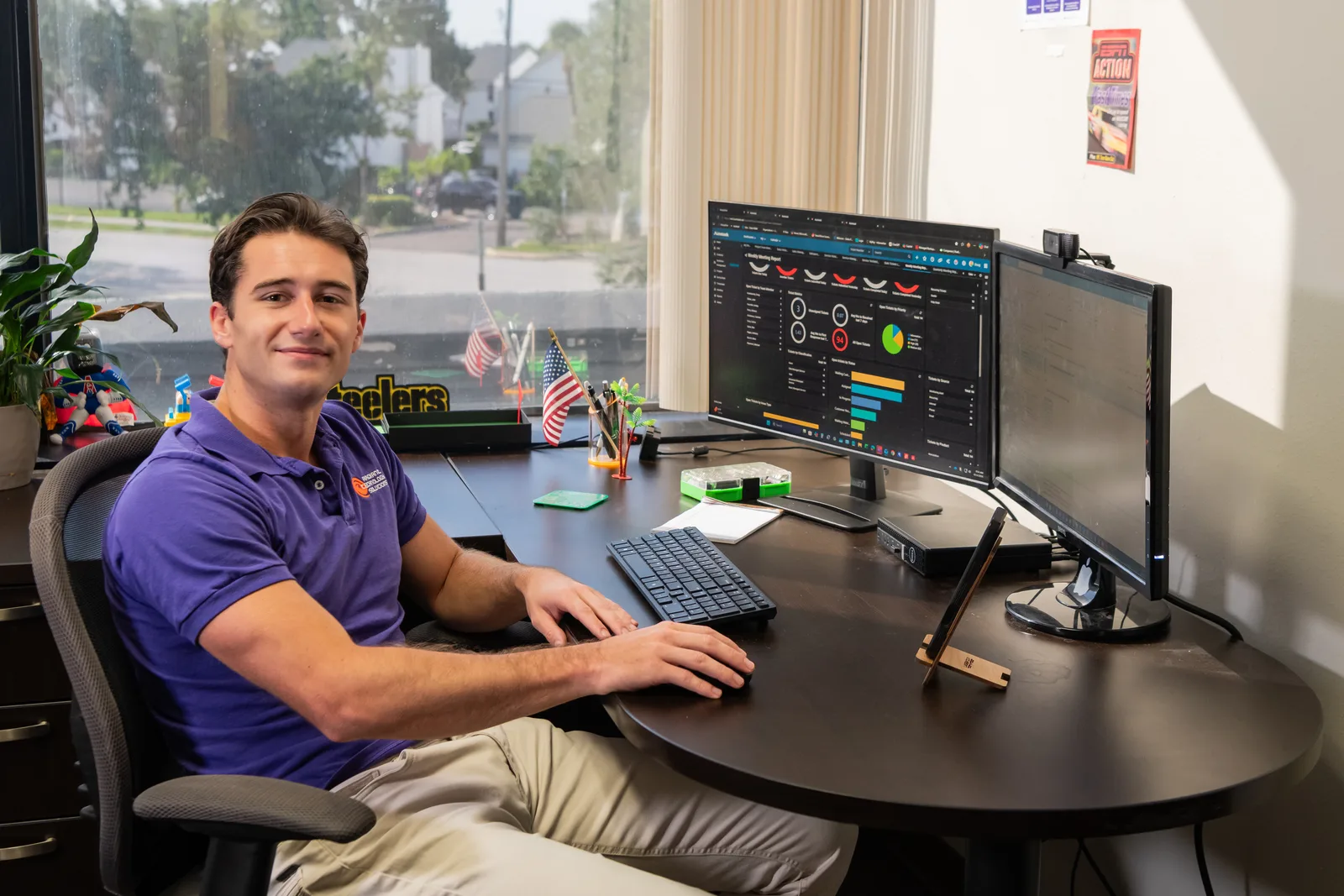
Help desk technician monitoring IT systems for Radiant Technology Solutions
The details

What do insurance agencies and bookkeepers need that other firms do not?

Insurance agencies hold policyholder records, and bookkeepers hold bank and payroll details, so both sit near the top of an attacker's wish list. Our 2026 brochure recommends Radiant Advanced for insurance agencies and bookkeepers for exactly that reason.

Advanced includes EDR, software that spots an attack on a laptop and stops it, and adds MDR, people watching that software around the clock. It also adds email security and cloud-to-cloud backup, a second copy of your Microsoft 365 data in a separate cloud.

Engineering and architecture firms feel a different pain: huge CAD and model files that need fast storage and a network that can move them. Our cloud services and local file servers are sized for that kind of work.

In their words

What do clients say about Radiant?

Radiant Technology Solutions holds 5.0 stars on Google, with 96 five-star Google reviews.

Ron and his staff are fantastic. The team is responsive, knowledgeable and very professional. I recommend Radiant to all my clients.

Jack B.

Google review · 5.0 stars on Google · Read all reviews

What we work with

What tools run a Radiant-supported firm?

We name our vendor partners as text, so you know exactly what runs in your office.

  1. 01

    Microsoft 365

    Email, Teams, and SharePoint with multi-factor logins (a code on your phone) and email security filtering.

  2. 02

    VoIP phone systems

    Internet-based business phones with auto attendants, call routing, and mobile apps.

  3. 03

    Cisco and Ubiquiti

    Switches and Wi-Fi sized for large files and busy conference rooms.

  4. 04

    SonicWall

    Firewalls and secure remote access for staff at home or on client sites.

  5. 05

    Datto

    Backup and recovery for file servers and workstations, with copies kept offsite.

  6. 06

    Dell, HP, and Lenovo

    Business laptops and CAD-ready workstations, set up and tracked by us from box to retirement.

Side by side

How does Radiant compare with the usual ways firms buy IT?

Most firms we meet have tried one of the first two columns. Here is how the models differ on the questions owners ask most.

How does Radiant compare with the usual ways firms buy IT?
QuestionBreak/fix ITLong-term contract MSPRadiant
How you payHourly, per incidentMonthly fee plus a term commitmentFlat monthly fee per device
Who watches between problemsNobodyThe provider, depending on plan24/7 monitoring and help desk
Security on every deviceWhatever you bought yourselfDepends on the planManaged antivirus on every plan, EDR from Advanced up
Planning and reviewsNoneVariesQuarterly and yearly reviews
LeavingAnytime, with little documentedOften locked into a multi-year termAny month
  • Radiant

    How you pay
    Flat monthly fee per device
    Who watches between problems
    24/7 monitoring and help desk
    Security on every device
    Managed antivirus on every plan, EDR from Advanced up
    Planning and reviews
    Quarterly and yearly reviews
    Leaving
    Any month
  • Long-term contract MSP

    How you pay
    Monthly fee plus a term commitment
    Who watches between problems
    The provider, depending on plan
    Security on every device
    Depends on the plan
    Planning and reviews
    Varies
    Leaving
    Often locked into a multi-year term
  • Break/fix IT

    How you pay
    Hourly, per incident
    Who watches between problems
    Nobody
    Security on every device
    Whatever you bought yourself
    Planning and reviews
    None
    Leaving
    Anytime, with little documented

Radiant runs month to month with no contract, so we keep your business by being useful, not by holding paperwork over you.

See where your firm's IT stands today

A free network assessment gives you a plain report on security, backups, and aging gear. Firms in Dunedin, Clearwater, and St. Petersburg can also call 727-493-4723.

Is this you?

Is your firm a fit?

Professional firms make up a big share of the businesses we support. This page is for you if:

  • You run an insurance agency, bookkeeping practice, marketing or consulting firm, or engineering or architecture studio.
  • Your team is roughly 20 to 50 people, some in the office and some at home or with clients.
  • Carriers, clients, or your E&O insurer, the errors and omissions policy, now ask security questions you cannot answer.
  • Large drawings, videos, or models crawl across your network or remote connection.
  • Your current IT help is one busy person, or a company you have to chase for callbacks.

Frequently asked questions

What IT support does a small insurance agency need?

A small agency needs multi-factor logins on email and carrier portals, encrypted laptops, managed antivirus with EDR, email security, and backups of Microsoft 365 data. Our 2026 brochure recommends Radiant Advanced for insurance agencies, which adds MDR monitoring around the clock. Carriers increasingly ask about these controls, so documenting them pays off at renewal.

How do engineering and architecture firms handle large CAD files?

Most combine a fast local file server or network storage with cloud sync for remote staff. The network matters as much as the storage, so switches and Wi-Fi must handle large transfers. We size both during the free assessment, then set up backups that capture drawings without slowing the people working on them.

Do you support Mac users?

Yes. We support Windows and Mac, Microsoft 365 and Google Workspace, and cloud or on-premises servers. Mixed offices are common in agencies and design firms, so both platforms get the same help desk, security tools, and update schedule. You do not need to standardize on one platform before working with us.

Can you move our office phones to VoIP?

Yes. We set up business VoIP phone systems, which route calls over the internet to desk phones, laptops, and mobile apps. We handle number porting, call flows, and the network settings that keep call quality clear. Your phones and IT then sit with one provider and one help desk number.

What if we already have an IT person on staff?

That works well. Many firms keep an internal person for daily issues and bring us in for security, projects, after-hours coverage, and second opinions. Our co-managed IT service shares tools and documentation with your staff, so nobody steps on anyone and your person gets backup when they need it.