
Business-grade computers and licenses, bought, set up, tracked, and replaced on time.
5.0 stars on Google

The right hardware, bought once and supported for life

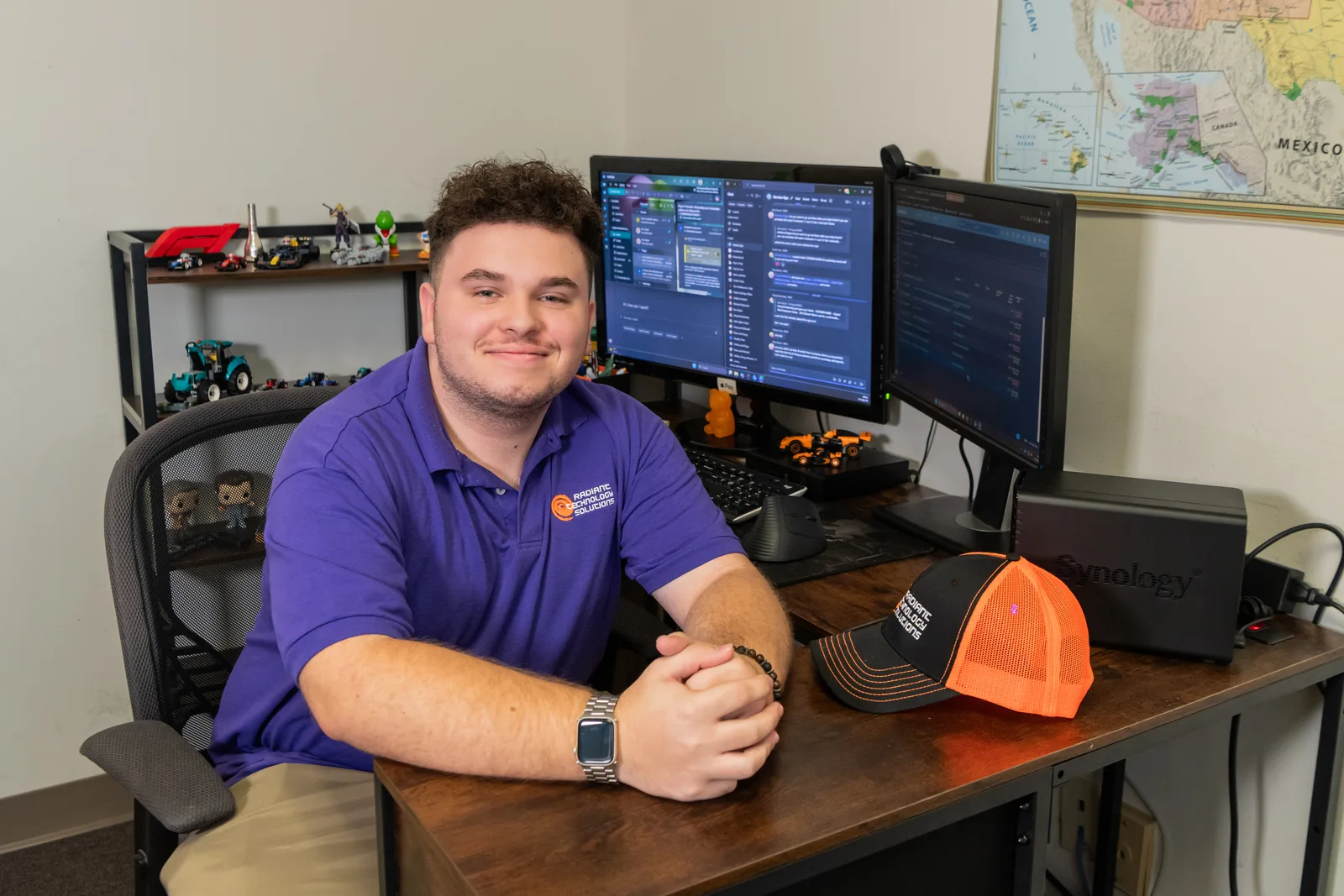
John Slyker of Radiant Technology Solutions setting up a business workstation

Buying a laptop takes ten minutes online. Getting the right one, set up securely, tracked under warranty, and replaced before it fails is the part that eats your week. Radiant Technology Solutions handles all of it for businesses across Tampa Bay, from our office in Tarpon Springs.
What does hardware and software support from an IT company include?

Hardware and software support means your IT company recommends business-grade computers and network gear, orders them, sets them up securely, tracks warranties and age, files warranty claims, and retires old devices safely. It also covers software licensing: knowing what you own, what you pay for monthly, and what expires. Radiant handles every step for Tampa Bay businesses.

What you get

What do you stop worrying about?

Warranty phone calls

We log the ticket, run the manufacturer's checks, and schedule the repair. You hear from us when it is fixed.

Setup days

New hires sit down to a working computer, logged in and ready, instead of a box and a password.

Surprise failures

Machines get replaced on a plan, before they die, not after a Monday morning scramble.

License audits

One current list of what you own, so a vendor audit letter is a short email, not a panic.

Old data walking out

Retired drives are wiped or destroyed before they leave, so client files stay private.

Not sure where to start?

Get your free network assessment

We walk your office, scan the network, and list what to fix first. No pressure, no contract.

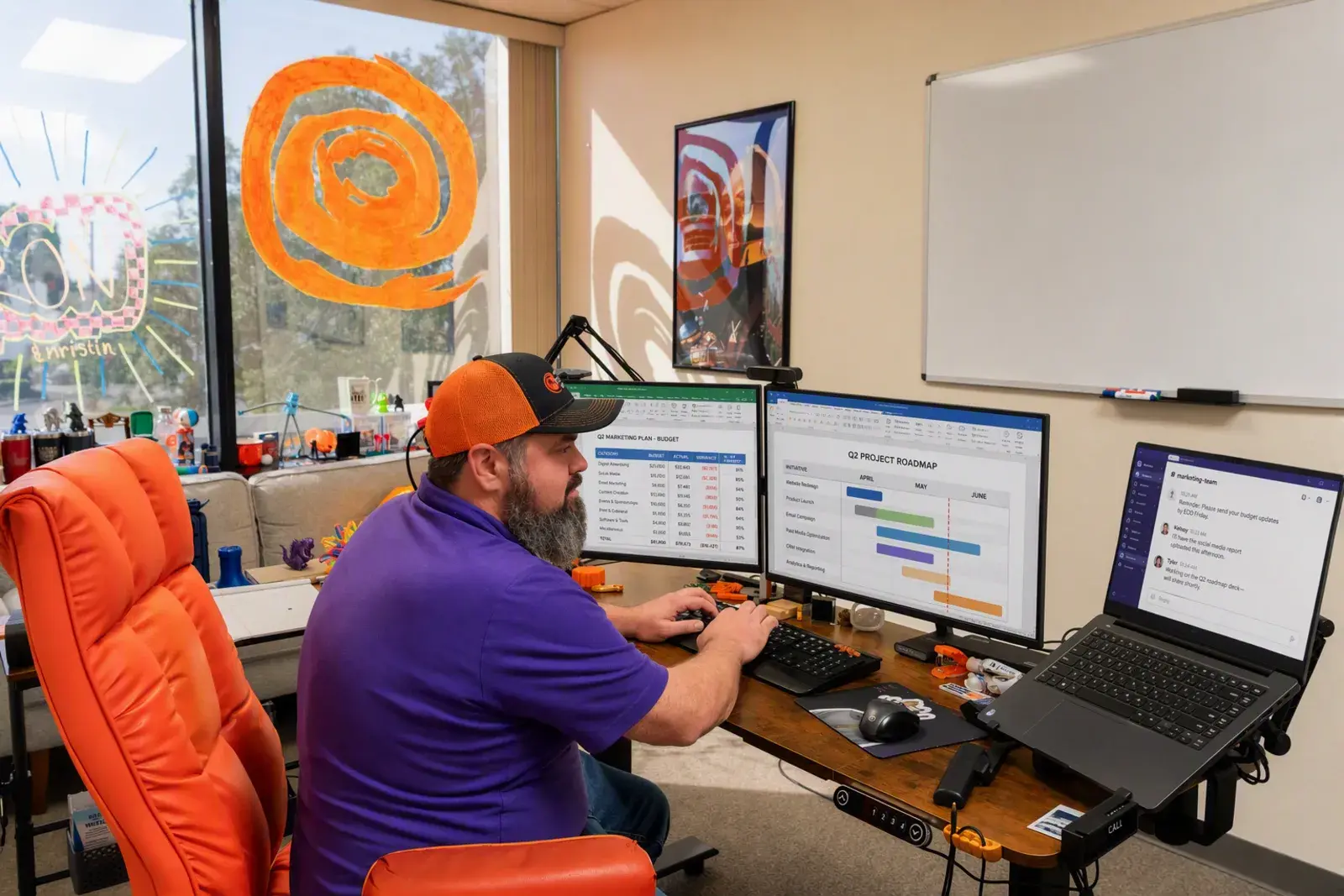
Modern IT workstation with a project management dashboard graphic for Radiant Technology Solutions
The details

Why does buying computers yourself cost more than the price tag?

The laptop on sale at a big-box store is usually built for home use. It often ships with Windows Home, which cannot join a business network or take company security policies.

Then someone on your team spends a day installing apps, copying files, and guessing at settings. That day costs you more than the discount saved.

The real cost shows up later. Nobody tracks the warranty, the machine ages out quietly, and it dies the week before a deadline with no replacement ordered.

Business-grade models from Dell, HP, and Lenovo cost a little more up front. In return you get better parts, longer support, and warranty service that sends a tech or a part fast.
In their words

What do owners say when a computer goes down?

Radiant Technology Solutions holds 5.0 stars on Google across 96 five-star reviews.

Had a problem with our PC we use for our small business not working and Ron not only gave us an excellent price, but also got us back up and running quickly.

Nekomata

Google review · 5.0 stars on Google · Read all reviews

What we work with

Which hardware brands do we work with?

We buy through partner programs with the makers below, so you get business models and proper warranty support. Names only, no logos.

  1. 01

    Dell

    Business laptops, desktops, and servers with on-site warranty options.

  2. 02

    HP

    Business-grade computers and printers built for office duty cycles.

  3. 03

    Lenovo

    ThinkPad laptops and ThinkCentre desktops for staff who travel or work hybrid.

  4. 04

    Ubiquiti

    Wi-Fi access points and switches that cover the whole office, not just the front desk.

  5. 05

    SonicWall

    Firewalls, the locked front door between your network and the internet.

  6. 06

    Cisco

    Switches, routers, and firewalls for offices with heavier network needs.

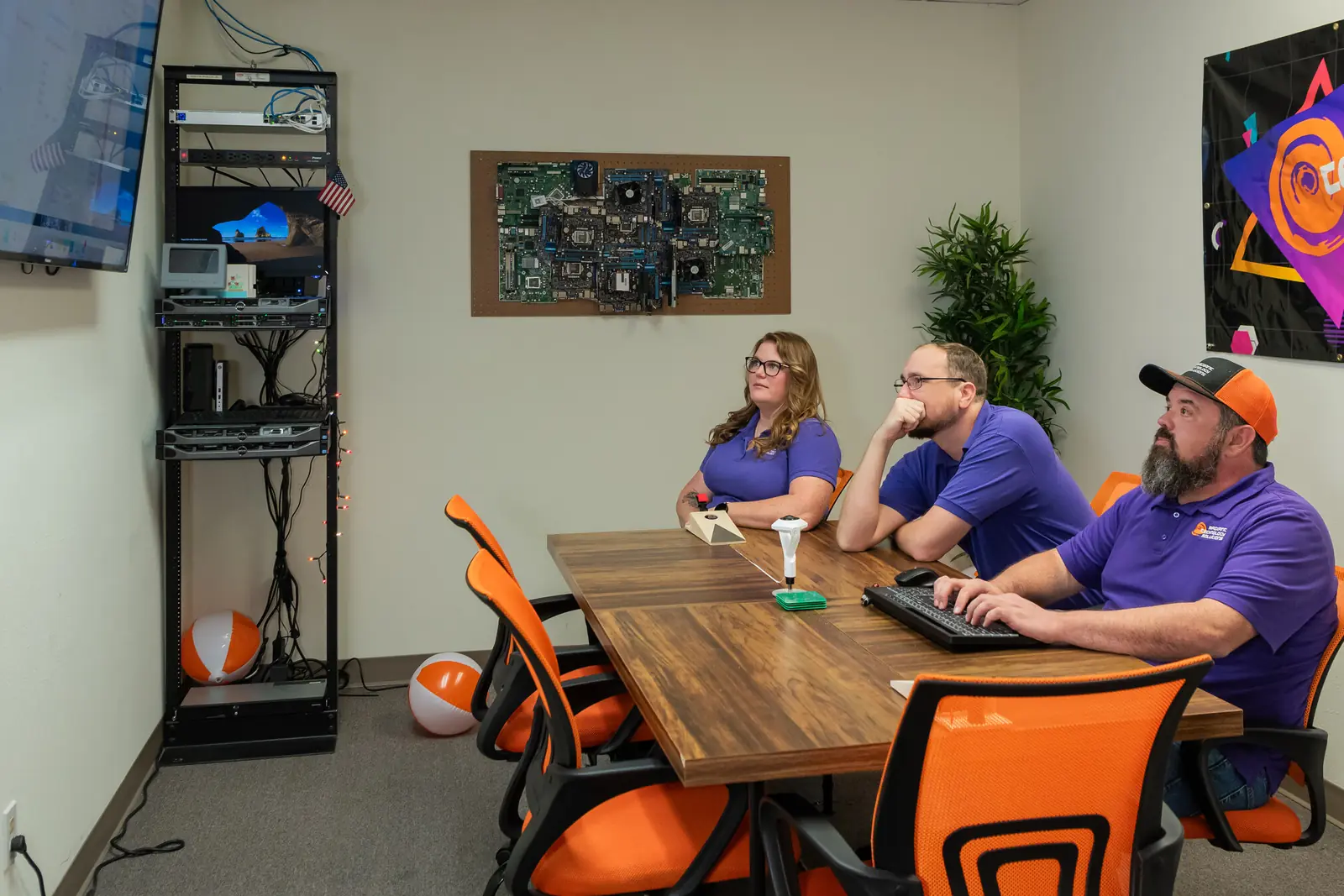
Radiant Technology Solutions team meeting in the Tarpon Springs conference room

Rather than hold someone hostage in a contract we work to earn their business every month.

Ron Slyker, CEO
How it works here

How do you sort out software licensing?

  • 24/7Help desk for every client, every plan
  • 0Contracts to sign, on any plan

Software licenses are the rules for how many people may use a program and for how long. Most offices have no single list of what they own.

We build that list: every subscription, every perpetual license, who uses it, and when it renews. Unused seats get cancelled, and missing ones get bought before an audit finds them.

Operating systems count, too. Microsoft ended free security updates for Windows 10 on October 14, 2025, and many older machines cannot run Windows 11 because they lack a security chip called TPM 2.0.

We check every device against those requirements and plan the upgrades in batches you can budget for. Our managed IT services keep that inventory current every month, with no contract tying you in.

Not sure which of your computers are about to age out?

The free network assessment lists your devices, their age, and what needs attention first. Call 727-493-4723 or book online.

How it works

How does the hardware lifecycle work with Radiant?

Every device we manage follows the same path, from the first quote to the day it is wiped and recycled.

  1. Step-01

    Plan the year

    We list every computer, printer, and network device you own, with its age and warranty date. You see what needs replacing and roughly when.

  2. Step-02

    Quote and order

    We spec the right model for each role, a designer's workstation is not a receptionist's laptop, and order it through our partner channels.

  3. Step-03

    Set it up

    Each machine arrives ready: updates installed, security software running, your apps loaded, and the user's files moved over.

  4. Step-04

    Deliver and swap

    We bring it to your desk in Palm Harbor, Dunedin, or wherever you are in Tampa Bay, and take the old one away.

  5. Step-05

    Track and claim

    We watch warranty dates and handle the claim when something fails, so you never sit on hold with a manufacturer.

  6. Step-06

    Retire it safely

    Old drives get wiped or destroyed before a device leaves your office, so client data does not leave with it.

Is this you?

Is this service a fit for your business?

Hardware and software support makes sense if:

  • You have 20 to 50 computers and no one tracks their age or warranties.
  • Someone on staff loses a day every time a new hire starts.
  • You still have Windows 10 machines, or you are not sure.
  • Software renewals surprise you, or you pay for seats nobody uses.
  • You run a shop floor, a job site trailer, or an office in New Port Richey or Tarpon Springs and need gear that holds up.

Frequently asked questions

Should a small business buy or lease its computers?

Buying usually costs less over the life of a machine, and it is simpler to manage. Leasing spreads the cost and can make sense for a big refresh all at once. We help you compare both against your cash flow, and either way we set up, track, and support the devices the same way.

How long should a business computer last?

Plan on replacing most business computers around the time their manufacturer warranty ends, often three to five years, depending on the model and the work. Heavier work, like design or engineering software, ages a machine faster. We track every device's age and warranty so replacements are spread out and budgeted, not sudden.

Is it still safe to run Windows 10 in a business?

Not for long. Microsoft ended free security updates for Windows 10 on October 14, 2025. Businesses can buy Extended Security Updates for a limited time, and the price rises each year. The safer plan is to upgrade machines that can run Windows 11 and replace the ones that cannot, in batches you can budget for.

Can we buy our own computers and have you set them up?

Yes, as long as the model is business-grade and runs a Pro version of Windows so it can take company security settings. Send us the model before you order and we will confirm it fits. Home editions often need an upgrade before we can manage them.

What happens to the data on our old computers?

Before an old computer leaves your office, we wipe the drive with software that overwrites it, or we physically destroy it if it holds sensitive records. That matters for any business handling client or patient data. We note which device was retired and how.

Can you help us get ready for a software license audit?

Yes. We pull an inventory of the software installed on every machine, match it against what you have paid for, and flag the gaps. Unused seats get cancelled, missing ones get bought properly. You end up with one current list you can hand to a vendor, which turns an audit into paperwork instead of a scramble.