
Help desk calls
Call, email or open a ticket as often as you need. The help desk answers 24/7, and nobody on your team has to ration questions.
Pricing
Radiant Technology Solutions, based in Tarpon Springs, bills managed IT per device: Basic is $49.99, Advanced $69.99 and Elite $99.99 per device per month, with no contract. For comparison, national 2026 guides put managed IT at $100 to $400 per user per month (Corsica Technologies) and $50 to $100 per workstation (VC3).
Flat monthly fee per device, no contract, 24/7 help desk.
02Month-to-month managed IT, per-device billing, and a clean handover if you ever leave.
03From the blog
04EDR, MDR, MFA, and training, explained in plain English and priced per device.
Every plan is priced per device and includes the 24/7 help desk, remote monitoring, and on-site visits. The plans differ in how much security sits on each device.
| What each plan covers | BasicEveryday business | AdvancedLaw offices, bookkeepers, and insurance agencies | EliteHealthcare, accounting, financial, government, and technology firms |
|---|---|---|---|
| Included on every plan: on-site and remote support, remote monitoring and maintenance, and managed advanced anti-virus. | |||
| On-site and remote support | |||
| Remote monitoring and maintenance | |||
| Managed advanced anti-virus | |||
| EDRSoftware that spots an attack on a laptop and stops it | |||
| MDRPeople watching that software around the clock | |||
| Email security | |||
| Cloud-to-cloud backup of your online email and files | |||
| Enhanced MFAA second check at login beyond your password | |||
| Secure password management | |||
| Security awareness training | |||
| Dark web monitoring | |||
| Data loss prevention | |||
| Add-ons for any plan: Employee monitoring, integrated cloud app security, a secure client VPN, DNS filtering that blocks dangerous websites, email signature management, and SaaS backup for Microsoft 365, Google Business, and QuickBooks Online. | Get your free network assessment | ||
Add-ons for any plan: Employee monitoring, integrated cloud app security, a secure client VPN, DNS filtering that blocks dangerous websites, email signature management, and SaaS backup for Microsoft 365, Google Business, and QuickBooks Online.
Get your free network assessmentCall, email or open a ticket as often as you need. The help desk answers 24/7, and nobody on your team has to ration questions.
Onsite support is listed in every plan. When a problem needs hands, a technician drives out across Tampa Bay without a trip charge.
Remote monitoring and maintenance watches every covered device and handles routine upkeep, so small issues get fixed before they stop work.
We call your internet provider, copier company or software vendor for you, so you are not the one stuck on hold.
Big changes, like an office move, a new server or a new firewall, get a written quote you approve before any work starts.
We walk your office, scan the network, and list what to fix first. No pressure, no contract.
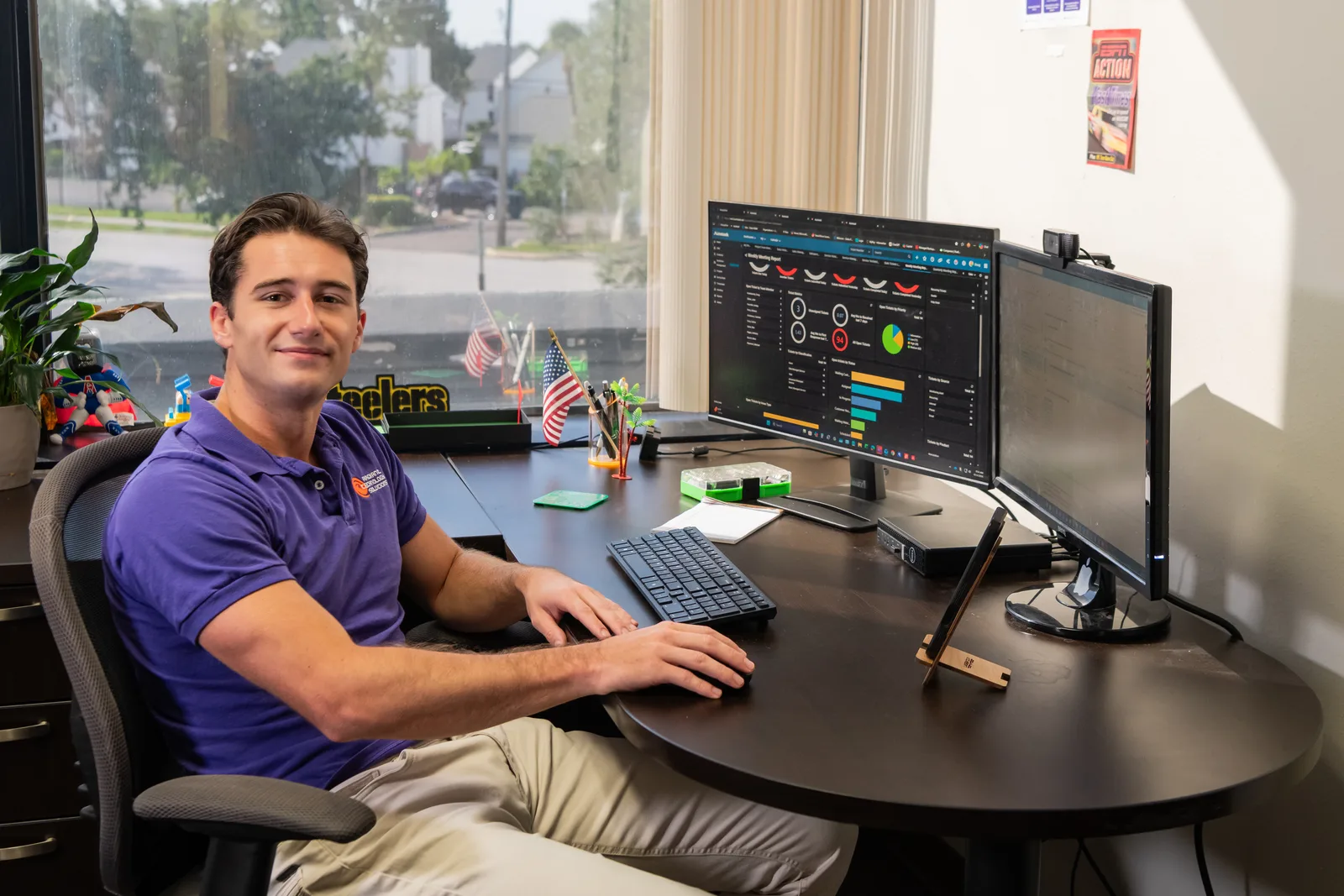
Many IT companies ask you to book a call before they will talk numbers. We would rather you walk into that call already knowing how the math works.
Our pricing has three moving parts, and you can check every one of them yourself. Count your computers, pick a plan, add anything extra you want.
If the numbers work for you, the free network assessment turns them into a written quote. If they do not, you have lost nothing but five minutes.
Our clients answer that better than we can. Radiant Technology Solutions holds 5.0 stars on Google across 96 reviews, from offices in Tarpon Springs, Palm Harbor and across Tampa Bay.
I love Radiant! Not only do they provide better value than my last MSP but their service is way quicker!
Brian B.
Google review · 5.0 stars on Google · Read all reviews
Add-ons sit on top of any plan. You choose them one at a time, and each one shows up as its own line on your quote.
Tracks activity on work devices, including actions inside custom apps, for firms that need an audit trail.
Detects and responds to threats across the cloud apps your company uses, not only the computers.
A simpler, more secure connection for staff who reach the office network from home or the road.
Blocks dangerous and unwanted websites before they load, with content filtering set to your policy.
Consistent, current email signatures for your whole team, managed from one place.
Backs up your cloud data in Microsoft 365, Google Business and QuickBooks Online, separate from the vendor's own copy.
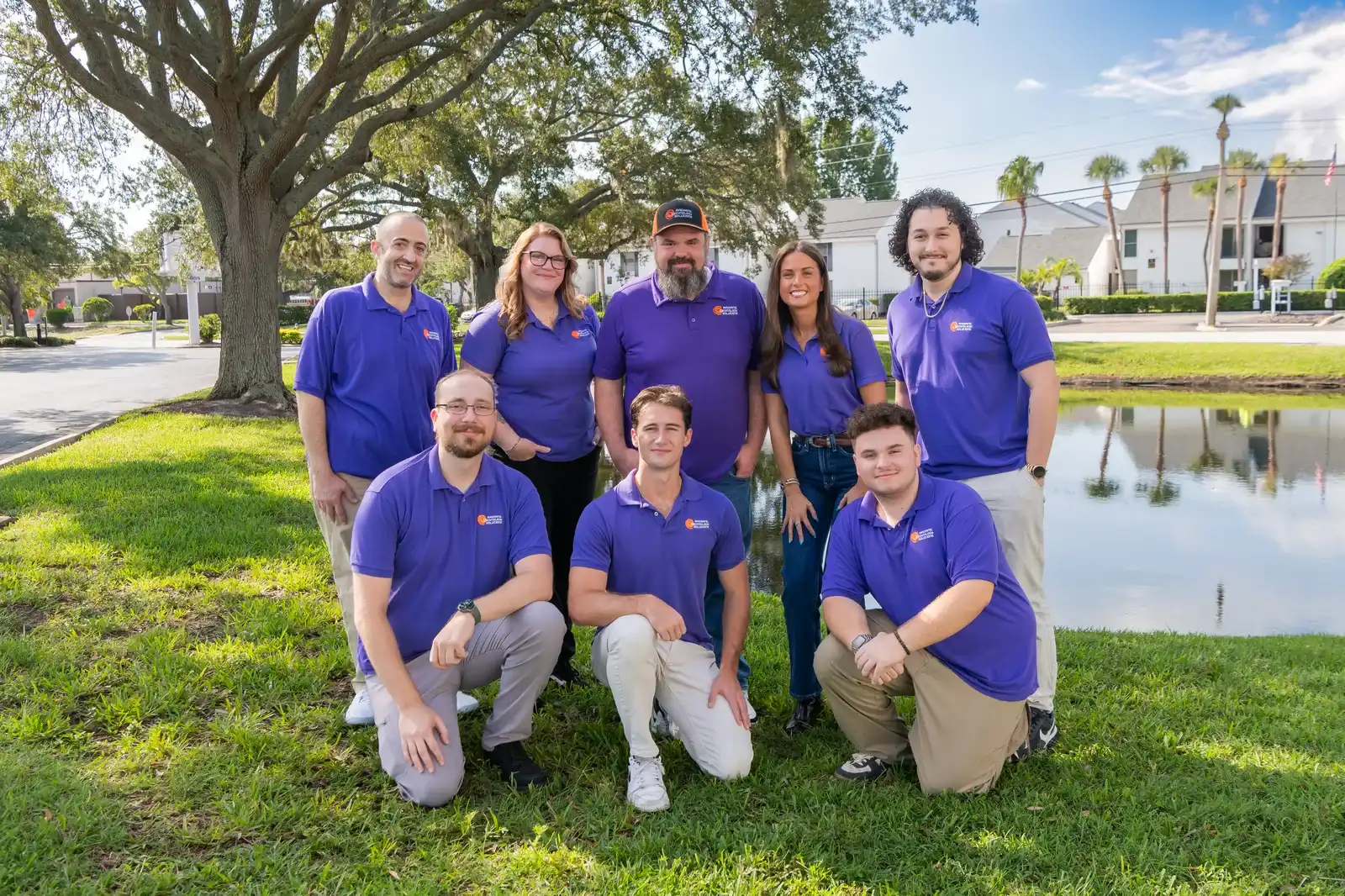
Rather than hold someone hostage in a contract we work to earn their business every month.
Ron Slyker, CEO
Three things set the number: how many devices we look after, which plan those devices sit on, and any add-ons you choose. In our plans, a device is a Windows or Apple desktop or laptop that someone on your team uses for work.
Send us your device count and your industry, and we will have a written proposal ready the next business day.
Picture a 25-person law office in Palm Harbor. Everyone has a laptop, plus two front-desk PCs and one computer in the conference room.
That is 28 devices. A law office usually lands on Advanced, because email security and backup matter when you hold client files.
Your monthly fee is 28 times the Advanced per-device rate, plus any add-ons you pick, such as a DNS filter for safer browsing.
Hire a paralegal next spring and the count moves to 29. Retire an old PC and it drops to 27. The bill follows the equipment.
What you will not see: a charge for each help desk call, a trip fee for an on-site visit, or a renewal notice with a new term to sign. Our IT support for law firms page covers the rest of that picture.
Planning next year's technology budget? Our IT consulting service builds the plan, and the professional services IT support page shows how that looks for consultancies, agencies and insurance offices.
More and more, your insurance application decides your plan for you. Insurers now ask whether you run EDR, email security, multi-factor sign-in and staff training.
Advanced covers the first two. Elite adds enhanced MFA, password management and security awareness training. Our guide to cyber insurance requirements in Florida maps each control to a plan, and our cybersecurity service page explains how we set them up.
Every plan covers on-site support, remote support, and the monitoring and maintenance that keep small problems small. Each step up adds more security. The recommendations come straight from our 2026 brochure.
| Question | Radiant Basic | Radiant Advanced | Radiant Elite |
|---|---|---|---|
| Per device, per month | $49.99 | $69.99 | $99.99 |
| Recommended for | Everyday business | Law offices, bookkeepers and insurance agencies | Healthcare, accounting and financial, government and technology |
| On-site support | Included | Included | Included |
| Remote support | Included | Included | Included |
| Remote monitoring and maintenance | Included | Included | Included |
| Managed advanced anti-virus | Included | Included | Included |
| EDR (software that spots an attack on a computer and stops it) | Not included | Included | Included |
| MDR (people watching that software around the clock) | Not included | Included | Included |
| Email security | Not included | Included | Included |
| Cloud-to-cloud backup | Not included | Included | Included |
| Enhanced MFA (a second proof of identity at sign-in) | Not included | Not included | Included |
| Secure password management | Not included | Not included | Included |
| Security awareness training | Not included | Not included | Included |
| Dark web monitoring | Not included | Not included | Included |
| Data loss prevention | Not included | Not included | Included |
Your written quote lists the plan and the monthly fee for each device before anything starts, and you can change plans later. Final pricing varies based on user count, compliance requirements, Microsoft licensing, network infrastructure, and business needs.
IT companies bill in three common ways. Here is how they compare for a 20 to 50 person office, using national ranges from 2026 pricing guides.
| Question | Break/fix | Per user | Per device (Radiant) |
|---|---|---|---|
| How it is billed | By the hour, after something breaks | A monthly fee for each person | A monthly fee for each desktop or laptop |
| National range, 2026 | $175 to $350 per hour for support outside a plan (VC3) | $100 to $400 per user per month (Corsica Technologies) | $50 to $100 per workstation per month (VC3) |
| Budget predictability | Low: the bill arrives with the problem | High while headcount holds steady | High, and it tracks your actual equipment |
| Prevention built in | None | Monitoring and maintenance | Monitoring and maintenance |
| Fits well when | You have very few computers and rare problems | Each person uses several computers | People share computers or you have part-timers |
| Leaving | Nothing to cancel | Depends on the agreement you signed | Any month, no contract |
Ranges are national figures from VC3's 2026 Managed IT Services Cost and Pricing Guide and Corsica Technologies' 2026 pricing guide (updated August 2026), not Tampa Bay quotes.
Book a free network assessment. We count your devices, look at your security and backups, and send a straightforward quote. No pressure, no contract.
A 25-person office with 28 desktops and laptops pays $1,399.72 on Radiant Basic, $1,959.72 on Advanced or $2,799.72 on Elite per month, which is about $56, $78 or $112 per employee, before licenses, hardware and projects. Radiant Technology Solutions in Tarpon Springs bills per device, so the total moves with your equipment count.
Radiant Technology Solutions prices per device, from $49.99 to $99.99 per device per month, because devices are what we actually monitor, maintain and protect. In many offices one front-desk PC serves three people across shifts, and per-user billing would charge you three times for one computer. Per device also makes your invoice easy to check: count the desktops and laptops, and every line adds up.
Radiant Technology Solutions in Tarpon Springs bills managed IT as a flat monthly fee per device ($49.99 to $99.99), while break/fix is an hourly bill after something breaks; VC3's 2026 guide puts that hourly support at $175 to $350. Managed IT includes monitoring, updates and security before a problem stops work, so the bill does not arrive with the problem.
Tell the help desk and we set it up, install our monitoring and security tools, and add it to your invoice at its plan rate. Retire a device and it comes off the same way. There is no change order and no new agreement to sign.
Onboarding means documenting your network, installing our tools on every device, and taking the handoff from your old provider. Any one-time onboarding charge appears on its own line in your written quote, separate from the monthly per-device fee, so the first invoice holds no surprises.
Yes. If your insurer starts asking for multi-factor sign-in and staff training, you can move up to Elite. If a plan is more than you need, you can step down. The change shows on your next invoice, and no new contract is involved.
No. The monthly fee covers support, monitoring and security for the computers you already own. We can source new computers, servers and network gear through our hardware and software service and quote them separately, and hardware as a service is available if you prefer a monthly payment for equipment.
You tell us, and we help you leave cleanly. There is no contract, so there is no early termination fee. We hand passwords, documentation and admin access to you or your next provider, so nothing is held back. That is the whole point of IT support with no contract.