
Confidential files, reliable document access, and help before every deadline.
5.0 stars on Google

IT support for law firms that cannot afford downtime

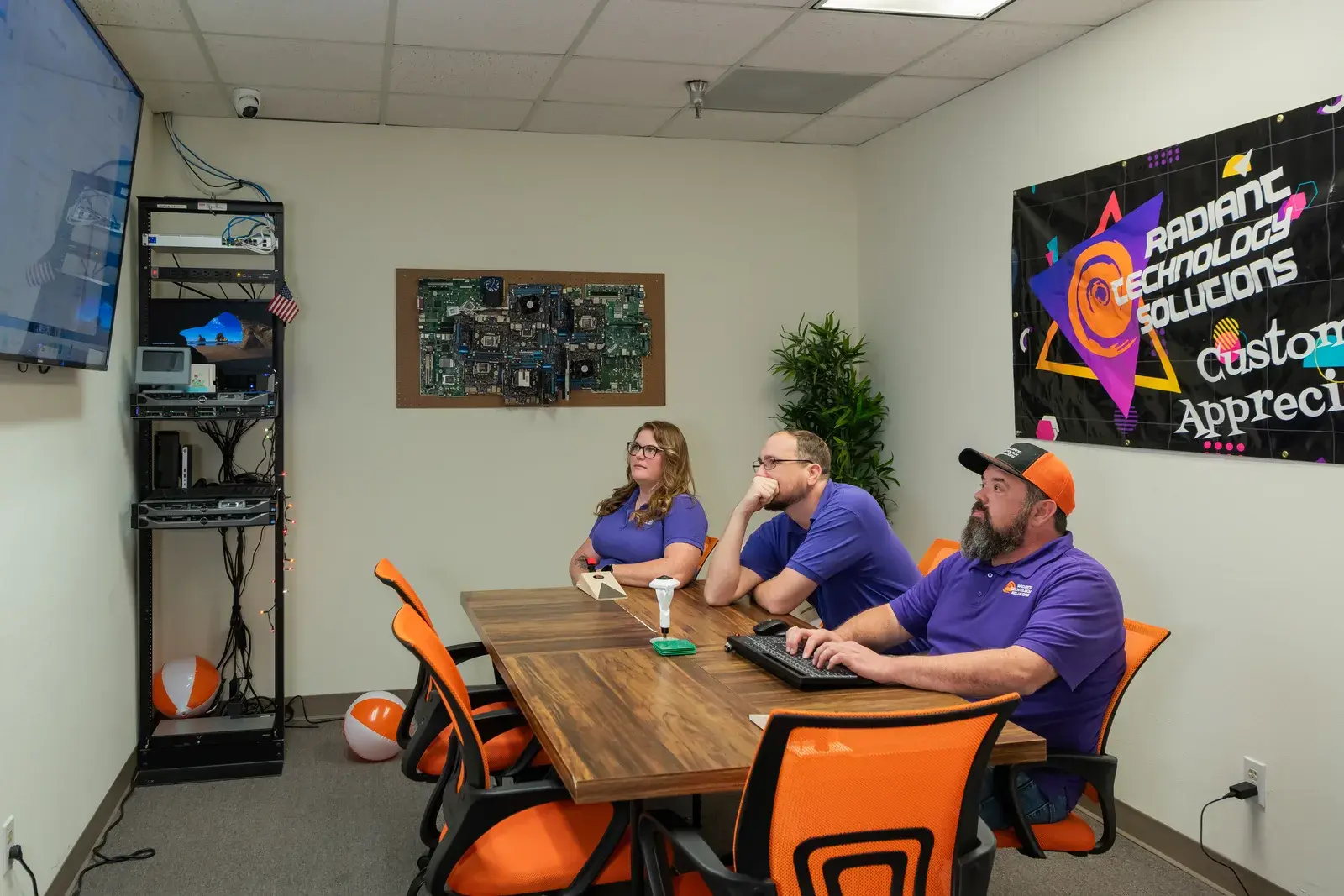
The Radiant Technology Solutions team in a planning meeting around a conference table

A brief is due at midnight and a partner's laptop will not boot. Radiant Technology Solutions supports law firms across Tampa Bay from Tarpon Springs, with a 24/7 help desk, locked-down client files, and a plan for deadline days.
What does IT support for a law firm include?

IT support for a law firm keeps client files confidential, keeps document management and email available, and keeps the firm ready to file when a court deadline lands. Radiant Technology Solutions does that for Tampa Bay firms with a 24/7 help desk, encrypted backups, multi-factor logins, and a flat monthly fee per device.

What you get

What changes for your firm with Radiant?

Document access that holds up

We keep your document management system, file server, or cloud workspace patched, monitored, and backed up. Permissions follow matters, so a paralegal sees their cases and not the whole firm.

A plan for deadline day

Filings run through the Florida Courts E-Filing Portal, so your internet line and logins matter most at 11 PM. We can add a second internet connection and a spare laptop routine so one failure never costs a filing.

E-discovery readiness

When a matter needs a litigation hold, we preserve mailboxes and files with Microsoft 365 retention settings on plans that include them. Retention means data cannot be deleted, even by its owner, until the hold lifts.

Email that stays privileged

Email security filtering catches phishing and fake wire instructions aimed at firms that move client funds. Multi-factor logins mean a stolen password alone cannot open a mailbox.

One number for every vendor

Practice management, billing, and document vendors each have their own support line. We call them for you, so your staff stays on billable work.

Not sure where to start?

Get your free network assessment

We walk your office, scan the network, and list what to fix first. No pressure, no contract.

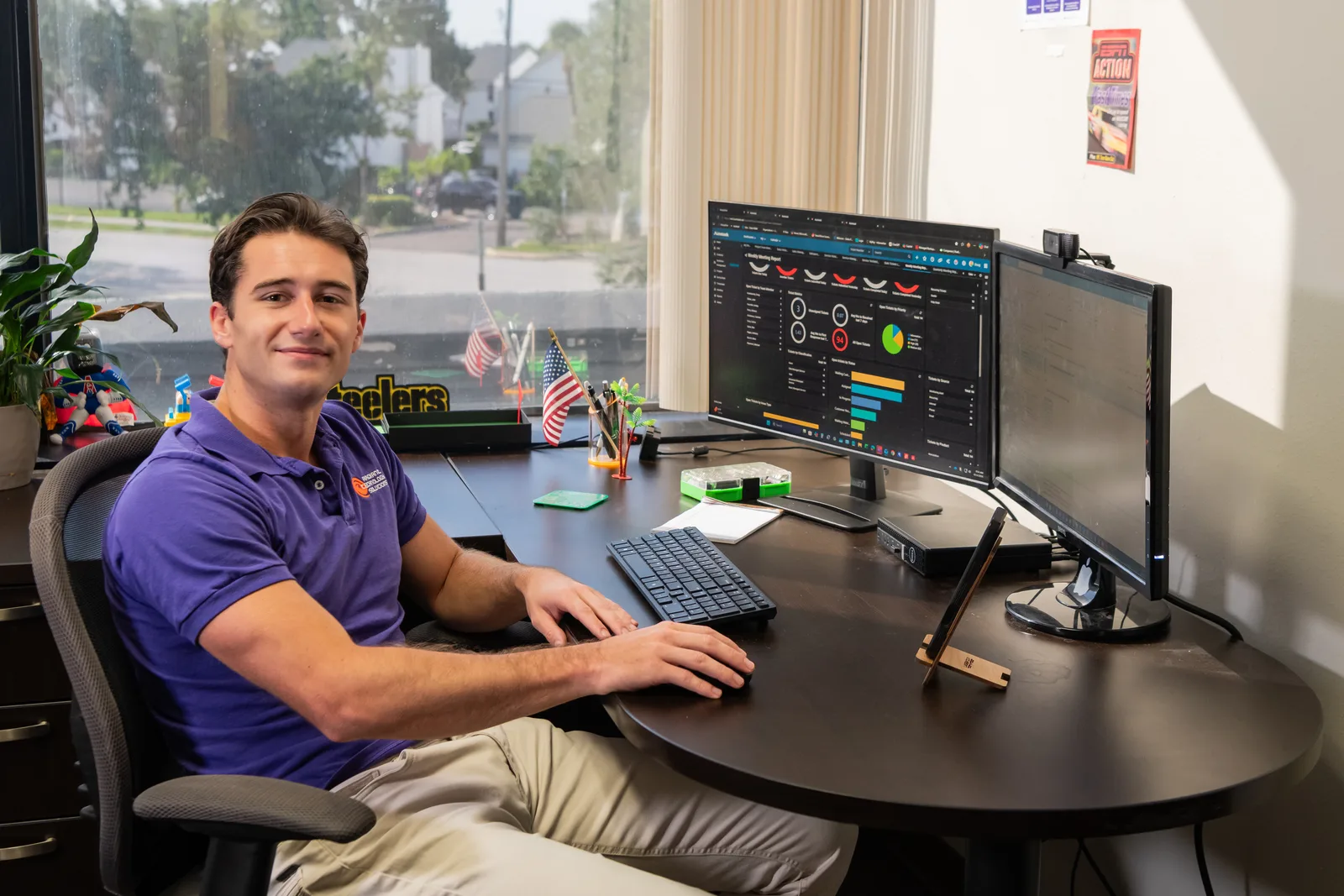
Help desk technician monitoring IT systems for Radiant Technology Solutions
The details

What do the Florida Bar rules expect from your firm's technology?

Florida Bar Rule 4-1.6 makes client confidentiality your duty, and that duty follows client files to the vendors you use. Ethics Opinion 12-3 says cloud tools are fine when you take reasonable precautions and vet the provider's security.

The comment to Rule 4-1.1 adds a competence duty: lawyers must understand the benefits and risks of the technology they use. Florida also requires three hours of technology CLE in every 33-hour reporting cycle, as of September 2026.

We do not give legal advice, but we can supply the technical half of reasonable precautions. That means encryption, access logs, vendor security documentation, and written backup procedures, all covered by our cybersecurity service.
In their words

What do clients say about Radiant?

Radiant Technology Solutions holds 5.0 stars on Google, with 96 five-star Google reviews.

I can’t say enough good things about Radiant Technology Solutions. We’ve worked closely with Ron, and he has been outstanding every step of the way. His knowledge, professionalism, and responsiveness make IT issues feel a lot less stressful.

Timothy D.

Google review · 5.0 stars on Google · Read all reviews

What we work with

What tools run a Radiant-supported law firm?

We name the tools and vendor partners so your IT is never a black box.

  1. 01

    Microsoft 365

    Outlook, Teams, and SharePoint with multi-factor logins, retention holds, and message encryption for sensitive client mail.

  2. 02

    Your document management system

    Cloud or on-premises, we keep the servers, sync clients, and permissions around it healthy.

  3. 03

    SonicWall

    Firewalls and secure remote access for attorneys working from home or the courthouse.

  4. 04

    Datto

    Backup and recovery for file servers and workstations, with offsite copies for storm season.

  5. 05

    EDR and MDR

    Attack-stopping software on every laptop, watched by people around the clock.

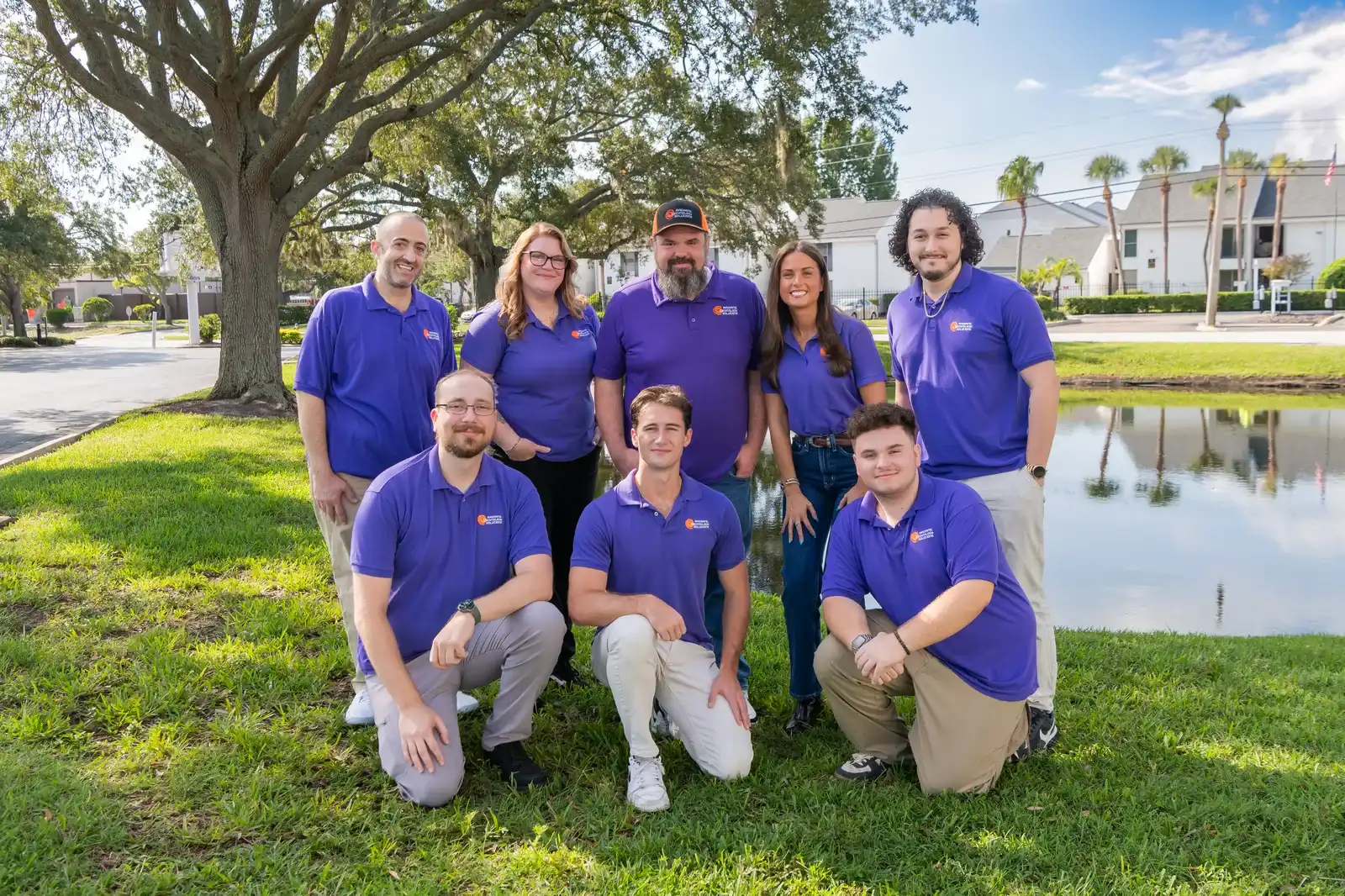
Radiant Technology Solutions team portrait outdoors in Tarpon Springs, Florida

Every plan runs month to month with no contract, because a firm should keep its IT provider for results, not paperwork.

Ron Slyker, CEO
What it costs

Which Radiant plan do law firms usually choose?

  • 1feePer device, per month. Projects quoted separately
  • 0Contracts to sign, on any plan

Our 2026 brochure recommends Radiant Advanced for law offices. It includes on-site and remote support, monitoring and maintenance, managed antivirus, and EDR, software that spots an attack on a laptop and stops it. Advanced then adds MDR, people watching that software around the clock, plus email security and cloud-to-cloud backup, a second copy of your Microsoft 365 mail and files in a separate cloud.

  • Number of users
  • Desktops and laptops
  • Servers
  • Network devices
  • Office locations
  • Add-ons such as a DNS filter or secure client VPN

You get your per-device figure in writing after the free network assessment.

Find out what would fail on your next deadline night

A free network assessment shows the weak spots before a filing does. Firms in Tampa, Clearwater, and Tarpon Springs can also call 727-493-4723.

How it works

How does onboarding a law firm work?

We plan the switch around your court calendar, not ours, and keep trial weeks quiet.

  1. Step-01

    Free network assessment

    We review your network, devices, backups, and remote access, then hand you a plain report. It shows what looks good, what needs attention, and what to fix first.

  2. Step-02

    Handoff with your old provider

    A project manager and engineers document every system, collect credentials, and coordinate with your current IT company so nothing falls through the cracks.

  3. Step-03

    Security and backup tools go in

    Monitoring, EDR, email filtering, and backup agents install on every device, scheduled around the hearings and filing deadlines you flag for us.

  4. Step-04

    Staff get one way to ask for help

    Everyone learns how to reach the 24/7 help desk by phone, email, or the client portal. A call that mentions a filing deadline gets handled as one.

  5. Step-05

    Quarterly reviews

    We meet quarterly and yearly on risks, aging hardware, and upcoming projects, so budget surprises stay rare.

Is this you?

Is Radiant the right IT partner for your firm?

We work with firms of roughly 20 to 50 people. You will feel at home here if:

  • Your firm practices in Tampa, Clearwater, St. Petersburg, or anywhere else around Tampa Bay.
  • Your practice lives in a document management system and Outlook, and both must open every morning.
  • A filing deadline has collided with a dead laptop, a locked account, or a down internet line.
  • Clients or their insurers now ask what you do to protect their files.
  • You want a real person on the phone at 7 PM before a morning hearing.

Frequently asked questions

Can Florida law firms store client files in the cloud?

Yes. Florida Bar Ethics Opinion 12-3 says lawyers may use cloud computing if they take reasonable precautions. That means confirming the provider must keep data confidential, secures it properly, and gives you access when you need it. We document those checks for each cloud tool your firm uses, so the answer is on file.

What cybersecurity does a small law firm need?

At minimum, a small firm needs multi-factor logins on email and remote access, encrypted laptops, managed antivirus with EDR, email filtering, and tested backups. Firms that handle closings or trust account transfers also need a call-back rule for changed payment instructions. Cyber insurers commonly ask about these same controls on their applications.

What happens if our systems go down on a filing deadline?

Call the help desk, day or night, and say it is a deadline. We get the person working first, on a spare device or a remote session, then fix the root cause once the filing is in. The Florida Courts E-Filing Portal runs in a web browser, which makes a backup device a quick fix.

Can you help with e-discovery and litigation holds?

We handle the technical side: preserving mailboxes and files, applying retention holds in Microsoft 365, and exporting data for your litigation support vendor. We do not review documents or give legal advice. Having retention set up before a preservation letter arrives turns a frantic week into a short, documented task.

Do you support our practice management software?

Yes. Firms use a wide range of practice management, billing, and document tools, both cloud and on-premises. We support the devices, network, logins, and integrations around them, and we call the software vendor when the problem sits inside their application. Tell us your full list during the free assessment.