
Keep your number, ring every desk and cell, one team for phones and IT.
5.0 stars on Google

Business phones that follow you, supported by your IT team

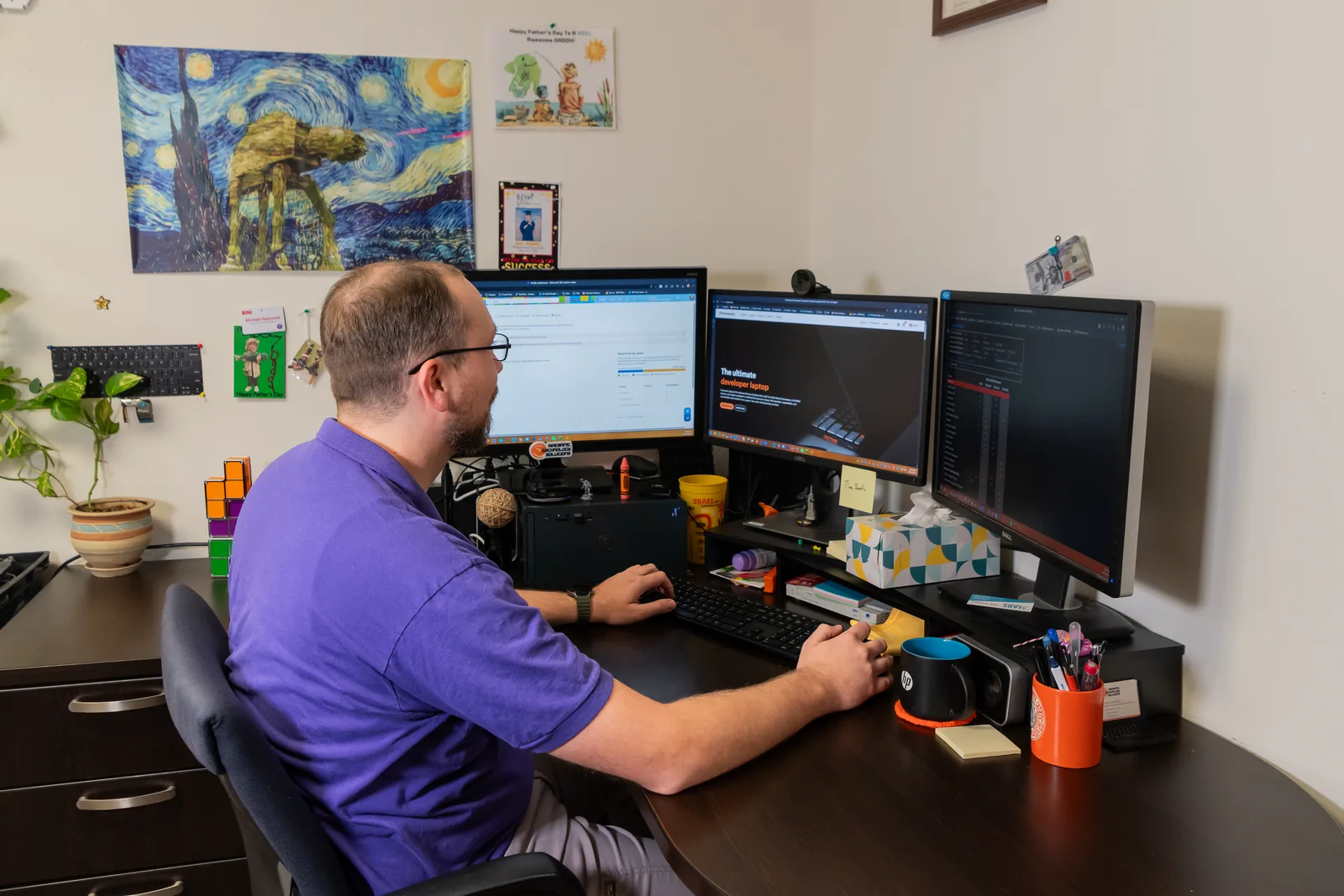
Radiant help desk technician supporting a business phone and network setup

Your phones are how customers reach you, so a dropped call is a lost job. Radiant Technology Solutions sets up business VoIP from our office in Tarpon Springs, moves your existing number, and supports your phones alongside the rest of your IT.
What is a VoIP phone system?

A VoIP phone system sends your business calls over the internet instead of old copper phone lines. You keep your number, calls can ring desk phones, laptops, and cell phones, and features like an auto attendant and voicemail to email come standard. Radiant sets it up, moves your number, and supports it with the rest of your IT.

What you get

What can a modern business phone system do for you?

Auto attendant

A friendly menu that routes callers to sales, billing, or a person, day or night, with holiday hours built in.

Ring groups

Calls ring a whole team at once or in order, so the first free person answers and nobody hears endless ringing.

Desk, laptop, or cell

An app puts your business line on a cell phone, so staff never have to hand out a personal number.

Voicemail to email

Messages land in your inbox as audio, often with a written transcript, so nothing sits blinking on a desk phone.

Multiple offices, one system

Transfer a call from Tarpon Springs to St. Petersburg with one button, as if everyone sat in the same room.

Call reports

See missed calls, busy hours, and wait times, so you can staff the phones when customers actually call.

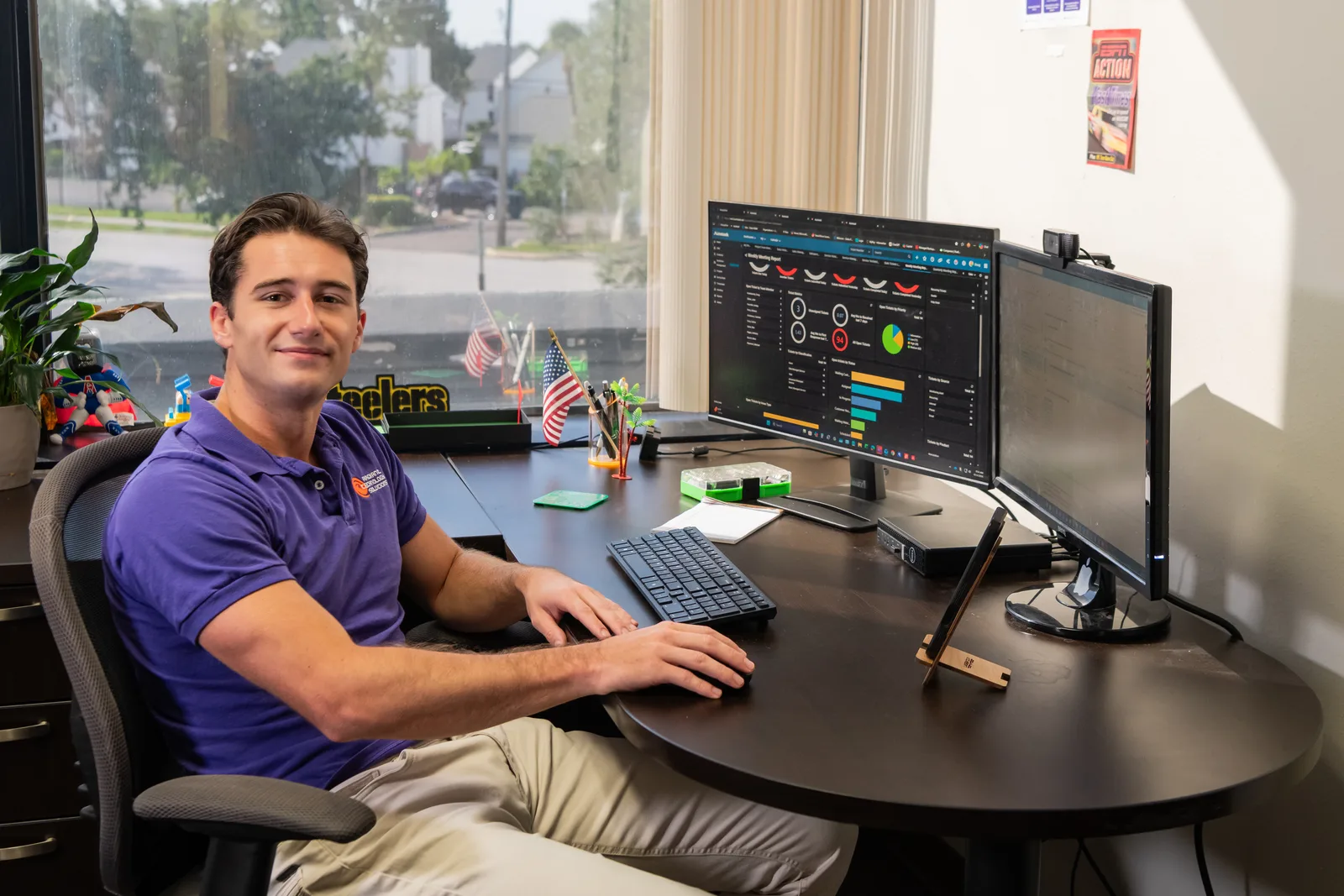
Help desk technician monitoring IT systems for Radiant Technology Solutions
The details

Why are small businesses moving their phones to VoIP?

Traditional business lines are getting harder to keep. Phone companies across the country are retiring copper lines, and the equipment in your closet is not getting younger.

VoIP, short for voice over internet protocol, turns your phone system into a service. There is no box in the back room to fail, and adding a line is a setting, not a service call.

It also follows your people. A project manager in the field, a partner working from home in Clearwater, and the front desk can all answer the same main number.

The catch is that VoIP is only as good as the network under it. That is why it belongs with your IT company, not a separate phone vendor pointing fingers at your router.
In their words

What do clients say about their Radiant phone system?

Radiant Technology Solutions holds 5.0 stars on Google across 96 five-star reviews, including from businesses running their phones through us.

Used them for our VOIP Phone System with no regret! Ron and his crew are amazing.

Justin H.

Google review · 5.0 stars on Google · Read all reviews

What we work with

What equipment sits behind a Radiant phone system?

Good calls depend on good gear. These are the pieces we set up and look after, named as text only.

  1. 01

    Hosted VoIP platform

    The cloud phone service that runs your numbers, menus, and voicemail.

  2. 02

    Ubiquiti and Cisco switches

    Switches with PoE, power over ethernet, so one cable both connects and powers each desk phone.

  3. 03

    SonicWall firewalls

    The firewall, set to put voice first and keep phone traffic secure.

  4. 04

    Backup internet

    A second connection, often cellular, that keeps calls flowing when the main line drops.

  5. 05

    Battery backup

    A UPS, a battery unit that keeps network gear running through a brief power blip.

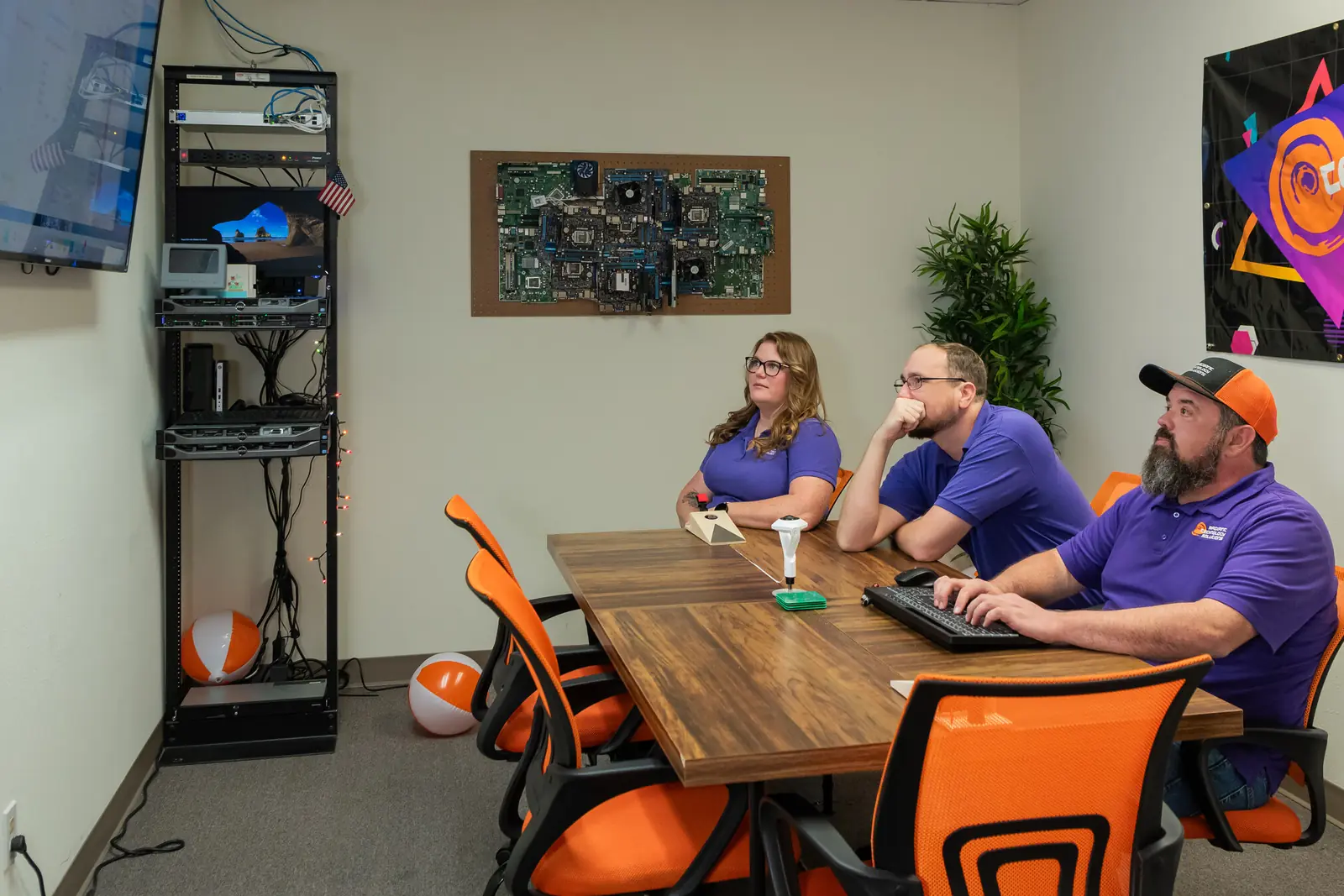
Radiant Technology Solutions team meeting in the Tarpon Springs conference room

Rather than hold someone hostage in a contract we work to earn their business every month.

Ron Slyker, CEO
How it works here

What happens to VoIP phones when the internet goes down?

  • 24/7Help desk for every client, every plan
  • 0Contracts to sign, on any plan

The phones on your desks stop working, but your number does not have to. We set calls to forward to cell phones automatically when the office drops offline.

For offices that cannot miss a call, a backup internet line, often a cellular connection, takes over when the main line fails. A battery backup keeps the firewall and switches powered through short outages.

Emergency calling needs care too. Under Kari's Law and RAY BAUM'S Act, business phone systems must dial 911 directly and send a location responders can use, so we register each office address.

We keep all of that on the same ticket system as the rest of your IT, with no contract required, and our help desk and IT support team answers phone problems around the clock.

Wondering if your network can handle VoIP?

Our free network assessment checks your internet, firewall, and switches before you commit to anything. Call 727-493-4723 or book online.

How it works

How does switching to VoIP work?

Most of the work happens before anyone touches a phone. Here is the order we follow.

  1. Step-01

    Check the network

    We test your internet and set up QoS, short for quality of service, which tells the network to put voice traffic first.

  2. Step-02

    Plan the call flow

    We sit down with you and map who answers what, when, and where calls go after hours.

  3. Step-03

    Move your numbers

    We file the request to move your numbers, called porting, and keep your old service live until the move is confirmed.

  4. Step-04

    Install and test

    Desk phones and apps go in, get tested with real calls, and get labeled so everyone knows their extension.

  5. Step-05

    Train and support

    Your team gets a short walkthrough, and our 24/7 help desk takes phone questions like any other ticket.

Is this you?

Is a new phone system right for your business?

VoIP from Radiant makes sense if:

  • You still pay for copper lines or an aging phone box in a closet.
  • Staff give out personal cell numbers because the office line cannot follow them.
  • You have two locations, say Palm Harbor and Tampa, that cannot transfer calls to each other.
  • Callers get stuck in voicemail during your busiest hours.
  • You are tired of your phone vendor and your IT company blaming each other.

Frequently asked questions

Can I keep my business phone number if I switch to VoIP?

Yes. Federal number portability rules let you take your number to a new provider. We file the port request, match your account details exactly, and keep your old service running until the move is confirmed. Timing depends on your current carrier. Do not cancel the old service yourself until we tell you the numbers have landed.

What happens to VoIP phones if the power or internet goes out?

Desk phones stop until the connection returns, but calls do not have to. We set automatic forwarding to cell phones when the office goes offline, and many offices add a backup cellular internet line and a battery unit for the network gear. Customers keep reaching you, and most never notice the outage happened.

How much internet speed does a business need for VoIP?

Less than most owners expect. A single call uses roughly 100 kilobits per second, a tiny slice of a modern business connection. Stability matters more than raw speed: dropouts, lag, and choppy audio come from a busy or poorly set up network. We test your connection and prioritize voice traffic before any phone goes live.

Does 911 work on a VoIP phone?

Yes, when it is set up correctly. Federal rules require business phone systems to dial 911 without a prefix like 9 and to send a location responders can find. We register each office address and update it when you move. Tell your team to use a cell phone for 911 if the office internet is down.

Is VoIP cheaper than a traditional business phone line?

Usually, yes, because you drop per-line charges and the on-site phone box. The bigger saving is time: adding a person, moving a desk, or changing hours is a setting, not a technician visit. We price it after the free assessment, once we know your call volume and how many locations need phones.

Can my team use the business line on their cell phones?

Yes. A mobile app puts your business number on each person's cell, so they can make and take work calls without revealing their personal number. Calls ring the desk phone and the app together, and staff can set work hours so evening calls go to voicemail instead of their pocket.