Remote first, on site by appointment in Westshore, downtown and Carrollwood.
5.0 stars on Google

Managed IT and IT support for Tampa businesses

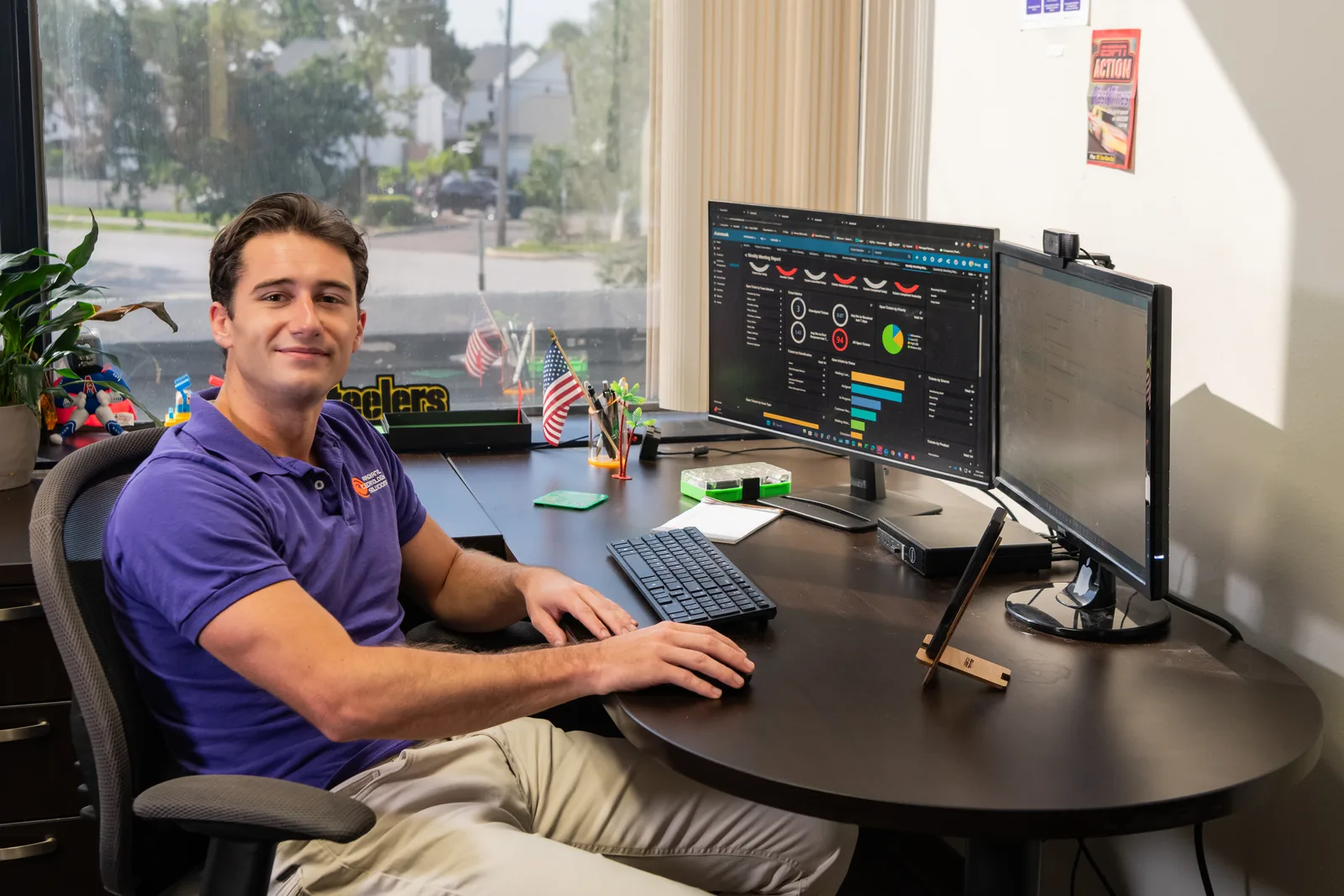
Radiant technician supporting a remote client from the help desk

Tampa has plenty of IT companies, and some have bigger offices than ours. Here is the honest version of what we offer Tampa businesses, and who we are a good fit for.
Does Radiant provide managed IT services in Tampa?

Yes, Radiant Technology Solutions provides managed IT services in Tampa, FL, remote first. Our 24/7 help desk supports Tampa offices from Tarpon Springs, and technicians come on site by appointment in Westshore, downtown and Carrollwood. It is a flat monthly fee per device with no contract, so you can test us without getting stuck.

What you get

Which Tampa businesses do we fit?

Commercial construction

Project managers and crews across Hillsborough need plans, email and job files on every device. See our construction IT support.

Law firms

Downtown and Westshore firms need secure documents, remote access for court days, and email that resists phishing. See law firm IT support.

Offices with 20 to 50 people

Too big for the accidental IT person, too small for a full department. That is exactly where managed IT services fit.

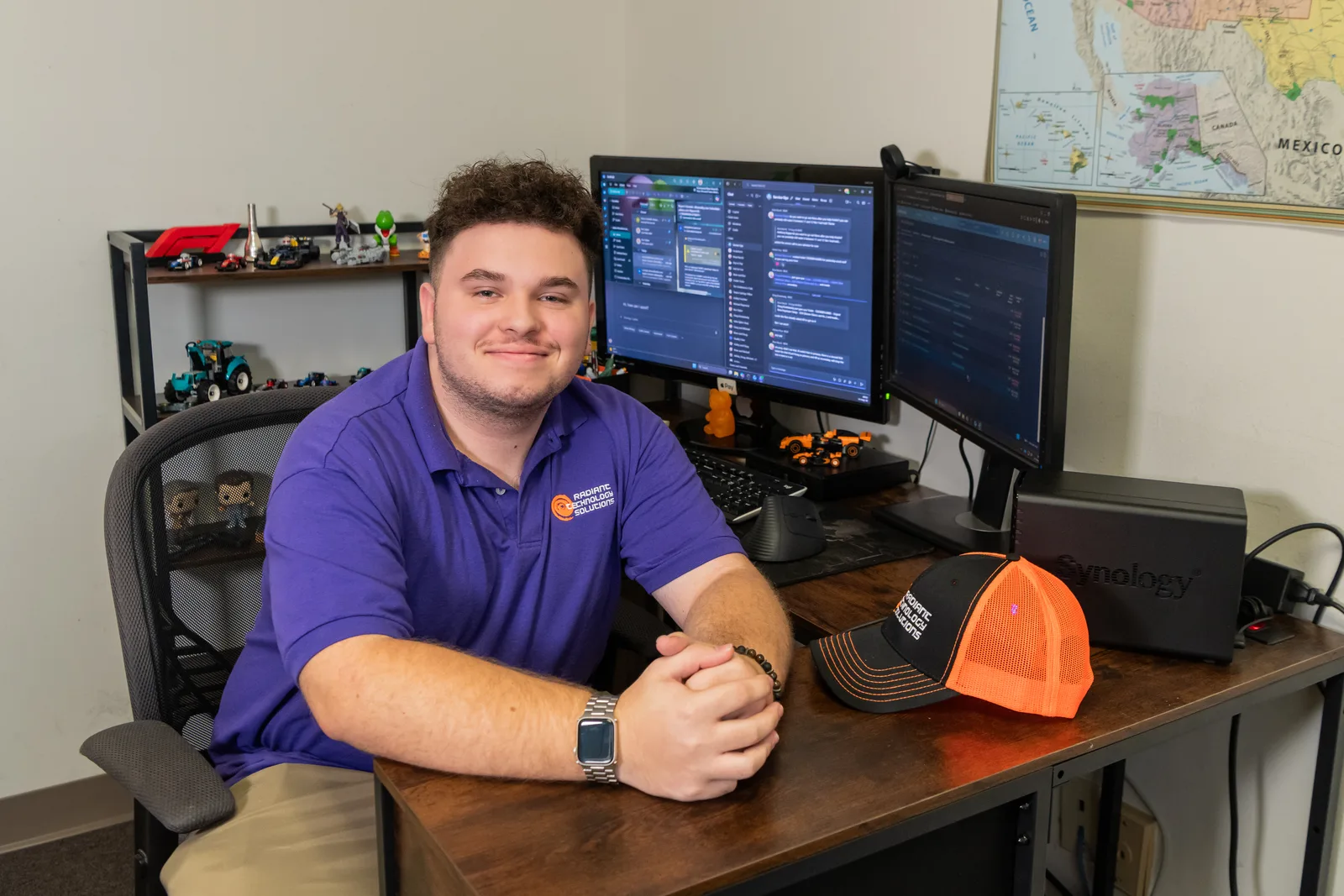
John Slyker, IT Support Intern, working at a managed services workstation for Radiant Technology Solutions
The details

Why would a Tampa business hire an IT company from Tarpon Springs?

Because most IT support doesn't happen in person anymore. Password resets, email trouble, security alerts and software fixes all get handled remotely, by the same 24/7 help desk our Pinellas clients call.

What a smaller team gives you is the part bigger firms struggle with: people who know your name, and a provider that has to earn the account every month because there is no contract to hide behind.

We are still local. Tampa Bay is home, and Hillsborough is part of our core service area along with Pinellas and Pasco.
In their words

What do small business owners say?

5.0 stars on Google, from 98 five-star Google reviews.

As a small business owner, having reliable IT support is really important! Anytime we've had an issue, Radiant has been very responsive and always willing to go the extra step to help us out.

Ariane C.

Google review · 5.0 stars on Google · Read all reviews

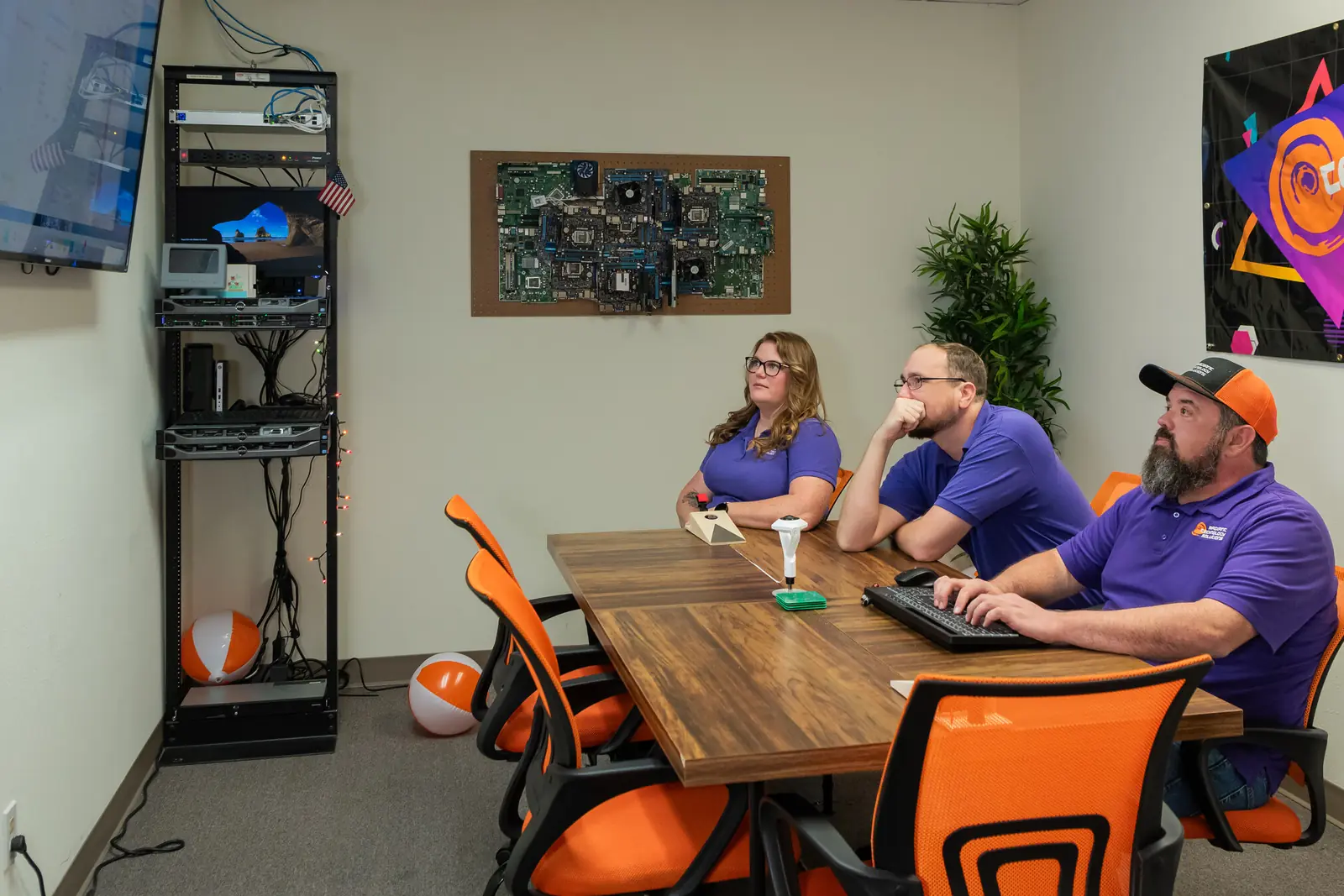
Radiant Technology Solutions team meeting in the Tarpon Springs conference room

Rather than hold someone hostage in a contract we work to earn their business every month.

Ron Slyker, CEO
How it works here

How does on-site support work in Tampa?

  • 40minFrom our Tarpon Springs office to Tampa
  • 24/7Help desk for every client, every plan

By appointment. From our office, Carrollwood is roughly 30 minutes out Gunn Highway, Westshore about 40 minutes by the Veterans Expressway, and downtown about 45 in normal traffic.

We plan installs, office moves and hardware swaps with you ahead of time. Anything urgent gets worked remotely first, which beats any drive over the Courtney Campbell on a weekday afternoon.

Beyond the help desk

Does Radiant provide IT support in Tampa?

Yes. Radiant Technology Solutions provides IT support for Tampa businesses through our 24/7 help desk and IT support. Your team calls, emails or opens a ticket in the client portal, and a technician connects remotely to fix the problem.

Most tickets end right there: password resets, email trouble, printers, slow computers and security alerts. When a problem needs hands, we schedule an on-site visit in Westshore, downtown, Carrollwood or wherever your office sits in Hillsborough.

It is the same help desk our Pinellas and Pasco clients call, so a Tampa office gets the same people and the same standard.

What changes

What does IT consulting for Tampa businesses cover?

Planning, budgets and vendors. Our IT consulting starts with where your technology stands today and ends with a plan: what to fix now, what to budget for next, and what can safely wait.

Vendor management comes with it. We coordinate with your vendors, from your internet provider to your line-of-business software, so one call to us replaces the phone tag between five support lines.

Because the same team runs your help desk, the plan comes from people who will have to live with it.

Good to know

How do cloud services work for Tampa offices?

We move files, email and apps to the cloud without losing a workday, and set up secure access so your team can work from the office, from home or from across the bay. For most offices that starts with Microsoft 365.

Our cloud solutions are supported by the same 24/7 help desk, so when a sign-in fails on a Sunday night, someone answers.

Tampa office down right now?

Call 727-493-4723. Someone on our help desk picks up and starts working on it remotely. Remote help doesn't wait for traffic.

How it works

What do the first 30 days look like for a Tampa office?

Remote work first, then one planned visit to see everything in person.

  1. Step-01

    Remote kickoff

    We start the Free Network Assessment remotely and collect credentials and vendor contacts from you or your current provider.

  2. Step-02

    Tools go on every device

    Monitoring, updates and EDR install remotely. EDR is software that spots an attack on a laptop and stops it.

  3. Step-03

    Scheduled site visit

    A technician comes over to check the network, the hardware and anything that can't be seen from a screen.

  4. Step-04

    Help desk handoff

    Your team learns to reach the help desk by phone, email or the client portal, 24/7.

  5. Step-05

    First review

    We report what changed and what we recommend next.

Is this you?

Are we the right fit for your Tampa office?

We would rather tell you now than disappoint you later.

  • You are comfortable with remote help for everyday problems.
  • You can plan on-site work a little ahead instead of needing someone in the door every hour.
  • You want a named team and a direct line, not a ticket number.
  • You want to be able to leave any month if we don't earn it.

Frequently asked questions

Do you come on site in Tampa?

Yes, by appointment. We schedule on-site visits in Westshore, downtown, Carrollwood and across Hillsborough for installs, moves and hands-on work. Everyday issues get fixed remotely through the 24/7 help desk, which is usually faster than any drive across the bay.

Do we need to be near Tarpon Springs to work with you?

No. We support Tampa Bay on site and businesses anywhere remotely. Hillsborough, Pinellas and Pasco are the core area, and clients in 15 states work with us entirely remotely.

How quickly do you respond?

We don't publish a response-time number. What we can say is the help desk answers 24/7, remote help starts without any drive time, and our reviews keep using the same words: responsive and quick.

How do new computers get to a Tampa office?

We source hardware through partners including Dell, HP and Lenovo, set it up in advance, and install it during a scheduled visit.

What happens if something breaks after hours?

Call the help desk. It runs 24/7 for every client, so nights and weekends reach a real person, and most fixes happen remotely.

Do you offer IT consulting in Tampa?

Yes. We help Tampa businesses plan their technology, set an IT budget, manage vendors and map out upgrades, and we come on site for the walk-through. Our IT consulting page explains how a project runs.

Is your help desk available to Tampa offices after hours?

Yes. Our office hours are Monday to Friday, 7 to 7, and the help desk runs 24/7 for every client, Tampa included. Nights and weekends reach a person, and most fixes happen remotely. See help desk and IT support for how tickets work.

Do you handle cloud services for Tampa businesses?

Yes. We move email, files and apps to the cloud, set up Microsoft 365, and give remote staff secure access, then support all of it through the same help desk. Our cloud solutions page has the details.