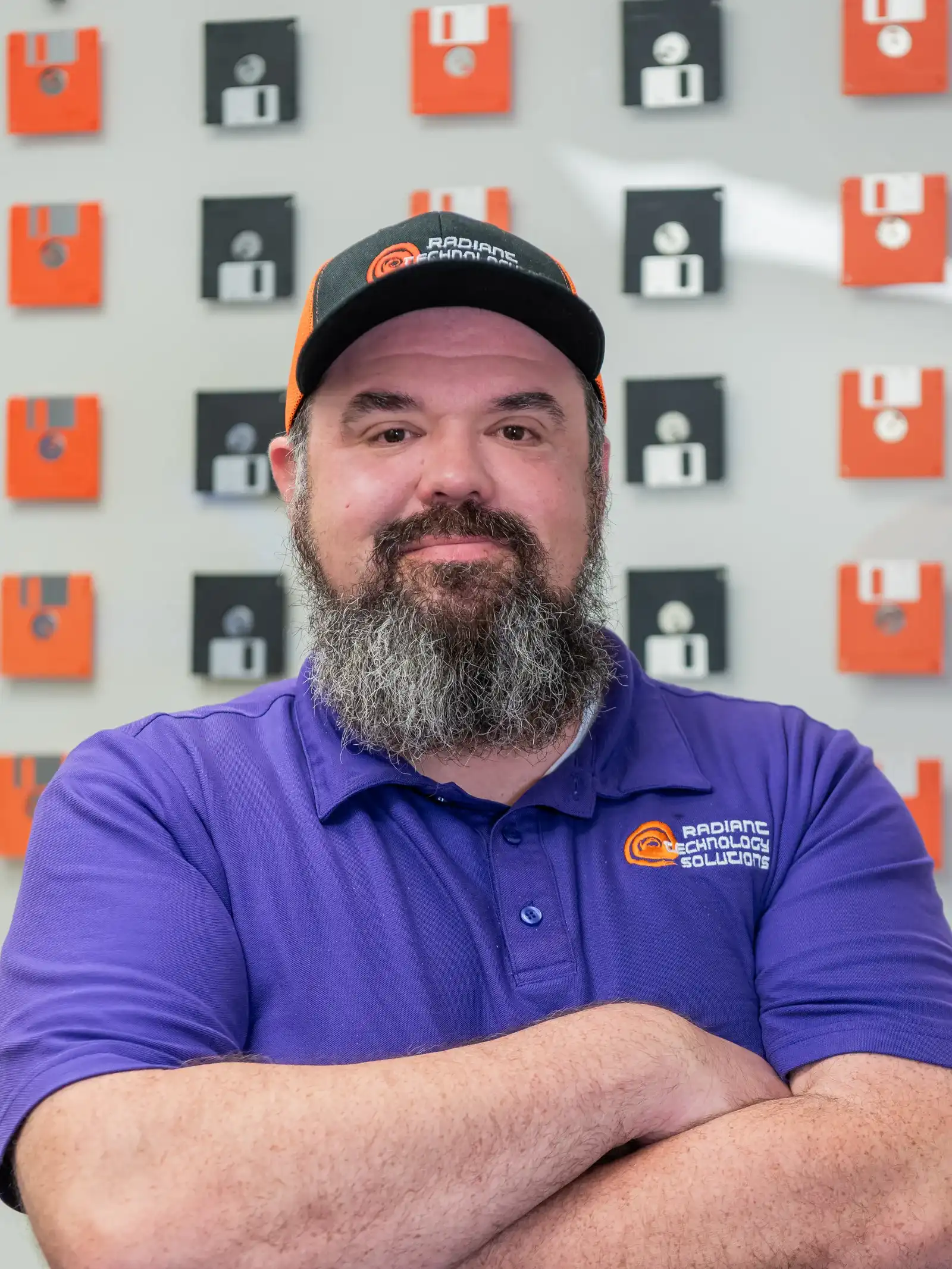
Ron Slyker
Ron Slyker, CEO and IT Solutions Expert

Ron Slyker
Ron Slyker runs Radiant Technology Solutions from Tarpon Springs and writes every article on this site. Born in Ohio and raised in Florida, he has spent more than 15 years working for and managing IT consulting firms.
- CEO & IT Solutions Expert
- Tarpon Springs, FL
- Certified: Microsoft, Citrix, Cisco, VMware, HP
Rather than hold someone hostage in a contract we work to earn their business every month.
Ron Slyker, CEO
Why Radiant does not use contracts
- 0Contracts to sign, on any plan
- 24/7Help desk for every client, every plan
Ron's view of IT contracts fits in one sentence: "Rather than hold someone hostage in a contract we work to earn their business every month." That line is the business model, not a slogan.
Clients pay a flat monthly fee per device and can leave any month. The only thing that keeps them is the service, which is exactly the pressure Ron wants his team working under.
What he brings to your network
Ron holds multiple industry standard certifications in Microsoft, Citrix, Cisco, VMware and HP. In practice that means the person shaping your setup has worked inside the platforms most small offices run on: Windows and Microsoft 365, Cisco networking, VMware servers and HP hardware.
He still gets on calls. Several of the reviews on this site name him directly, which says more about how Radiant works than any org chart could.

A family business with a 24/7 help desk
Radiant is a family business in the plainest sense. Ron's wife Kristin is the company's Super Coordinator, and John Slyker, who grew up around his father's IT career, works the help desk as an intern.
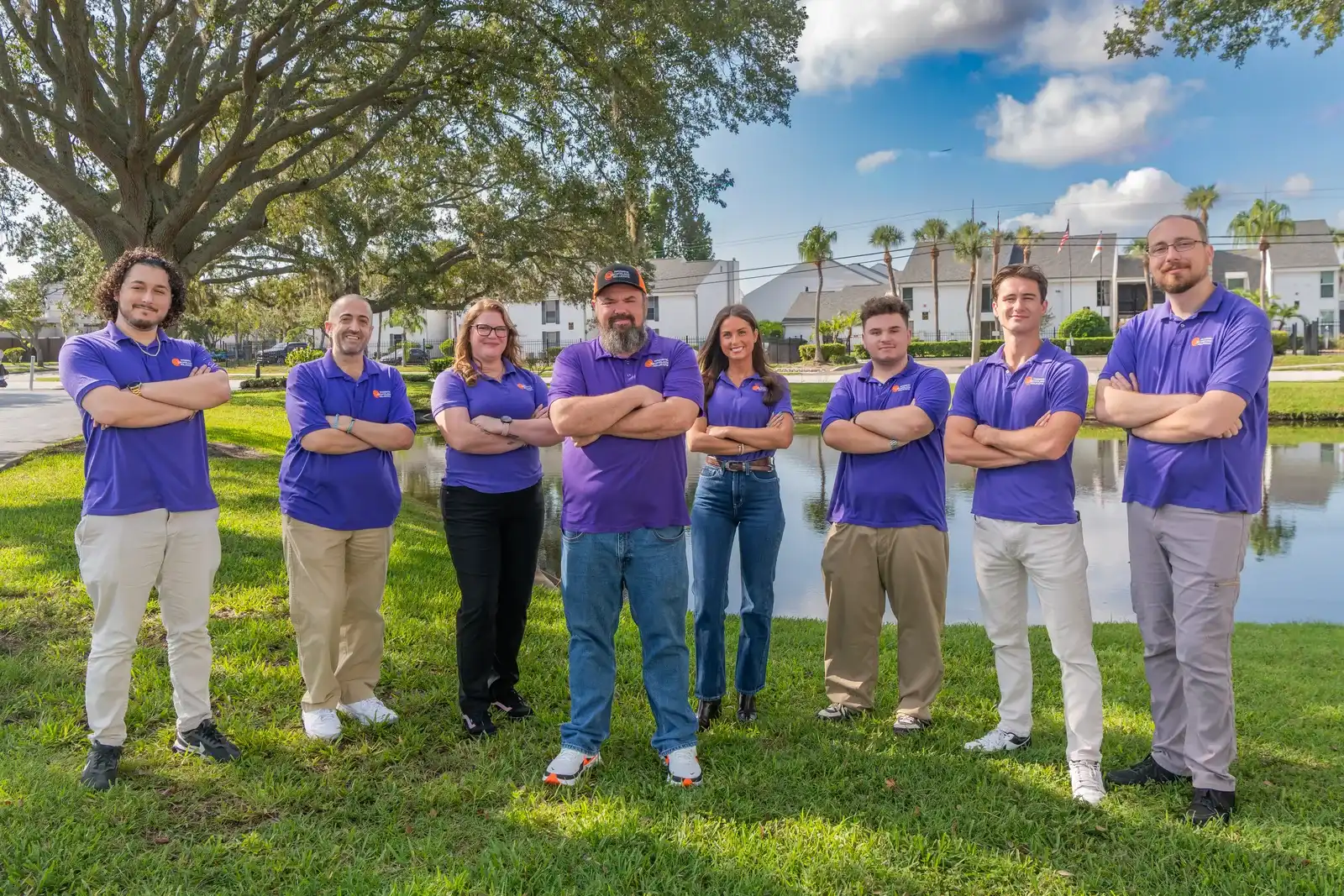
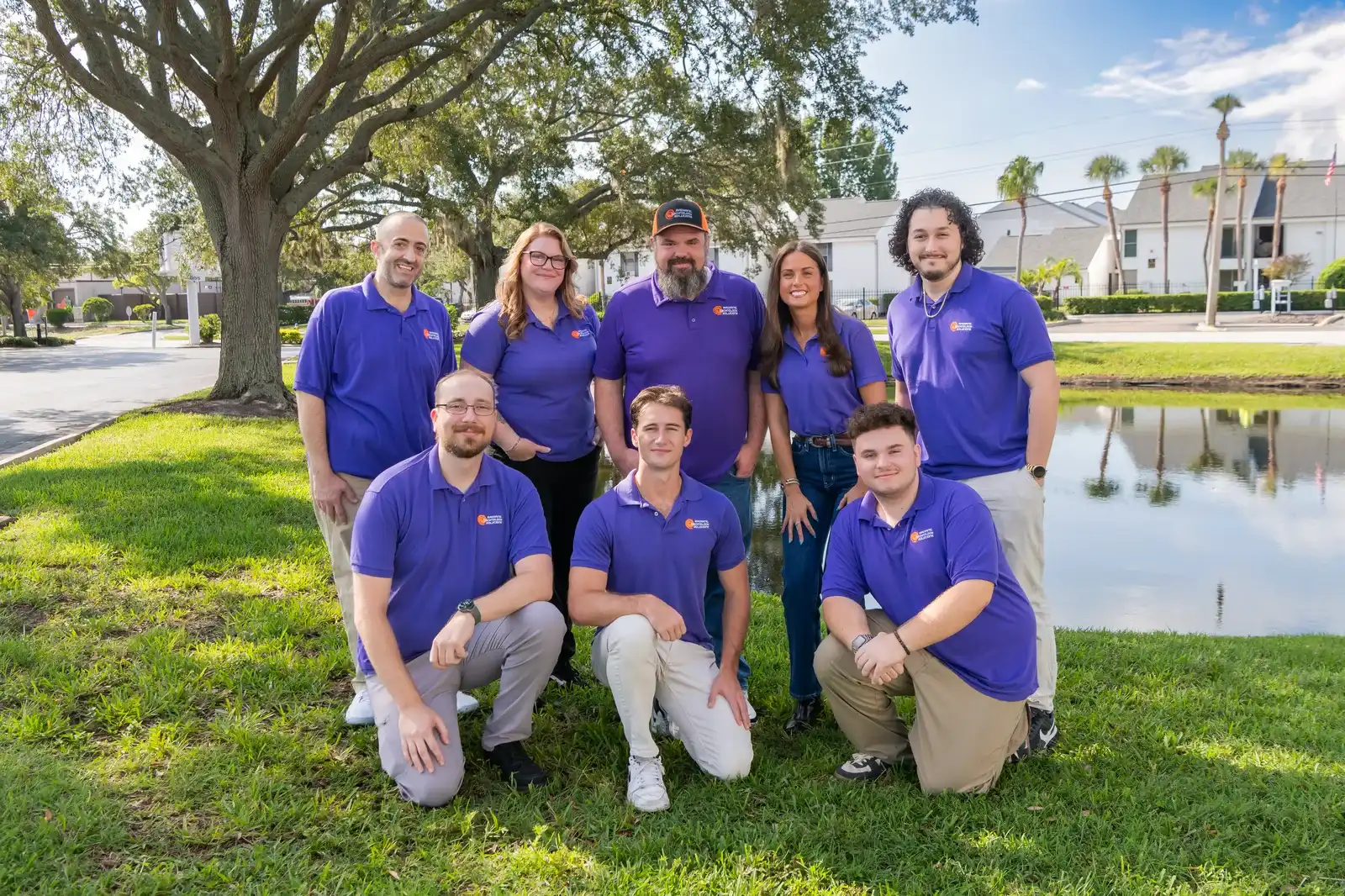
The rest of the 11-person team came to IT from customer service, logistics, operations and support roles, and every one of them answers to the same standard: pick up, explain it plainly, fix it. You can meet the whole team here.
On TV and in the community
Radiant has been featured on Tampa Bay's Morning Blend on WFTS ABC, talking through the cyber threats that target small and mid-sized businesses and the practical steps that lower the risk.
Ron is an alumnus of the Goldman Sachs 10,000 Small Businesses program. The company is a BNI member and belongs to the Tarpon Springs and Palm Harbor chambers of commerce. Voted Best of Florida IT Firm 2023, 2024, 2025, 2026.
What Ron writes about
Ron writes for owners and office managers, not for other IT people. Expect plain answers to the questions he hears on first calls: what managed IT should cost, how providers in Tampa Bay compare, and what cyber insurers expect before they will write a policy.
Outside the office, Ron spends his time with Kristin and their four children.
How to compare managed IT providers in Tampa Bay
How to compare managed IT providers in Tampa Bay on contracts, pricing, help desk hours and more, with six providers side by side as of September 2026.
02What does managed IT cost in Tampa Bay?
Managed IT runs $100 to $400 per user per month, per 2026 guides. What drives the number, what break/fix really costs, and how per-device billing works.
03What do cyber insurers require from Florida small businesses?
The security controls cyber insurers ask Florida small businesses to prove in 2026, what each one means, and a checklist to use before your renewal.
04Managed services agreements: the clauses to read before you sign
Before you sign an MSP contract, read the term, auto-renewal, termination fee, price increase, data ownership and exit clauses. Here is what fair looks like.
05Still on Windows 10? What a Tampa Bay office should do now (October 2026)
Windows 10 support ended in October 2025. Here is what still works, what ESU costs a business as of October 2026, and a plan to move every office PC safely.
06The 3-2-1 backup rule, explained for a Tampa Bay office (and hurricane season)
The 3-2-1 backup rule means 3 copies, 2 media types, 1 offsite. Here is how a Tampa Bay office applies it before a storm, and how to prove a restore works.
07Cloud security for a small business: the 7 factors that matter
Cloud security for a small business comes down to seven factors, from who owns which job to sign-ins, settings and backups. A plain checklist for 2026.
08The WISP your accounting firm needs before tax season (IRS Publication 4557)
Tax pros must keep a written information security plan under the FTC Safeguards Rule. What IRS Publication 4557 asks for and how to write one this month.
09HIPAA IT requirements for a small medical or dental office
What HIPAA's Security Rule asks of a small medical practice's IT, safeguard by safeguard, plus where the 2025 proposed update stands as of October 2026.
10What a network assessment covers: the checklist we use
What does a network assessment cover? The checklist we use in Tampa Bay: devices, network gear, security, backups and accounts, mapped to CISA guidance.
11How to switch IT providers without downtime (a 30-day plan)
Switching IT providers in Tampa Bay? A 30-day plan to avoid downtime, plus what your old provider owes you: admin passwords, domain, licenses and backups.
12Security awareness training for a 20-person office: what it covers and what it costs
What security awareness training covers for a 20-person office, what it costs per seat as of October 2026, and how phishing tests and HIPAA rules fit in.
13EDR, MDR and antivirus: what a small office actually needs
Antivirus blocks known threats, EDR spots attacks by behavior, and MDR adds people watching 24/7. Here is which one a 20 to 50 person office needs.
14How to spot a phishing email: 9 signs, with examples
Phishing caused more FBI complaints than any other crime in 2025. Learn the 9 signs, see side-by-side examples, and know what to do if a staffer clicks.
15Ransomware hit your business: the first 24 hours, hour by hour
Ransomware hit your business? What to do in the first 24 hours, based on CISA guidance: isolate, preserve evidence, report to the FBI, restore safely.
16What IT support looks like for a 20 to 50 person business
What IT support looks like for a 20 to 50 person business: what managed IT covers, what it costs per user in 2026, and how to tell if your setup has gaps.
17MSP vs MSSP: which one does a 30-person business need?
An MSP runs your IT; an MSSP watches for attackers around the clock. Here is what each does, what overlaps, and which a 20 to 50 person office needs first.
18Does Microsoft 365 back up your email and files? (Not the way you think)
Microsoft keeps deleted email for 14 days and files for 93 by default. Here is what that covers, what it misses, and how to back up Microsoft 365 properly.
19Dark web monitoring: what it is, what it catches, and what it cannot do
Dark web monitoring alerts you when staff logins show up in stolen data. What it catches, what it cannot do, and what to do the morning an alert arrives.
20Microsoft 365 for nonprofits: the grant, what is free, and what still costs money
Microsoft ended its free Business Premium grant for nonprofits in 2025. What is still free, what Business Premium costs now, and how to set it up right.
21Microsoft 365 Business Premium vs Business Standard for a small office
Business Standard is $14 and Business Premium $22 per user per month as of October 2026. What the $8 buys, who needs it, and when Standard is plenty.
22VoIP vs landline for a small office: cost, reliability, and what happens in a storm
VoIP vs landline for a Tampa Bay office: what each costs in 2026, what happens when the power or internet drops, and how to keep 911 and your number working.
23How much should a 25-person business budget for IT?
How much should a 25-person business budget for IT? A worked 2026 example with per-device plan math, national per-user ranges, and the costs owners forget.
24How to choose an IT company in Tarpon Springs (with a comparison table)
Compare IT companies in Tarpon Springs and Tampa Bay: contract terms, per-device vs per-user billing, response promises, extra charges and security checks.
Reviews that mention him by name
5.0 96 five-star Google reviews
Read all reviewsHis knowledge, professionalism, and responsiveness make IT issues feel a lot less stressful. Whenever we need assistance, Ron is quick to respond, takes the time to explain things clearly, and always finds effective solutions.
Timothy D.Google review
Had a problem with our PC we use for our small business not working and Ron not only gave us an excellent price, but also got us back up and running quickly.
NekomataGoogle review
Ron and his staff are fantastic. The team is responsive, knowledgeable and very professional. I recommend Radiant to all my clients.
Jack B.Google review
Radiant Technology Solutions is the best. Used them for our VOIP Phone System with no regret! Ron and his crew are amazing.
Justin H.Google review
