
Cloud security for a small business: the 7 factors that matter
 Written byRon Slyker
- Published
- Reading time7 min read

Short answer
Cloud security for a small business rests on seven factors: knowing which jobs the provider handles and which stay yours, multi-factor sign-in for everyone, tight admin rights, hardened settings, protected and backed-up data, secured devices, and someone watching access. Microsoft says you always keep responsibility for your data, accounts and devices.
Most Tampa Bay offices moved to the cloud without ever holding a meeting about it. Email went to Microsoft 365, files went to OneDrive and SharePoint, and the accounting software turned into a website. That is mostly good news.
The catch is that "in the cloud" does not mean "someone else handles security." Your provider runs the buildings and the servers. A surprising amount is still on you. Here are the seven factors that matter for a small business, in the order we would tackle them.
Who is responsible for security in the cloud?
You and your cloud provider split the job, and your share never goes to zero. Microsoft's shared responsibility guidance (updated August 2026) says that whatever cloud service you use, you always keep responsibility for your data, your accounts and identities, your devices, and who gets access.
Here is Microsoft's own split, simplified for a small office.
| Microsoft 365 and other cloud apps | Rented cloud servers | Your own server closet | |
|---|---|---|---|
| Your data | You | You | You |
| Settings and configuration | You | You | You |
| Accounts and sign-ins | You | You | You |
| Computers and phones that connect | Shared | You | You |
| Applications | Shared | You | You |
| Network controls | Microsoft | You | You |
| Operating system | Microsoft | You | You |
| Physical servers, network and buildings | Microsoft | Microsoft | You |
-
Microsoft 365 and other cloud apps
- Your data
- You
- Settings and configuration
- You
- Accounts and sign-ins
- You
- Computers and phones that connect
- Shared
- Applications
- Shared
- Network controls
- Microsoft
- Operating system
- Microsoft
- Physical servers, network and buildings
- Microsoft
-
Rented cloud servers
- Your data
- You
- Settings and configuration
- You
- Accounts and sign-ins
- You
- Computers and phones that connect
- You
- Applications
- You
- Network controls
- You
- Operating system
- You
- Physical servers, network and buildings
- Microsoft
-
Your own server closet
- Your data
- You
- Settings and configuration
- You
- Accounts and sign-ins
- You
- Computers and phones that connect
- You
- Applications
- You
- Network controls
- You
- Operating system
- You
- Physical servers, network and buildings
- You
Read the top three rows again. They say "You" in every column, and they are where most small business cloud problems start. When the NSA and CISA released their cloud security information sheets in March 2024, the first one on the list covered identity and access management.
What are the key factors in cloud security for small businesses?
The seven key factors are knowing your share of the work, multi-factor sign-in for everyone, limited admin rights, secure settings, protected and backed-up data, secured devices, and someone watching access and vendors. Get those right and you have covered the ground most attacks walk across.
- 01
Know your share
Write down which cloud services you use and which jobs are yours in each one, using the split above.
- 02
Multi-factor sign-in for everyone
Every account, including the owner's and the shared front desk login, needs a second check beyond the password.
- 03
Limit admin rights
Give admin access to as few people as possible, and keep it off everyday accounts and laptops.
- 04
Harden the settings
Do not trust defaults. Check sharing, forwarding and sign-in settings against a published baseline.
- 05
Protect and back up data
Know where sensitive files live, who can open them, and keep a separate backup you have tested.
- 06
Secure the devices
The laptops and phones that reach your cloud need updates, security software and disk encryption.
- 07
Watch access and vendors
Review who has access each quarter, remove people who left, and ask every outside company how it protects its own logins.
You do not need all seven done this week. Factors two and three close the most doors for the least money, so start there, then work down the list over a quarter. The rest of this post goes deeper on the factors that cause the most trouble.
Why does identity matter most in cloud security?
Identity matters most because in the cloud, your login is the front door. Anyone with a working username and password can reach your email and files from anywhere, so multi-factor sign-in is the one change that makes a stolen password far less useful.
- 01
99.22%
lower risk of account compromise with multi-factor authentication, Microsoft Research (May 2023)
- 02
Over 99.99%
of MFA-enabled accounts stayed secure during the study period, same study
- 03
31%
of breaches now start with software vulnerabilities, ahead of stolen passwords, Verizon 2026 Data Breach Investigations Report
- 04
48%
of breaches now involve ransomware, same report
CISA's guidance for small businesses (updated April 2024) is blunt about this. It tells IT leads to make sure MFA is mandated "using technical controls, not faith," to turn on MFA for every administrator account, and to remove administrator privileges from user laptops.
That last point is factor three. An everyday account with admin rights turns one bad click into a whole-office problem. Keep a separate admin login, protect it with the strongest MFA you have, and use it only for admin work.
The 31% figure is why factor six matters too. Patching is how you close the vulnerabilities attackers now favor, and CISA recommends turning on automatic updates wherever possible.
Are the default Microsoft 365 settings secure enough?
Defaults are a starting point, not a finished setup. CISA publishes secure configuration baselines for Microsoft 365 and Google Workspace through its SCuBA project, plus a no-cost tool called ScubaGear that checks a Microsoft 365 tenant against those baselines.
Here is how the usual gaps compare with a hardened setup.
Common gaps
- Old admin accounts nobody remembers creating
- Staff signing in with only a password
- Files shared with "anyone with the link"
- Email forwarding to outside addresses that nobody approved
- No alerts when someone signs in from overseas
A hardened setup
- A short list of named admin accounts, each with strong MFA
- MFA required for every user, enforced by policy
- Sharing limited to your team and named guests
- Outside forwarding blocked unless approved
- Alerts on risky sign-ins and new forwarding rules
Most of these fixes are settings, not purchases. If you want an outside yardstick, CISA's SCuBA baselines are free to read, and ScubaGear produces a report showing which settings line up and which do not. It is a technical report, so plan on someone who can translate it. Our Microsoft 365 services page covers how we set up and maintain a tenant.
Want a second set of eyes on your cloud settings?
Our free network assessment looks at your Microsoft 365 sign-ins, sharing and backups alongside your office network, and ends with a plain list of what to fix first.
Does the cloud back up your data for you?
Not in the way most owners assume. Your provider keeps the service running, but Microsoft's shared responsibility guidance lists customer data as the customer's job in every model, so recovering from a deletion, a ransomware infection or a bad sync is on you.
Microsoft's own list of weak spots in older setups includes backups that are "infrequent, untested, or stored on-site." Moving to the cloud does not fix that by itself. Run your backup against this list:
What to look for
- A separate backup of Microsoft 365 email, OneDrive, SharePoint and Teams
- Backups stored outside the account they protect, with a different admin login
- A test restore in the last few months, with a real file
- Someone who gets an alert when a backup fails
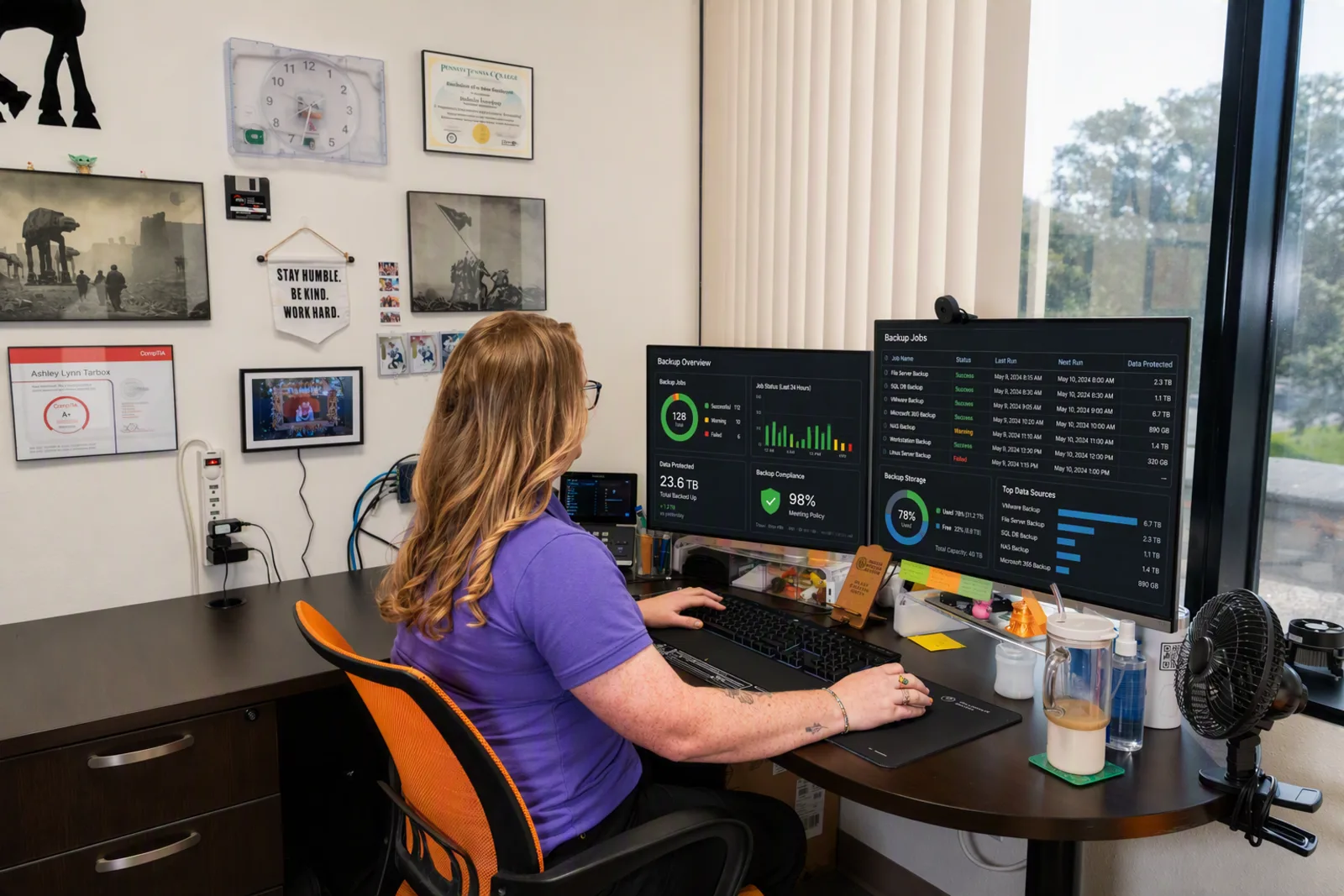
The sync line trips up a lot of offices. OneDrive and SharePoint keep files in step across every computer, which is great until someone deletes a folder or ransomware scrambles it, and the damage syncs everywhere too. Our backup and disaster recovery page explains how a separate cloud-to-cloud backup works.
How do you check your cloud security without an IT department?
Start with a short self-check: who your admins are, whether every account uses multi-factor sign-in, where your backups live, and which outside companies can reach your systems. If you cannot answer one of those in a minute, that is your first fix.
The vendor question deserves a straight answer, including about us. One of the five CISA and NSA information sheets from March 2024 is titled "Mitigate Risks from Managed Service Providers in Cloud Environments." Any IT provider with access to your systems is part of your risk, so ask how it protects its own logins.
At Radiant Technology Solutions, security is built into the flat monthly fee per device. Radiant Advanced adds email security and cloud-to-cloud backup, and Radiant Elite adds enhanced multi-factor authentication and data loss prevention, as listed on our managed IT pricing page. Our cloud solutions page covers moves and day-to-day management, and our cybersecurity services page covers the rest of the stack. If your insurer is asking questions too, our guide to cyber insurance requirements in Florida maps the usual controls.
If you want to know where your Tarpon Springs or Tampa Bay office stands on all seven factors, book a free network assessment. We will check your cloud setup and tell you plainly what to fix first.
Frequently asked questions
For most small offices, it can be, if you handle your share. Microsoft's shared responsibility guidance lists the gaps common in on-site setups: delayed patching, weak physical security, outdated hardware, and backups that are infrequent, untested or stored on site. In the cloud, the provider takes over the buildings, servers and much of the patching. Your data, accounts and settings stay your job.
It is the split of security jobs between you and your cloud provider. For a service like Microsoft 365, Microsoft secures the datacenters, hardware, network and operating systems. You stay responsible for your data, your settings, your user accounts and the devices that connect. The more you rent as a finished service, the more the provider handles, but your share never drops to zero.
It is far better than a password alone, and it is a fine place to start. CISA's guidance puts it this way: any MFA is better than none, but some kinds are much stronger at keeping attackers out, like phishing-resistant MFA. For admin accounts and anyone who handles money or client records, move to an authenticator app or a security key.
Yes. CISA's SCuBA project publishes secure configuration baselines for Microsoft 365, and its no-cost ScubaGear tool checks a tenant's settings against those baselines. Expect a technical report. If no one on staff can act on it, an IT provider can run the check and walk you through the fixes in plain English, one setting at a time.

Managed IT providers in Tampa Bay, compared honestly
A plain comparison of managed IT providers serving Tampa Bay: contracts, pricing models, help desk hours, and local presence. Written by Ron Slyker.

What managed IT costs in Tampa Bay, and why
What Tampa Bay businesses pay for managed IT, per device and per user, what pushes the price up or down, and the questions to ask before you sign.

Cyber insurance requirements for Florida businesses, in plain English
The security controls insurers ask Florida businesses for before they write or renew a cyber policy: MFA, EDR, backups, training, and how to prove it.

Managed services agreements: the clauses to read before you sign
Before you sign an MSP contract, read the term, auto-renewal, termination fee, price increase, data ownership and exit clauses. Here is what fair looks like.
-
Still on Windows 10? What a Tampa Bay office should do now (October 2026)
Windows 10 support ended in October 2025. Here is what still works, what ESU costs a business as of October 2026, and a plan to move every office PC safely.
The 3-2-1 backup rule, explained for a Tampa Bay office (and hurricane season)
The 3-2-1 backup rule means 3 copies, 2 media types, 1 offsite. Here is how a Tampa Bay office applies it before a storm, and how to prove a restore works.
About the author
Ron Slyker
Ron runs Radiant Technology Solutions from Tarpon Springs and writes every article on this site. He has spent more than 15 years working for and managing IT consulting firms.
Read Ron's story